

How do I create a rowing workout?
Create a rowing workout on the TrainerDay website: set your rowing FTP under Sports, Zones, FTPs, then use Create Workout with the RowERG - Power (Time) type.
- On the website, open the gear menu at the top of the left sidebar and choose Sports, Zones, FTPs (app.trainerday.com/account/profile). Make sure Rowing is in My Sports and set your rowing FTP.
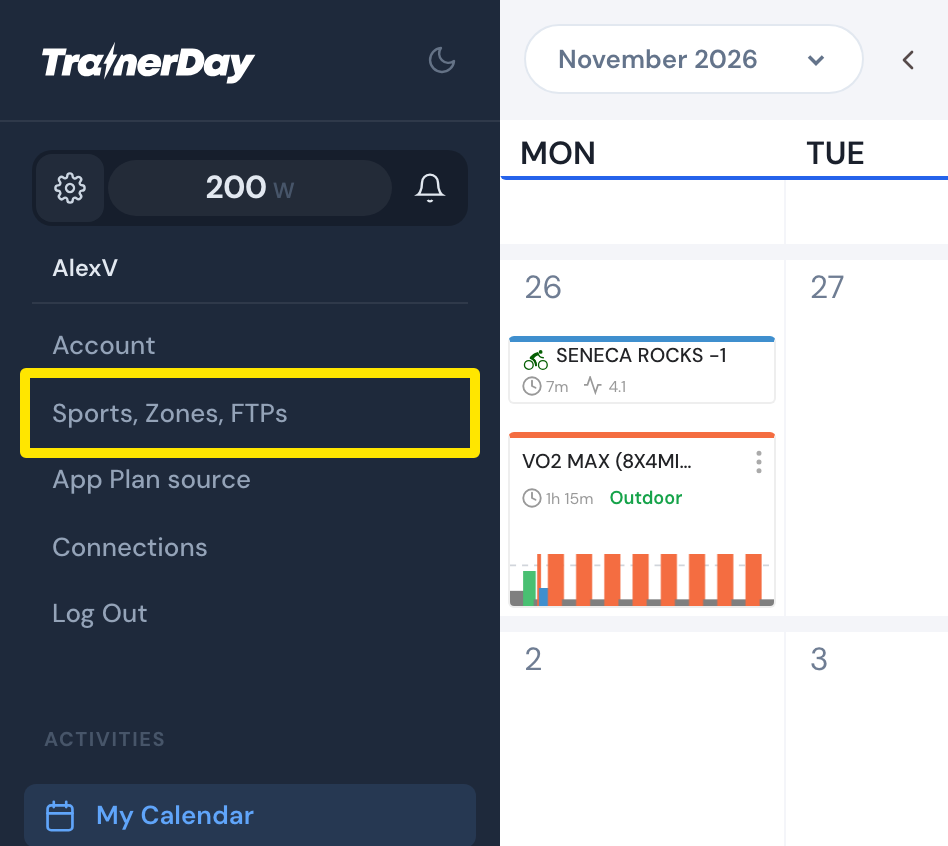 Where: Website · My Calendar · open it
- Click Create Workout in the sidebar.
- Open the workout-type dropdown above the table and choose RowERG - Power (Time).
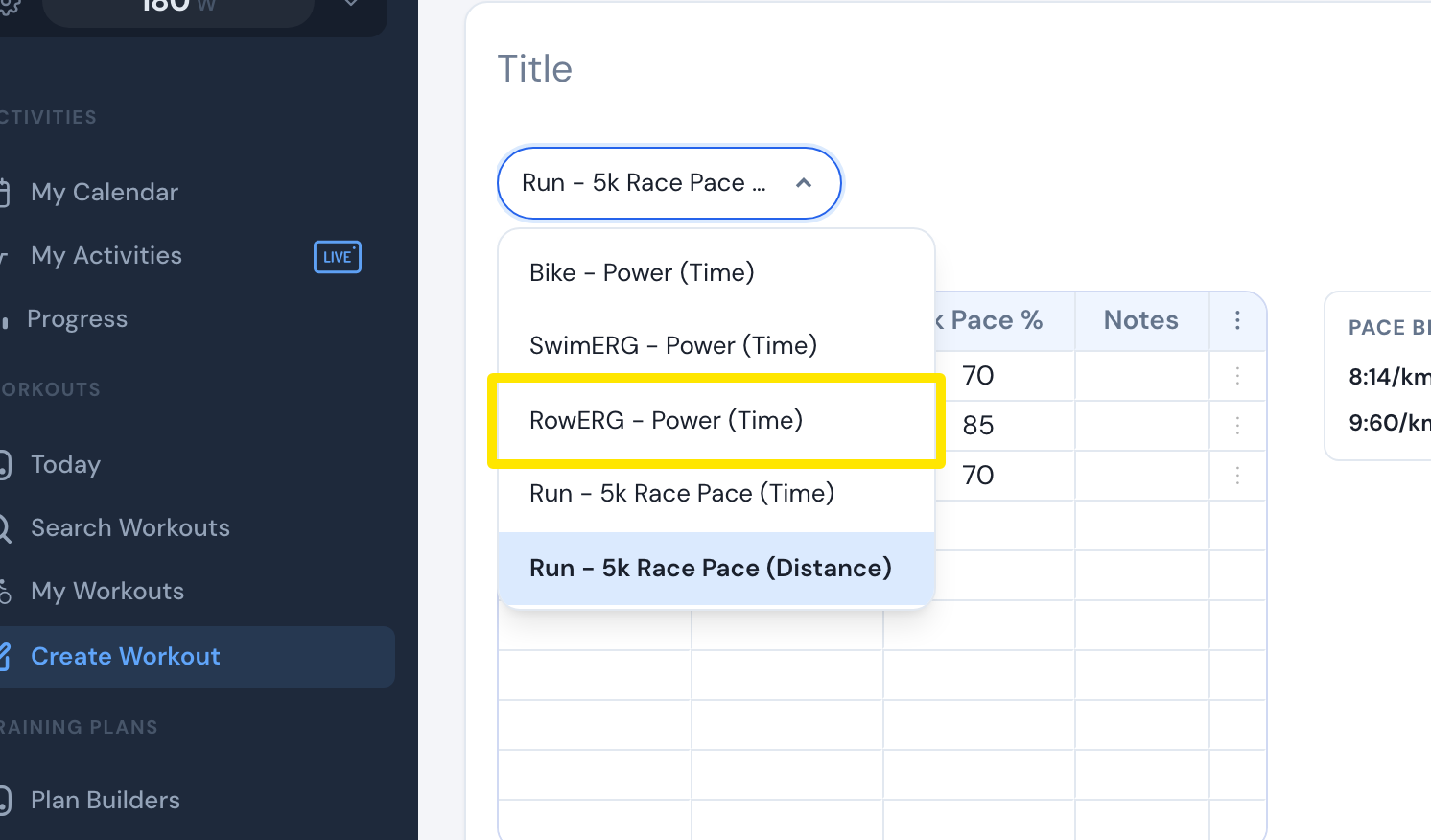 Where: Website · Create Workout · open it
- Type each step's minutes and target as FTP%, or switch the display to Pace to type a /500m pace.
- Name the workout and click Save.
Good to know: Rowing workouts are stored as power (watts) from your rowing FTP; a typed pace is converted to FTP%.
Works on: Website editor only. Mobile app: AI Workout Builder only. Desktop app: no editor, but it rides rowing workouts with FTMS rowers.