

How do I change my sport to rowing in TrainerDay?
Change your sport to rowing in the TrainerDay mobile app by opening the Settings tab, tapping Sport and choosing RowErg.
- In the TrainerDay mobile app, open the Settings tab and tap Sport.
- Choose RowErg.
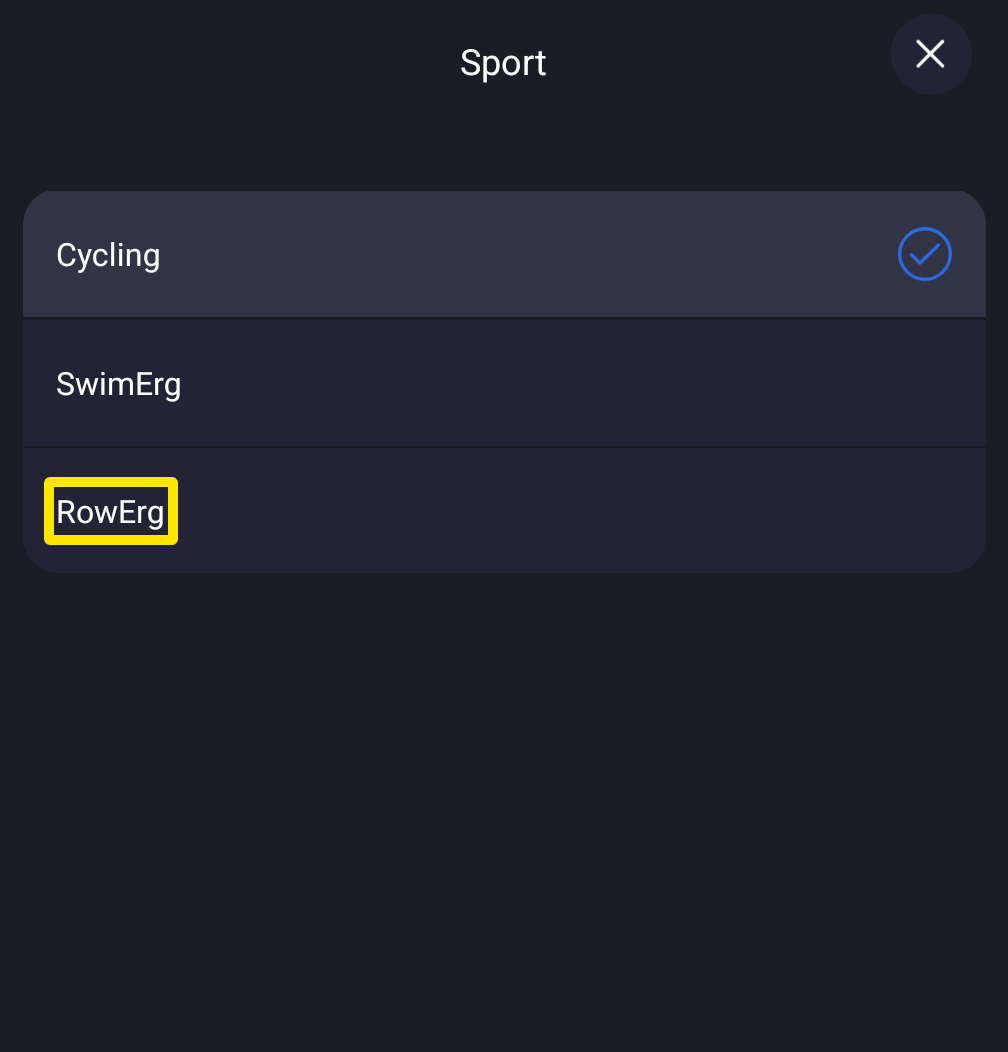 Where: Mobile app · Settings tab → Sport
Good to know: On the website, you can turn on rowing under your profile's My Sports and find rowing workouts with the sport filter in workout search.
Works on: Mobile app. The desktop app for Windows, Mac and Linux has no rowing sport. It only offers Ride or Run.