

How do I connect my Concept2 rower to TrainerDay?
Connect your Concept2 PM5 in the TrainerDay mobile app by setting the sport to RowErg in the Settings tab, then pairing it under Add Devices.
- In the TrainerDay mobile app, open the Settings tab, tap Sport and choose RowErg.
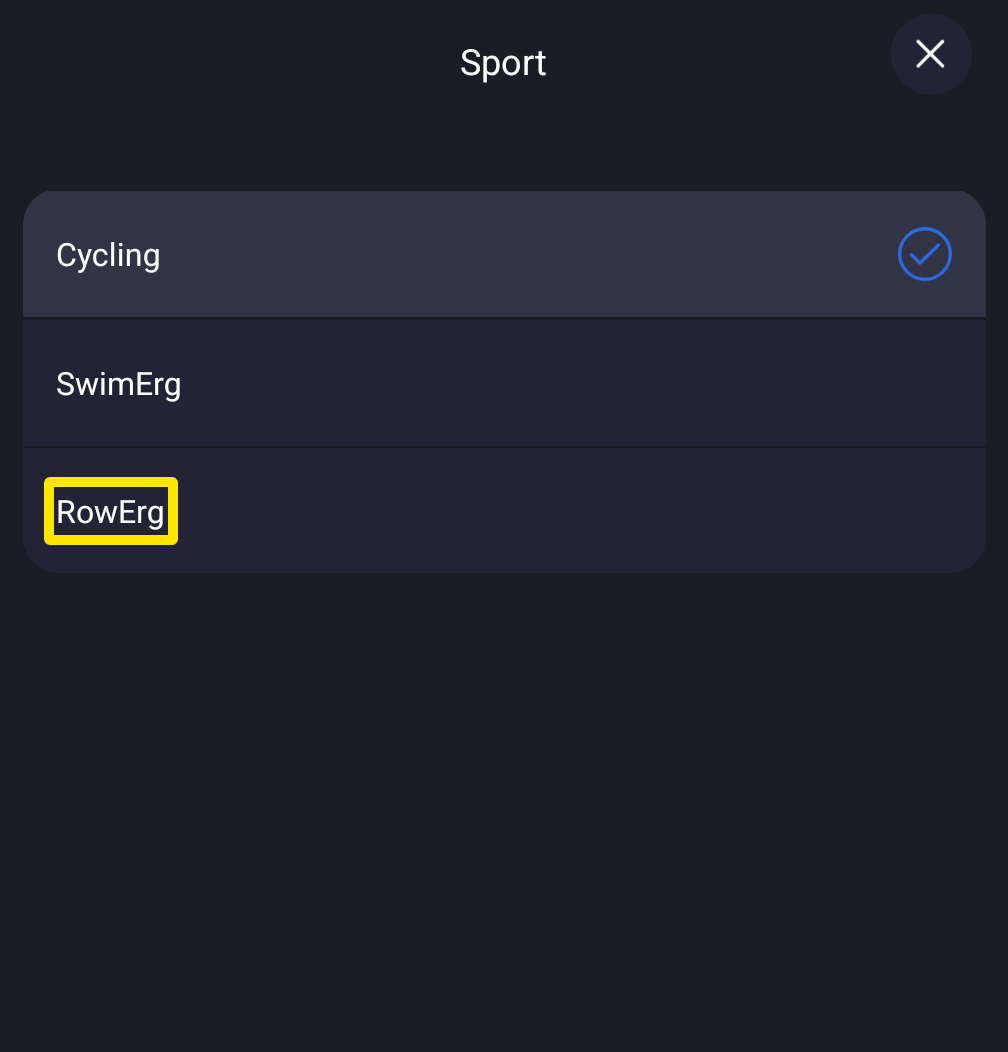 Where: Mobile app · Settings tab → Sport
- Tap the close (X) button to go back to the Settings tab, then tap Add Devices to open Devices. Pair only here, not in your phone's Bluetooth settings.
- Wake the PM5 and tap it in the list of found devices to connect.
- It shows as a Rower Trainer with its Power and Cadence tags lit. Tap a tag to change which device supplies that data.
- Start a rowing workout in the mobile app. The player shows watts, SPM (strokes per minute), SEC / 500M and distance.
Good to know: TrainerDay reads power, stroke rate and pace from the PM5 but cannot control its resistance (no ERG).
Works on: mobile app only. The desktop app cannot play rowing workouts. On the website you can create and find them.