

How do I connect a SkiErg to TrainerDay?
Connect a SkiErg in the TrainerDay mobile app from Settings → Add Devices by waking its PM5 and tapping it in the list of found devices. There is no SkiErg sport, so TrainerDay reads it like any other Bluetooth device.
- In the mobile app, open the Settings tab and tap Add Devices to open Devices.
- Wake the SkiErg's PM5 and tap it in the list of found devices to connect.
- Check its card. The lit tags (Power, Cadence) show what TrainerDay reads from it.
- Back on the Settings tab, open Sport and pick the sport that fits what the PM5 reports: Cycling, SwimErg or RowErg.
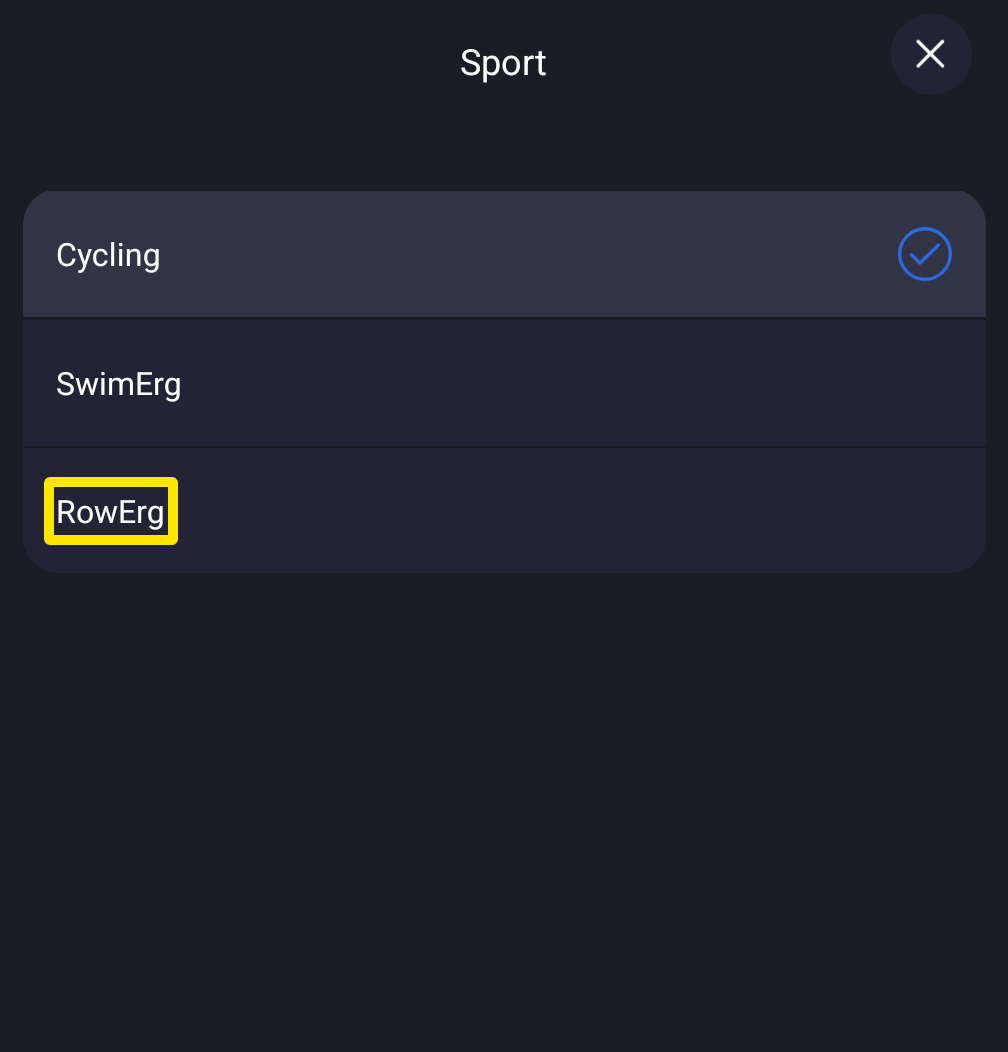 Where: Mobile app · Settings tab → Sport
Good to know: TrainerDay has no SkiErg sport in any app and no SkiErg-specific support.