

What can I do when a finished ride did not sync to Intervals.icu?
Download the finished ride from TrainerDay and upload it directly to Intervals.icu, then check the Intervals.icu settings on the TrainerDay website's Connections page so future rides upload.
- On the TrainerDay website, open Connections (app.trainerday.com/apps-and-devices) and click Intervals.icu.
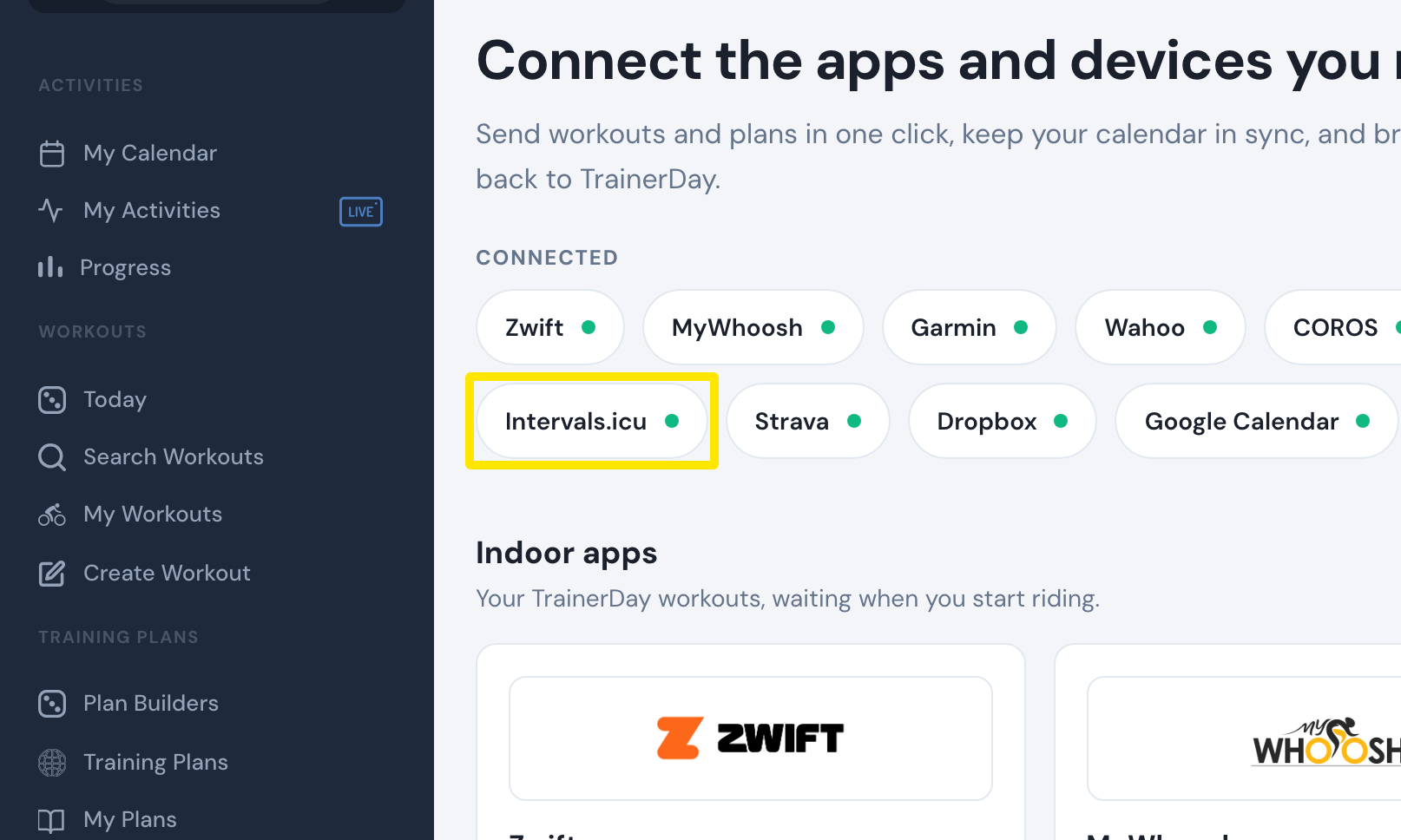 Where: Website · Connections · open it
- In the Intervals.icu settings, check that Upload Activities is switched on, then click Done.
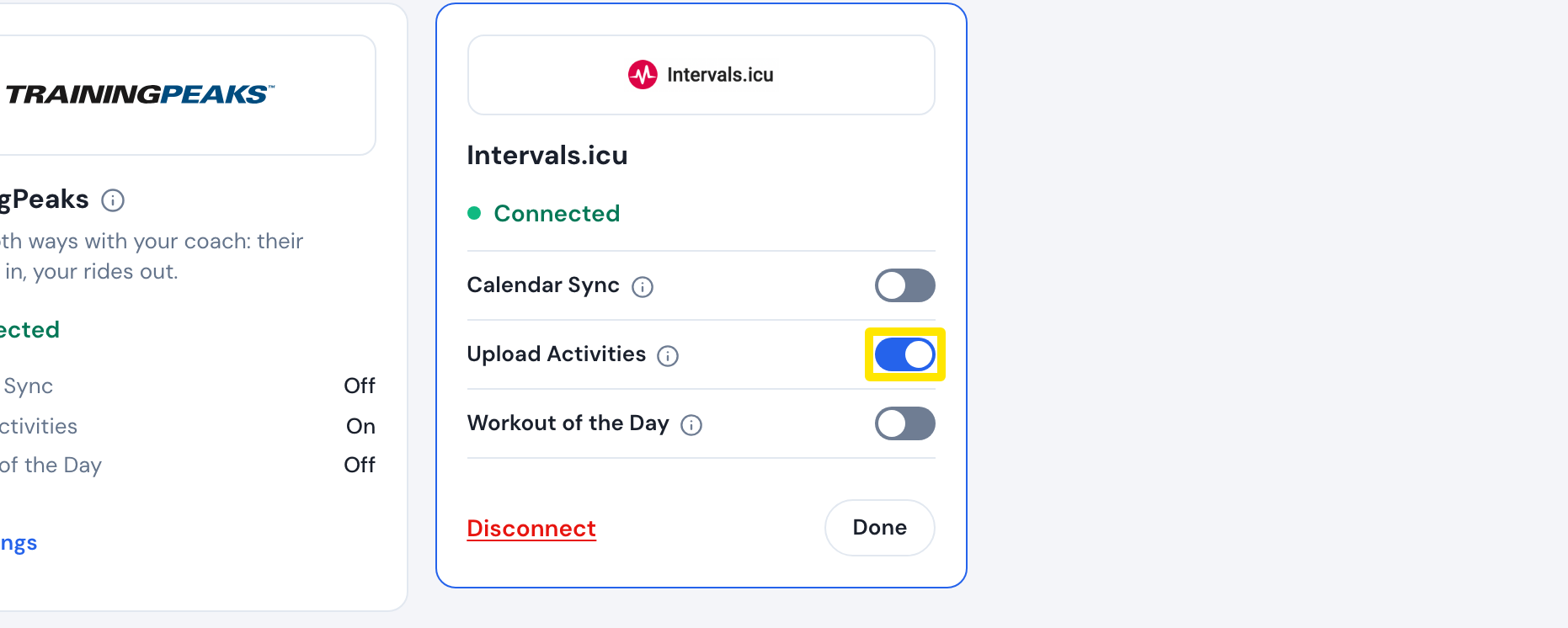 Where: Website · Connections → Intervals.icu · open it
- For the ride that did not sync, download it from TrainerDay and upload it directly to Intervals.icu.