

How do I change the slope during a workout?
During a workout in SLOPE mode, change the slope with the up/down arrows in the mobile app, or the − / + buttons or ↓ / ↑ keys in the desktop app.
- In the mobile app, start your workout and ride in SLOPE mode.
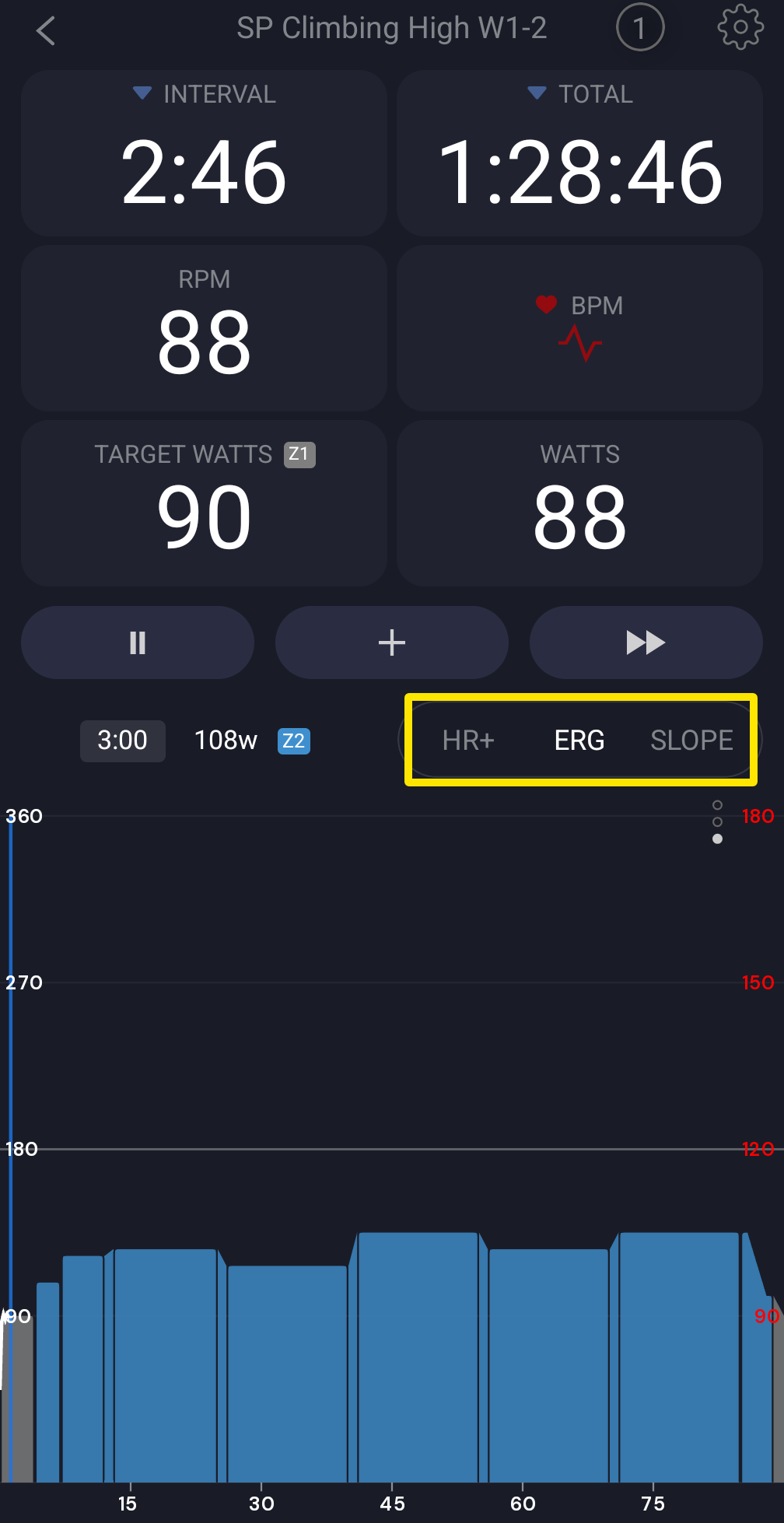 Where: Mobile app · the workout screen during a ride
- Tap the up or down arrow beside the target box. Each tap moves the slope by Slope Increase % (Settings tab → Other Options; 1 by default, 0.1–2).
- During a slope part of the workout, "offset X%" next to the target shows how far you moved from the workout's slope.
- In the desktop app, use the − / + buttons at the right of the bottom bar, or the ↓ / ↑ keys. Step size is Settings → Step Sizes → Slope Step (%).
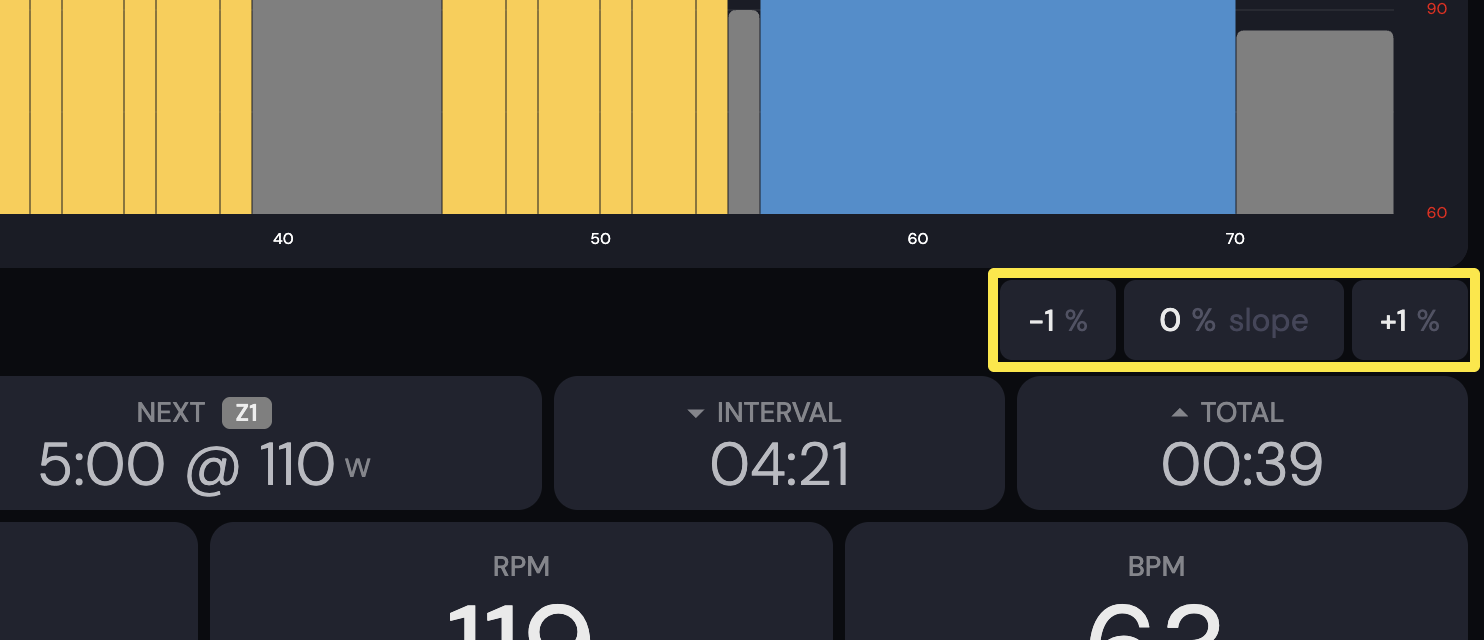 Where: Desktop app · the workout screen during a ride (Today tab → Ride Now)
Good to know: In SLOPE mode the slope does not follow the workout's power targets. It changes only when you press the arrows or a slope part of the workout starts.
Works on: mobile and desktop apps (the website has no riding).