

How do I check that my trainer responds to slope changes?
Use the Bluetooth test page (trainerday.com/ble.htm) to set a slope on your trainer and feel it change, which tells you whether the problem is the trainer or the app.
- Close Zwift, the TrainerDay app and any other app holding the trainer. On Android, Mac or Windows, open the Bluetooth test page trainerday.com/ble.htm in Chrome (or Edge).
- Click Connect Device and pick your trainer.
- In Device Control, click Request Control.
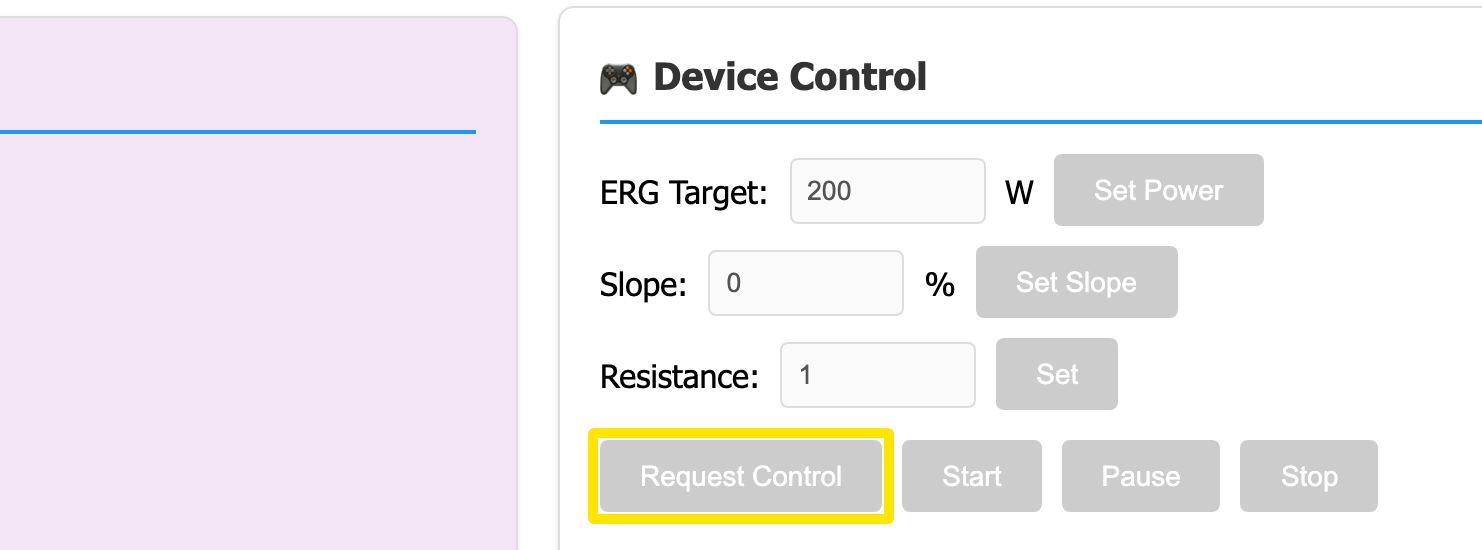 Where: Website · Bluetooth test page (trainerday.com/ble.htm)
- Type a slope in Slope (for example 8) and click Set Slope. Pedal and feel it get harder, then set 0 and feel it ease.
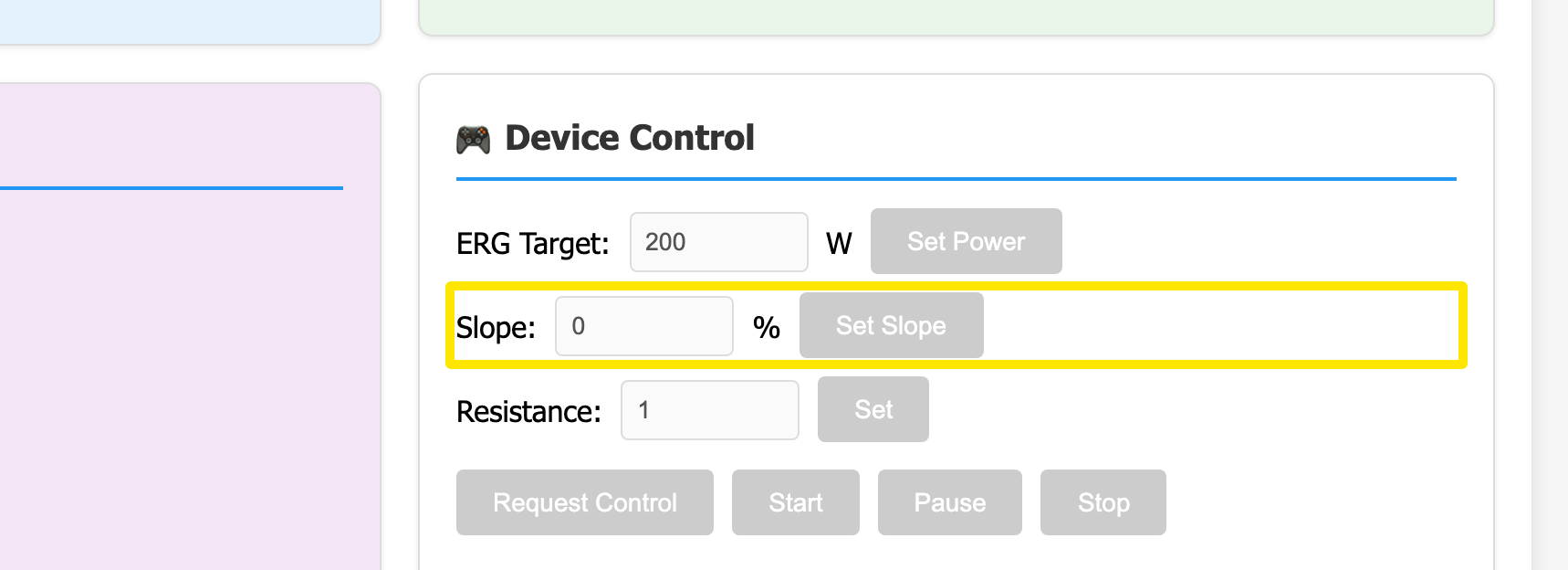 Where: Website · Bluetooth test page (trainerday.com/ble.htm)
Good to know: The page does not work on iPhone. There, test in the TrainerDay app instead: Ride Now, tap SLOPE, press the up arrow a few times and feel the trainer respond. In the desktop app, use SLOPE in the bottom bar.
Works on: Android, Mac and Windows in Chrome-based browsers; not iPhone or Safari.