

How do I use TrainerDay on the website?
Go to app.trainerday.com to find, preview and plan workouts on the website, then ride them in the TrainerDay mobile or desktop app, because the website cannot control a trainer.
- Go to app.trainerday.com. Log in with your TrainerDay username or email.
- In the left sidebar, click Search Workouts. Click My Workouts to see your own lists.
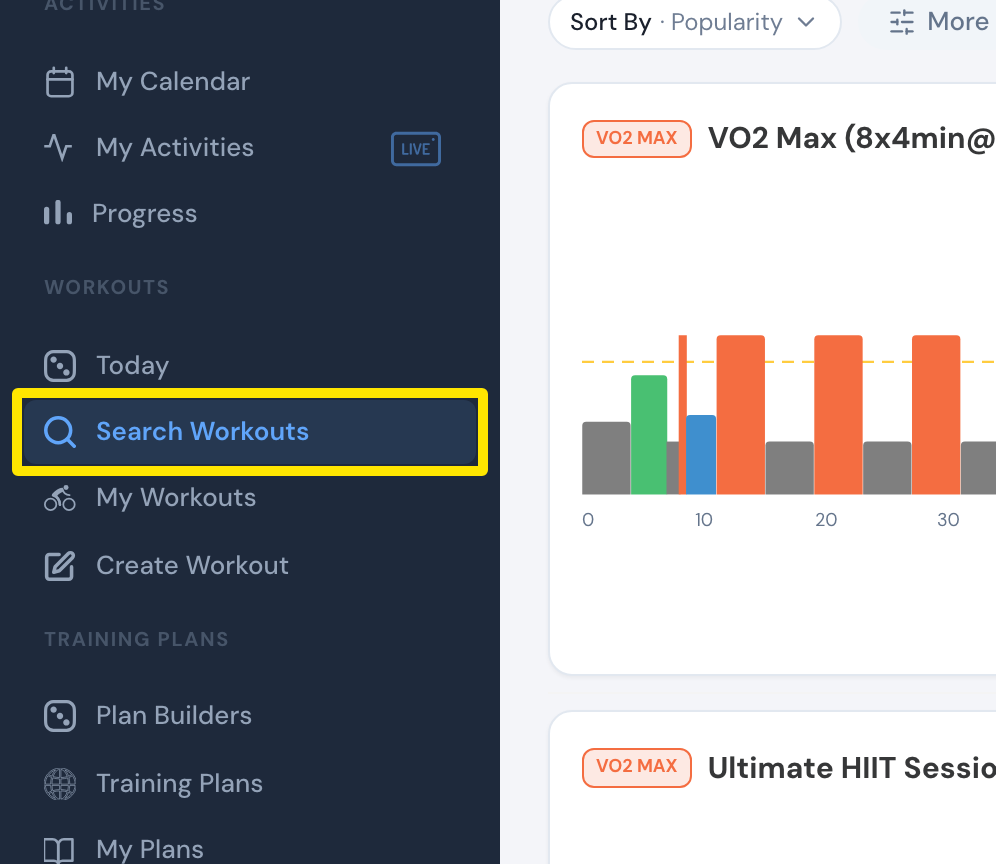 Where: Website · left sidebar · open it
- In the results, click a workout's name to open it. You see its chart, time and training stress.
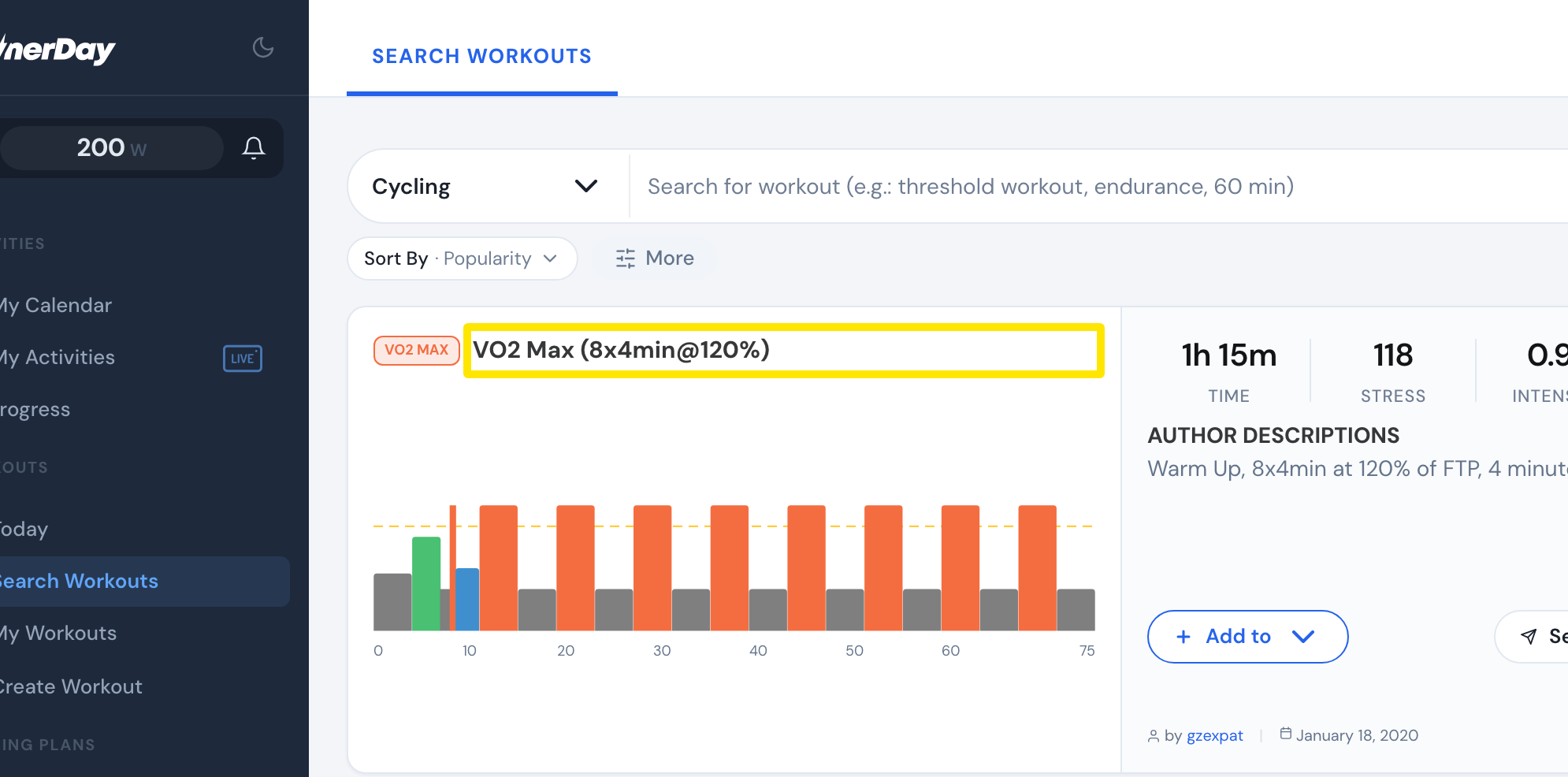 Where: Website · Search Workouts results · open it
- To plan the workout, click Add to on the workout. Add it to My Calendar or a list.
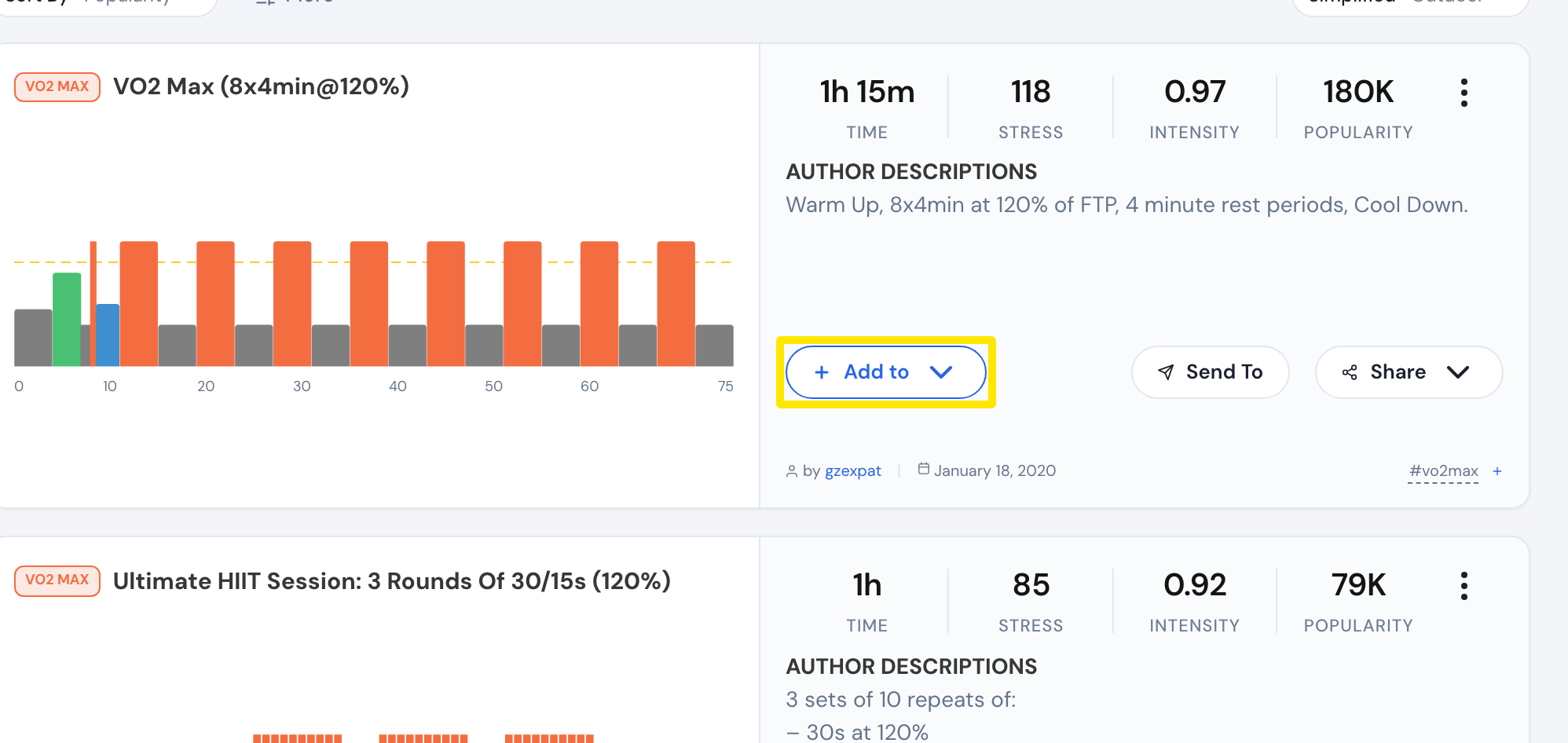 Where: Website · Search Workouts, on the workout · open it
- To ride the workout, open it in the TrainerDay mobile or desktop app.
Good to know: The website needs an internet connection. It cannot control a trainer, so you can't ride workouts in the browser.
Works on: Website for planning. Mobile app (iPhone, iPad, Android) and desktop app (Windows, Mac, Linux) for riding.