

How do I create a TrainerDay account?
Create a free TrainerDay account on the website sign-up page at trainerday.com/register, or with Sign Up in the mobile or desktop app.
- On the website, go to trainerday.com/register (or on the Login page click Register here).
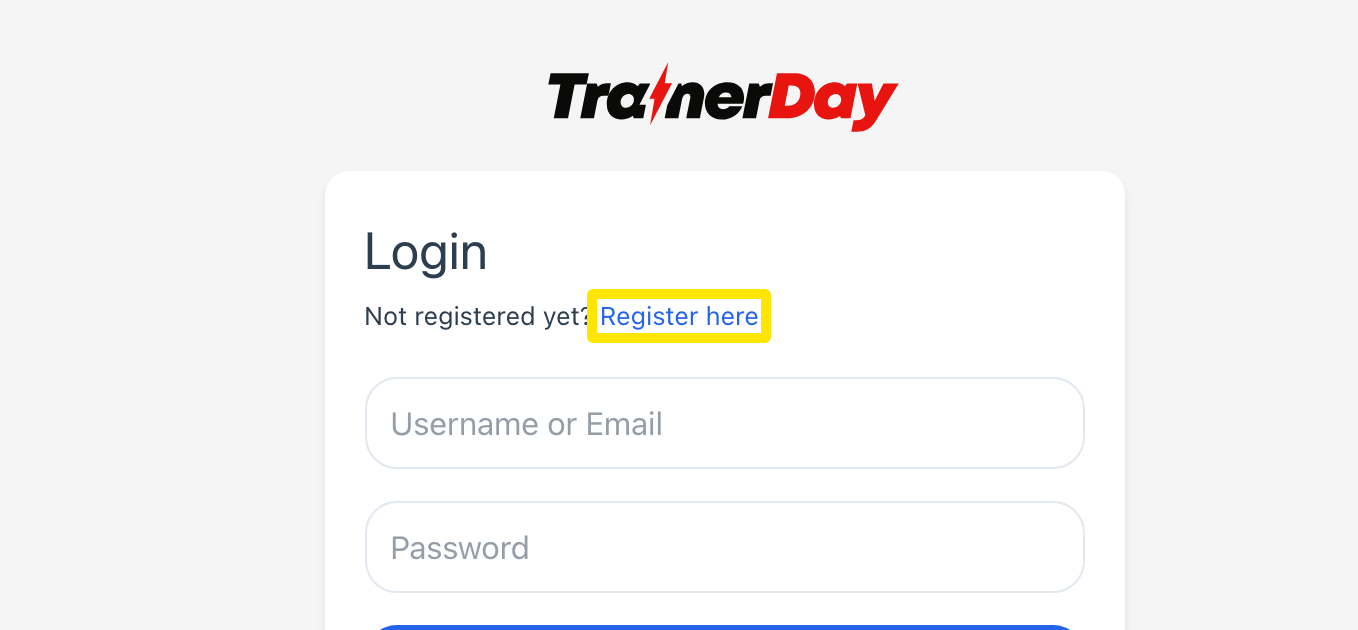 Where: Website · Log in · open it
- Under Create an account, fill in Email, Username and Password. Tick I agree to the site Terms and Conditions and Privacy Policy.
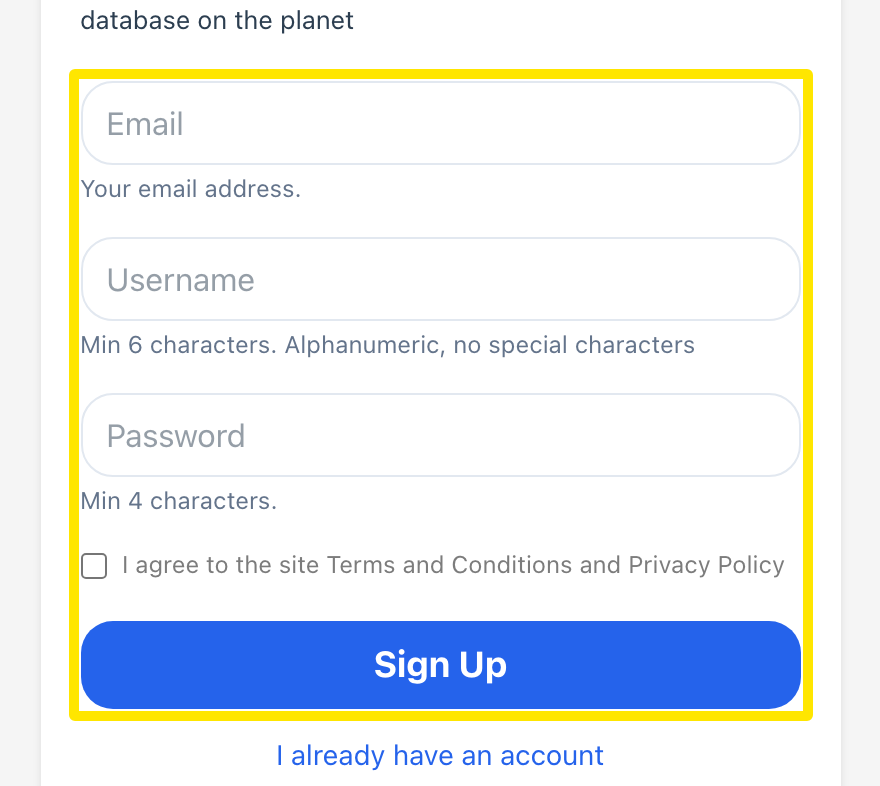 Where: Website · Sign up page · open it
- Click Sign Up. You are logged in at once and taken to the web app. No activation email is needed.
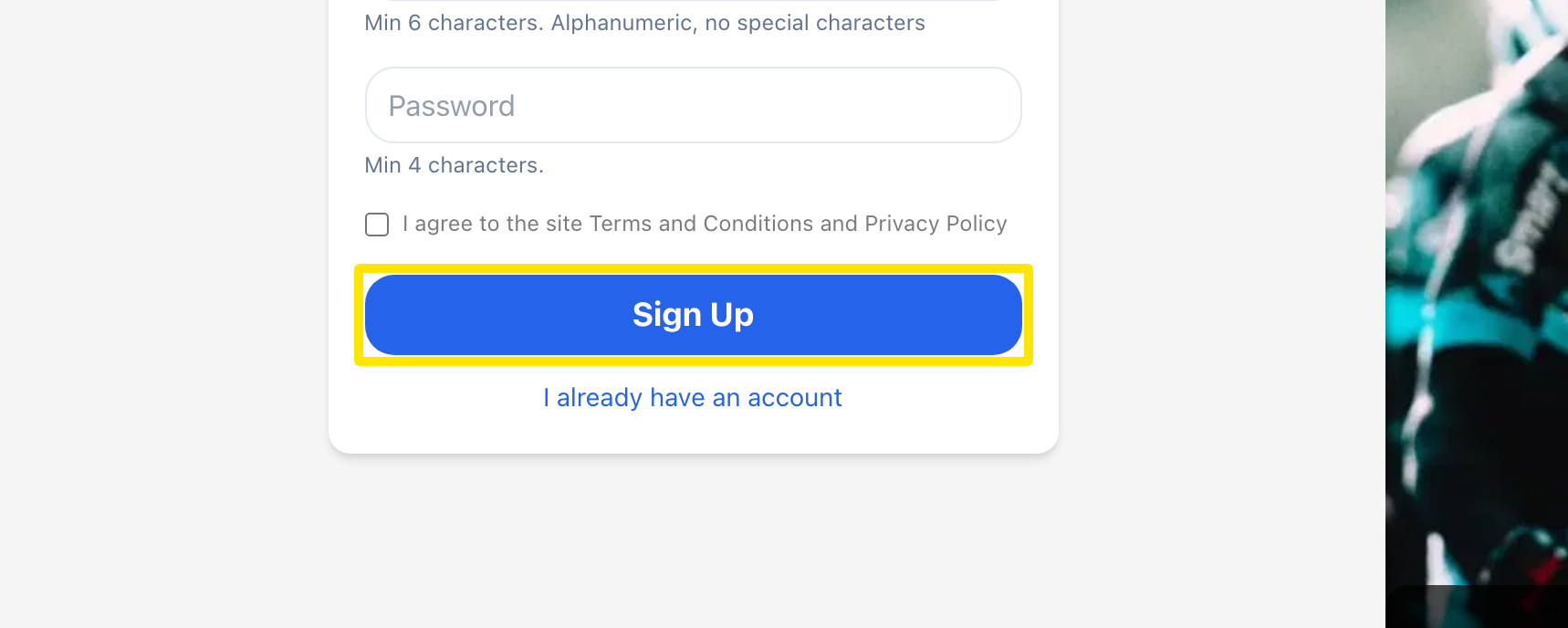 Where: Website · Sign up page · open it
Good to know: The username must be 6 to 30 letters, numbers, hyphens or underscores. The email and username must not already be used by another account.
Works on: Website, mobile app and desktop app. In the apps, use Sign Up on the start screen to create the same account.