

How do I find my username, and can I change it?
Find your username on the TrainerDay website under Account → Account Information; the username cannot be changed on the website or in the apps.
- On the TrainerDay website (app.trainerday.com), click the gear icon at the top of the left menu, then Account.
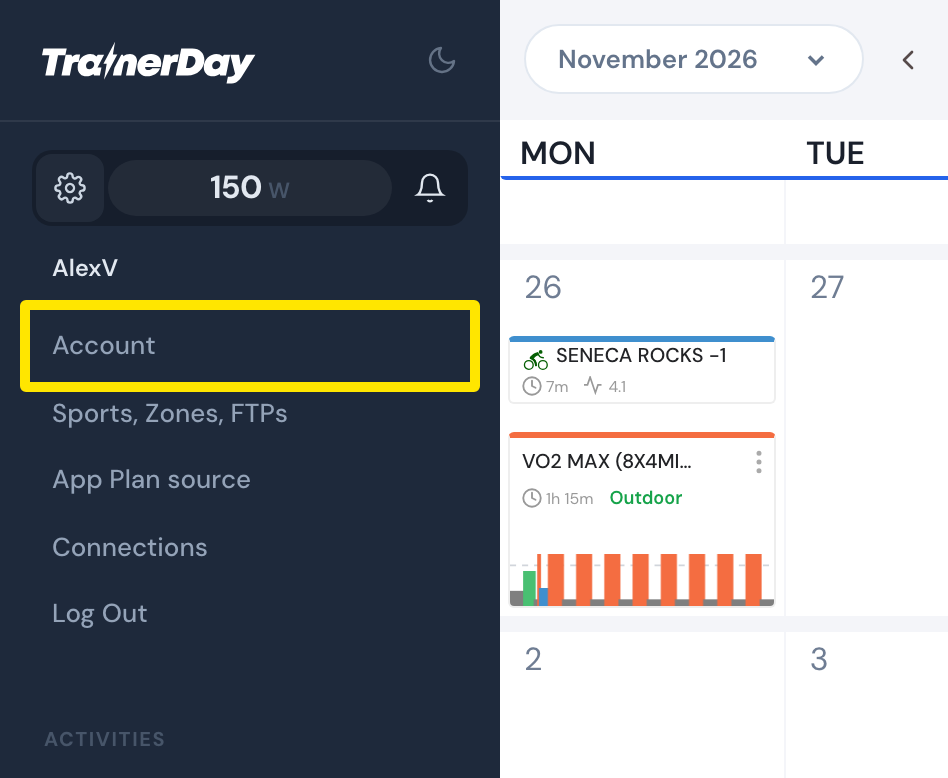 Where: Website · My Calendar · open it
- Under Account Information, Username shows your username. It cannot be changed.
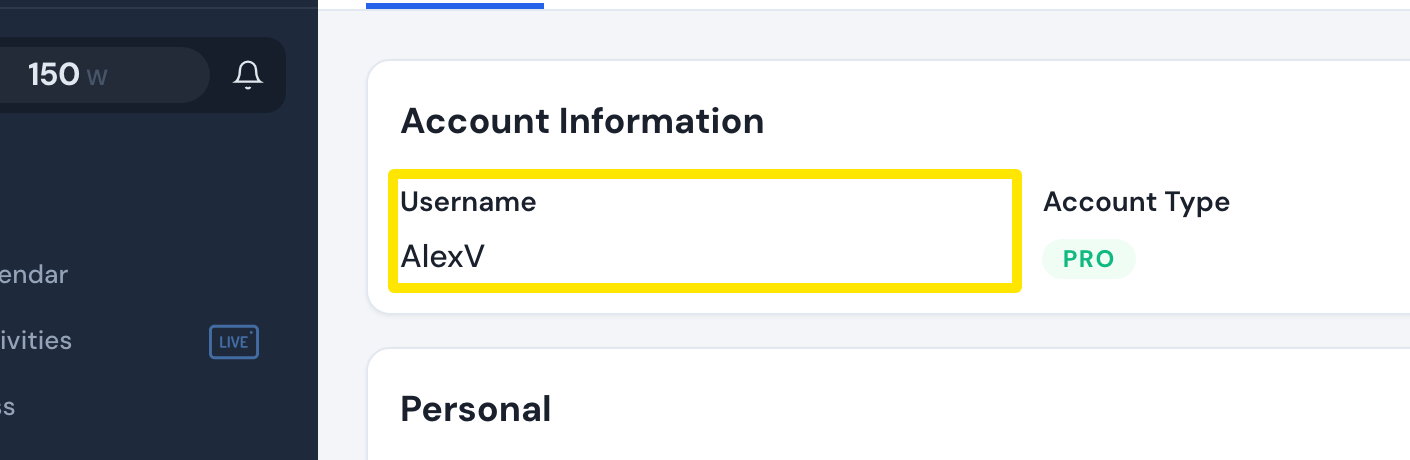 Where: Website · Account · open it
Good to know: You can log in on the website with the username shown in the app. The same account works in the app and on the website.
Works on: Website. The mobile app (Settings → User Account Info) and the desktop app (Settings) also show the username, but nothing there changes it.