

How do I update my weight in TrainerDay?
Update your weight on the TrainerDay website in Account under Speed & distance, or in Settings in the mobile or desktop app.
- On the TrainerDay website (app.trainerday.com), click the gear icon at the top of the left menu, then Account.
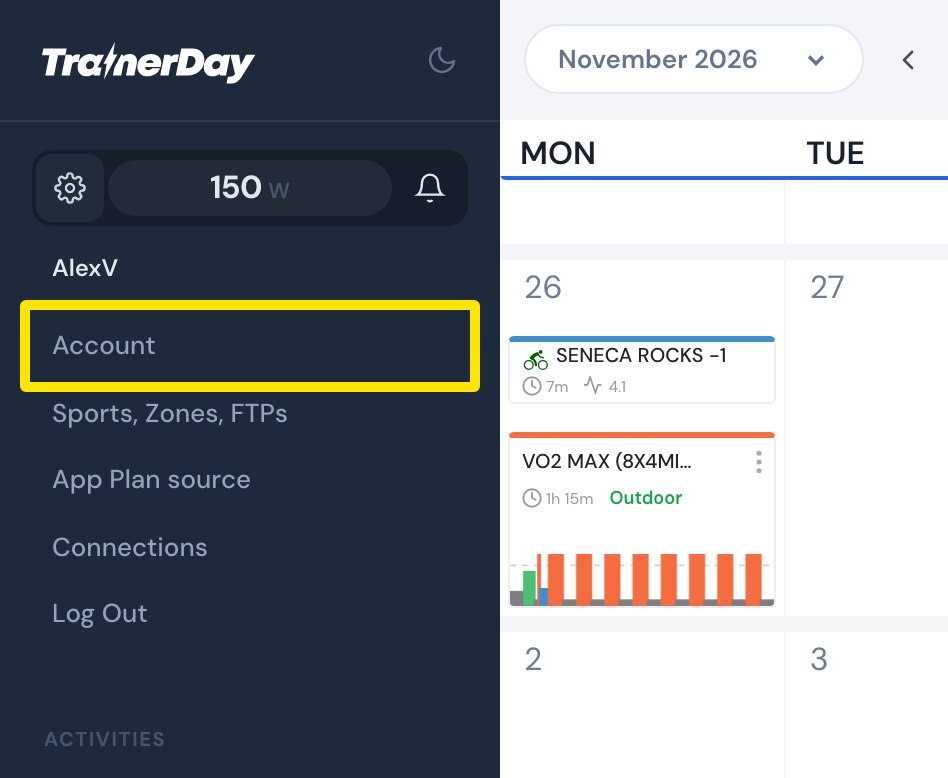 Where: Website · My Calendar · open it
- Under Speed & distance, type your weight in Weight (KG or LBS, as set in Units of measurements under Preferences).
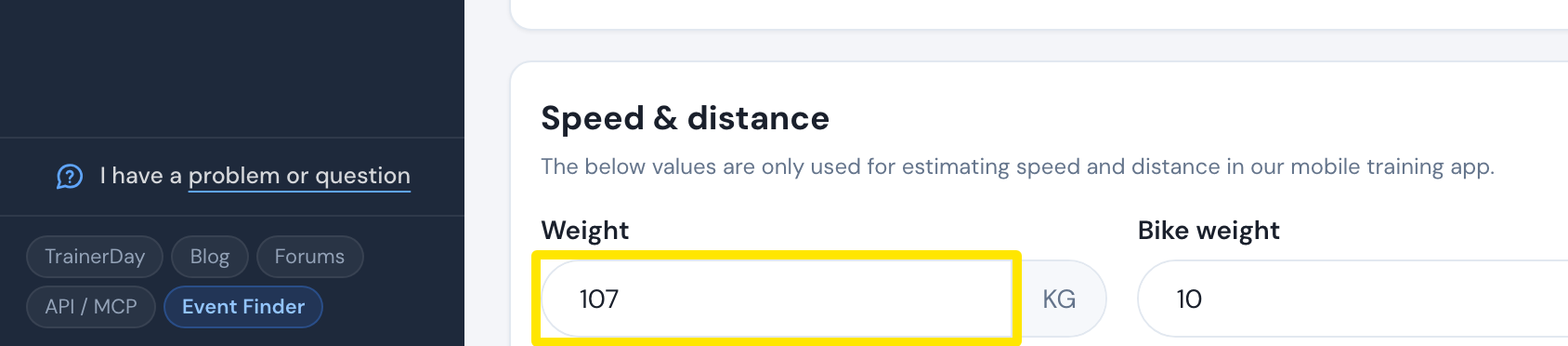 Where: Website · Account · open it
- Click Update Profile, then Confirm.
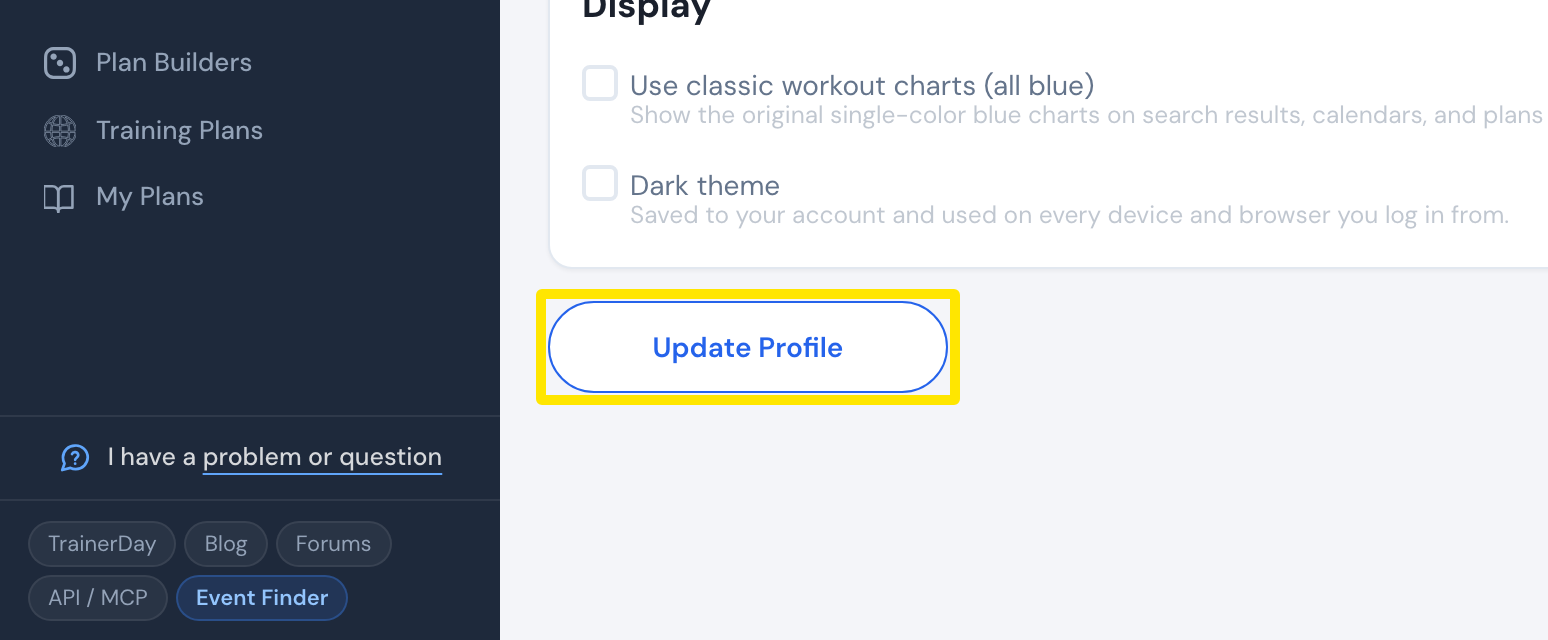 Where: Website · Account · open it
Good to know: In the mobile app, Apple Health / Health Connect can also sync your weight.
Works on: Website (Account); mobile app (Settings → User Account Info → Rider Weight); desktop app (Settings → Weights and CDA → Rider Weight).