

How do I set my time zone in TrainerDay?
Set your time zone on the TrainerDay website under Account → Preferences → Time Zone, then save it with Update Profile.
- On the TrainerDay website, click the gear icon in the left sidebar, then click Account.
- Under Preferences, open the Time Zone dropdown and pick your time zone.
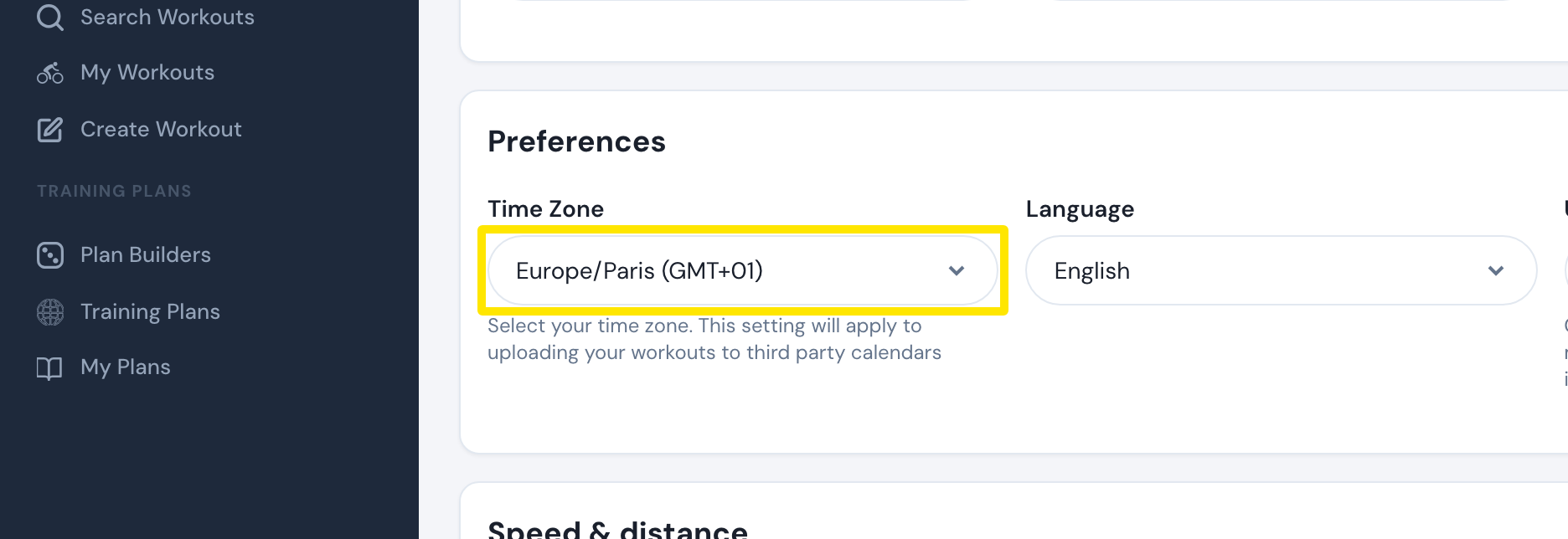 Where: Website · Account · open it
- Click Update Profile at the bottom of the page, then click Confirm in the Are you sure? box.
Good to know: This time zone is used for your calendar feed and sets the time of your indoor rides on Strava. If a ride time on Strava is wrong, make the TrainerDay and Strava time zones match.
Works on: Website only. The mobile and desktop apps have no time zone setting and use your device's time zone.