

Which TrainerDay settings sync between devices?
In the TrainerDay mobile and desktop apps, your FTP, threshold HR, units, rider and bike weight and language are saved on your TrainerDay account and come back when you log in on another device, while the Other Options (mobile) and Workout Controls (desktop) settings stay only on that device.
- In the TrainerDay mobile app, open the Settings tab and tap Login. Log in with the same TrainerDay account. Your FTP, threshold HR, sport, units, weights, language, classic-charts choice and username come back from the account.
- Open Settings → Other Options and set again any options you had changed, such as Auto Pause, power smoothing, beep type and ERG, slope and HR steps. These are kept only on the phone.
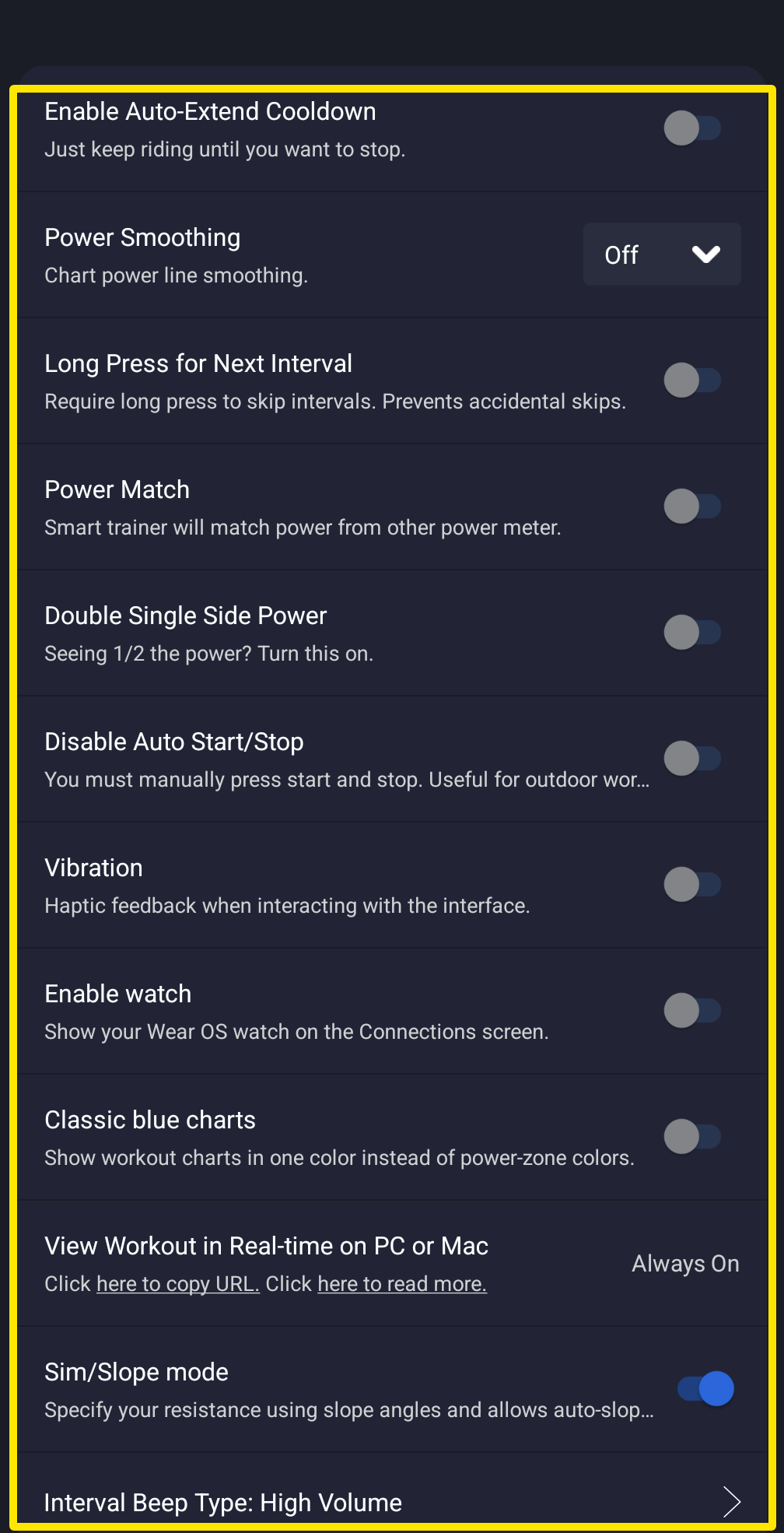 Where: Mobile app · Settings tab → Other Options
Good to know: Logout/Reset on the phone, and Log Out & Clear Data on the desktop app, reset the settings kept on that device. On the desktop app, FTP, threshold HR, units, weights and language sync with your account, while the Workout Controls toggles and step sizes stay on that computer.
Works on: Mobile app and desktop app as above. On the website, everything on the Account page is stored on your account.