

How do I change my account email?
Change your account email on the TrainerDay website: open Account, type the new address in Email under Personal, then click Update Profile.
- On the TrainerDay website (app.trainerday.com), click the gear icon at the top of the left menu, then Account.
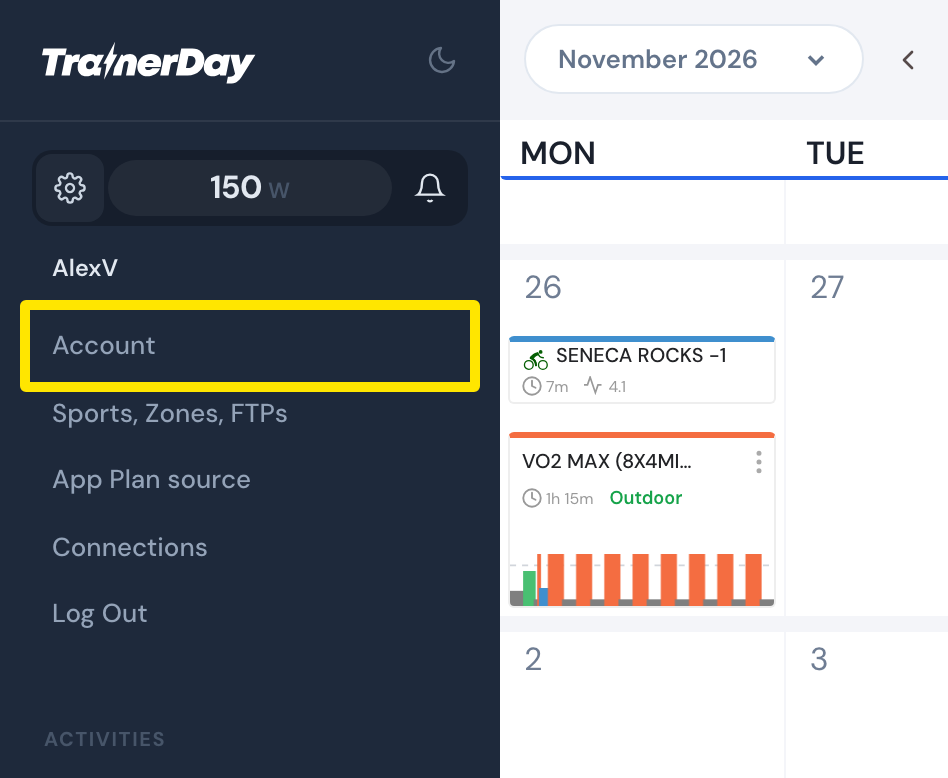 Where: Website · My Calendar · open it
- Under Personal, type your new address in Email.
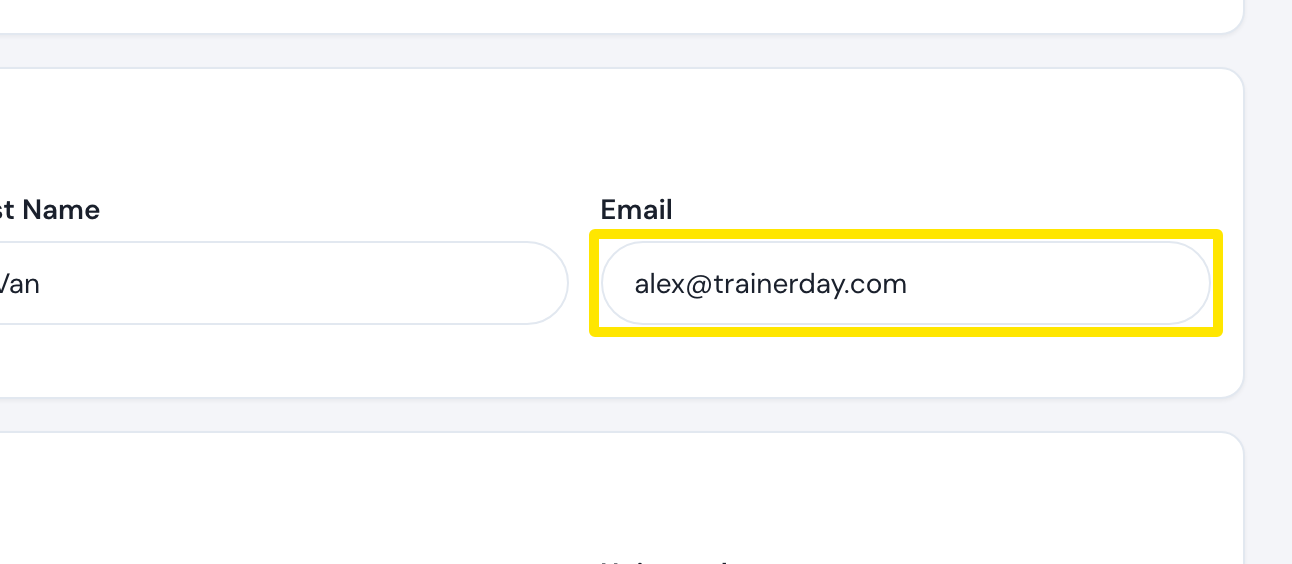 Where: Website · Account · open it
- Click Update Profile, then Confirm.
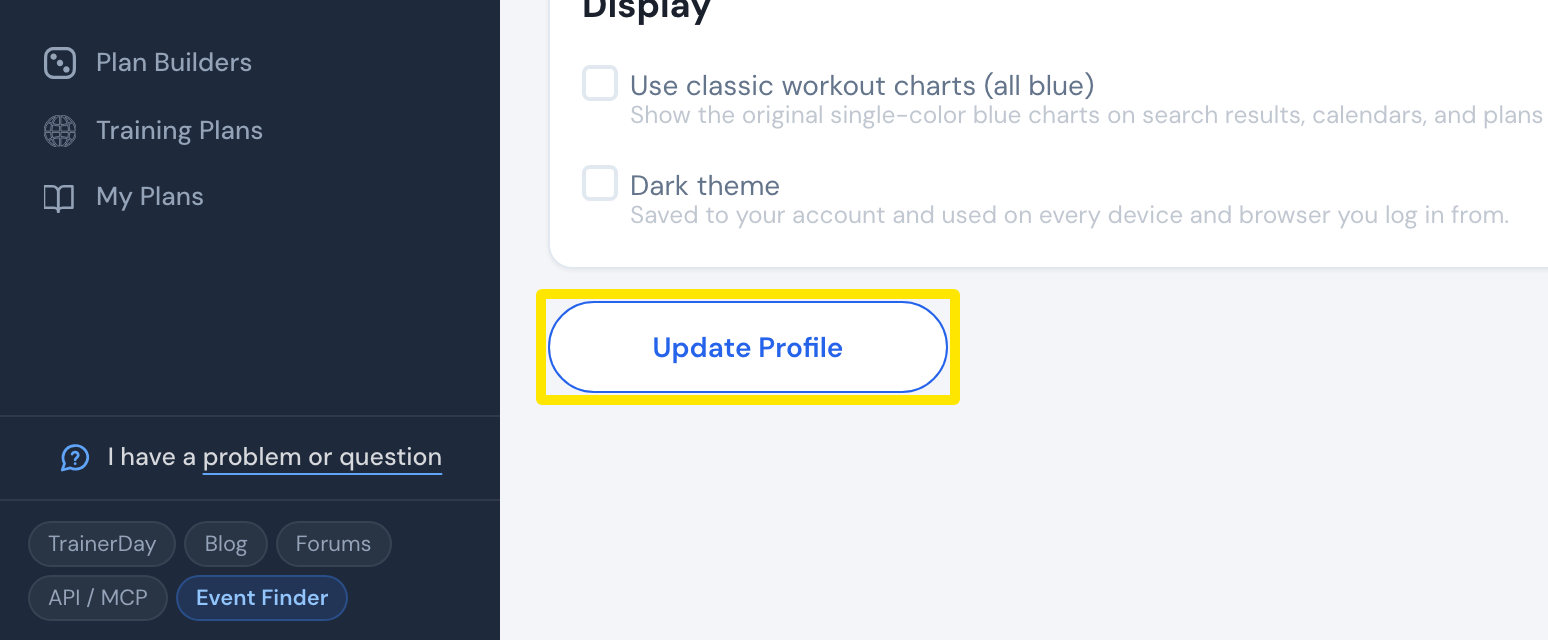 Where: Website · Account · open it
Good to know: An address another account already uses is refused ("This email address already exists"). Plus aliases like [email protected] are allowed.
Works on: Website only. The mobile and desktop apps don't show or change your email.