

How do I log in to TrainerDay?
Log in at trainerday.com/login with your username or email and password, or with a sign-in code sent to your email. In the mobile app, tap I already have an account.
- Go to trainerday.com/login.
- Type your username or your email in Username or Email, type your password, and click Login.
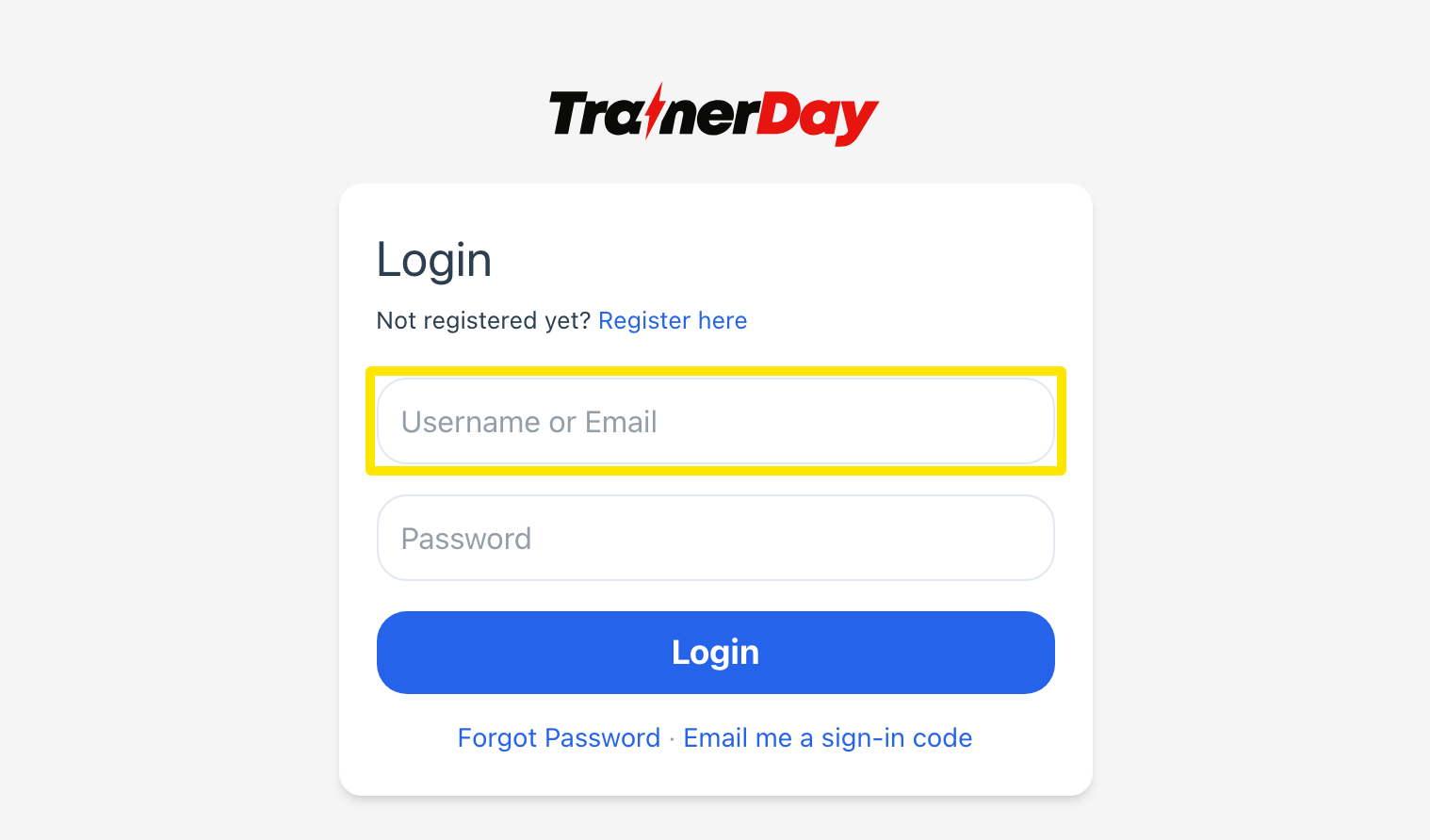 Where: Website · trainerday.com/login · open it
- No password? Click Email me a sign-in code, type your email, and enter the 6-digit code from the email.
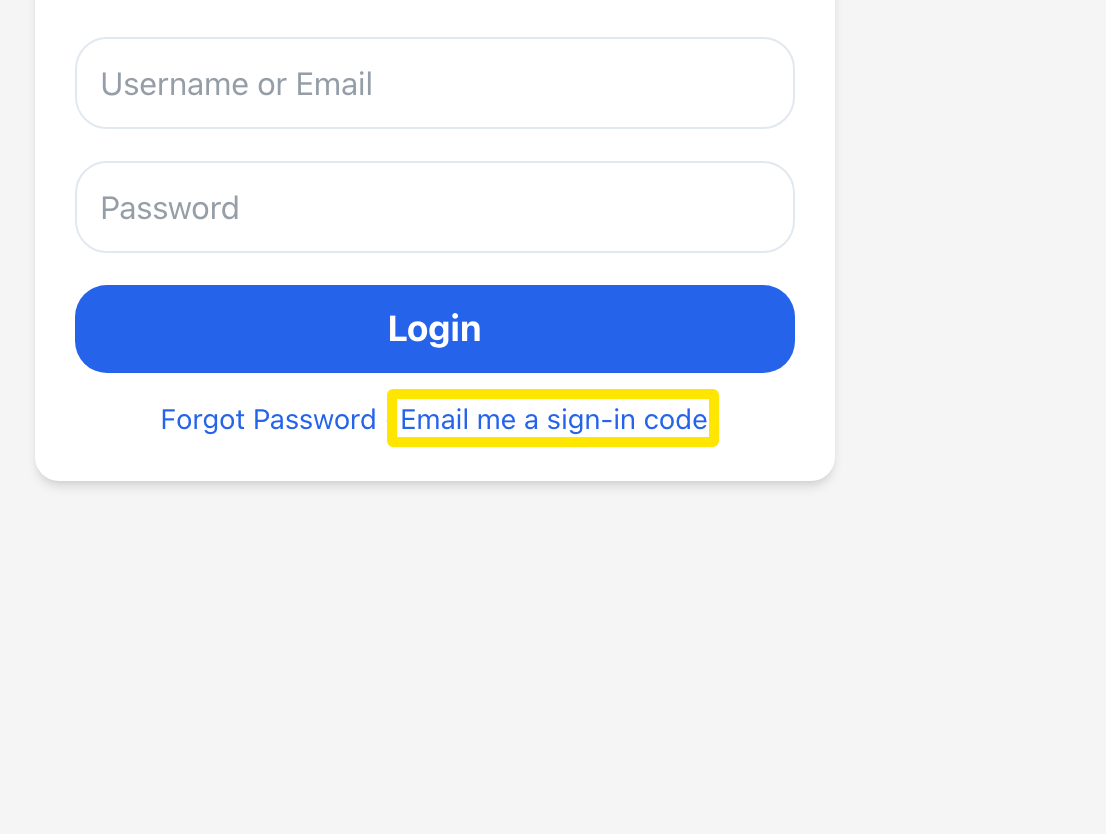 Where: Website · trainerday.com/login · open it
Good to know: In the mobile app, the route is different. On the first screen, tap I already have an account. Then enter your Email or Username and Password, and tap Login. That screen also has Forgot Password? and Email me a sign-in code.
Works on: One account works on the website, mobile and desktop apps.