

How do I reset my password?
Reset a forgotten TrainerDay password from the login page: click Forgot Password, get an emailed link, and type your new password twice.
- Go to trainerday.com/login and click Forgot Password under the Login button.
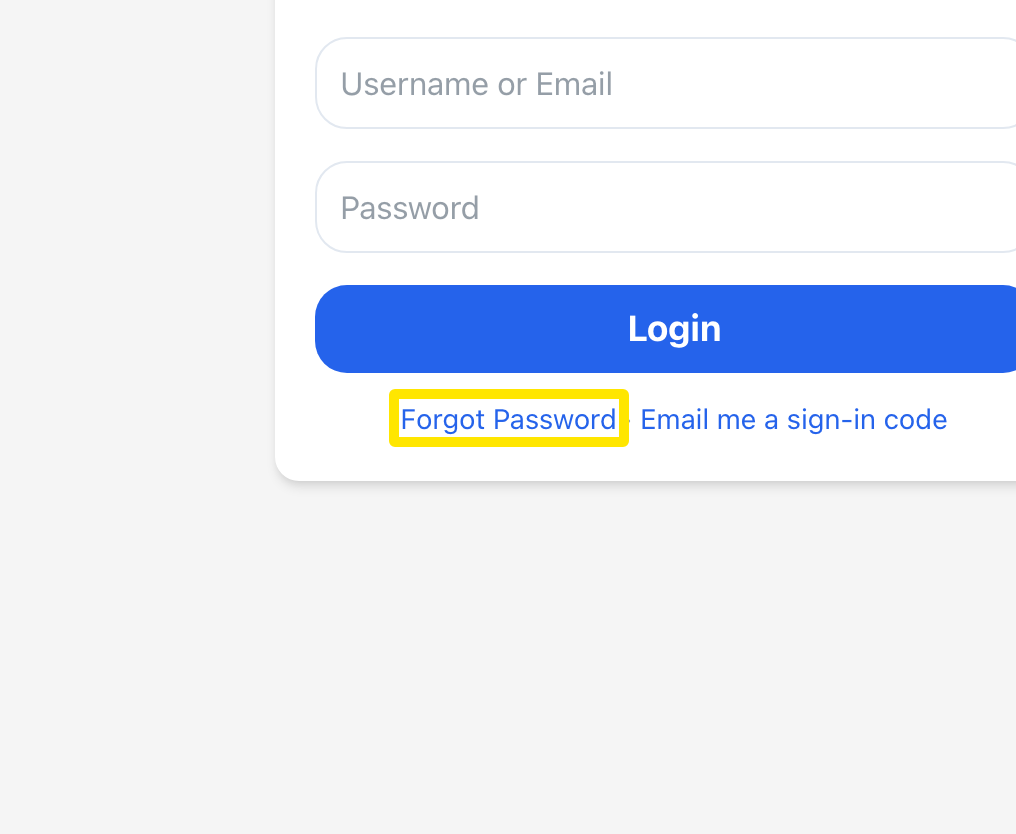 Where: Website · trainerday.com/login · open it
- On the Reset Password form, type your username or email and click Reset Password.
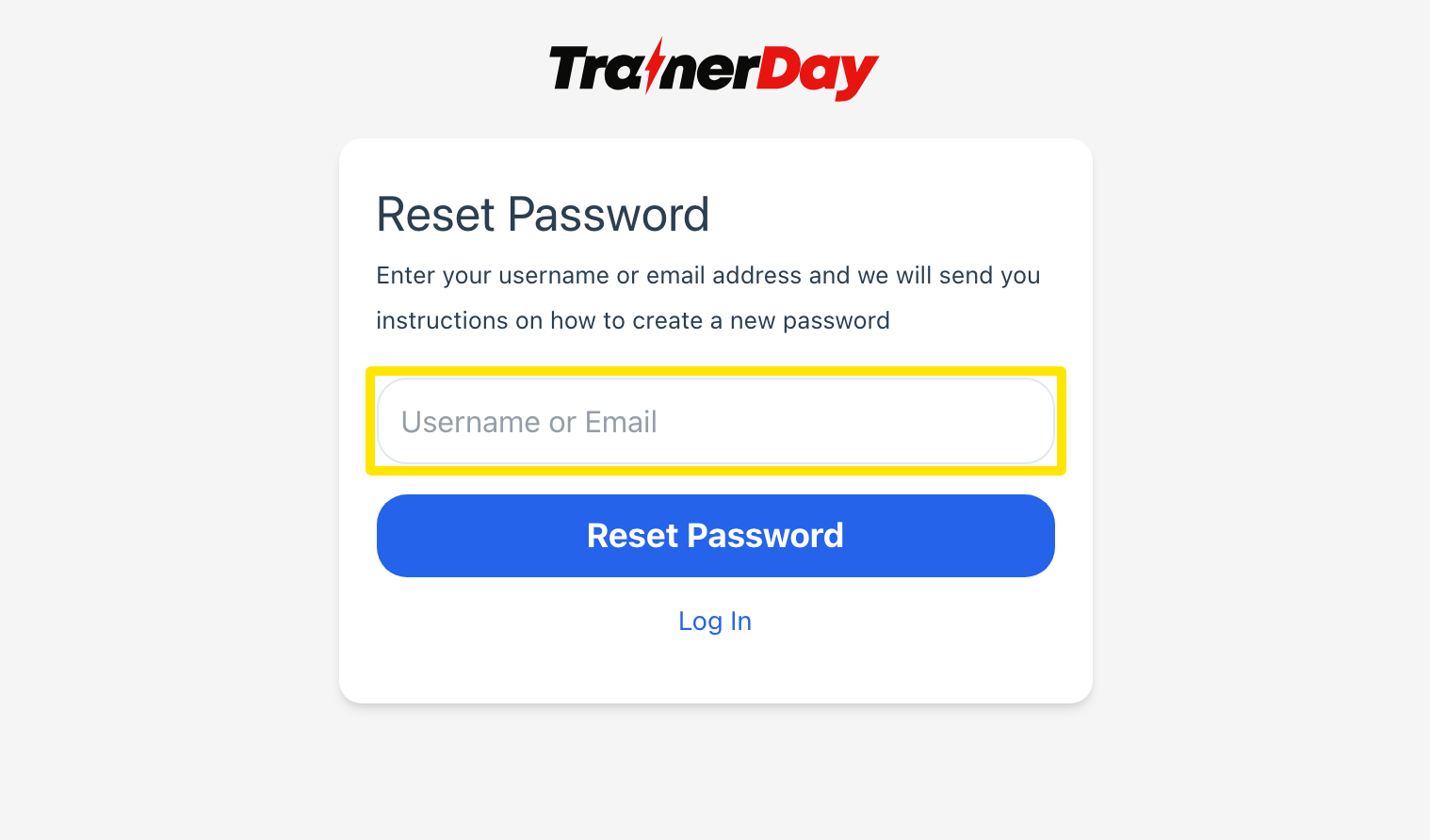 Where: Website · trainerday.com/login → Forgot Password · open it
- Open the email and click the link. It works for 8 hours. On the Reset Password page that opens, type your new password twice and click Reset Password. There is no code to enter.
Good to know: In the mobile app, tap Forgot Password? on the login screen, then Send Recovery Link. It emails the same link.
Works on: website and mobile app (one shared account).