

How do I use the workout screen in landscape mode?
Turn your phone or iPad sideways during a ride in the TrainerDay mobile app, and use your device's own rotation lock to keep one orientation.
- In the TrainerDay mobile app, start a ride and turn your phone or iPad sideways. The workout screen follows the device's rotation.
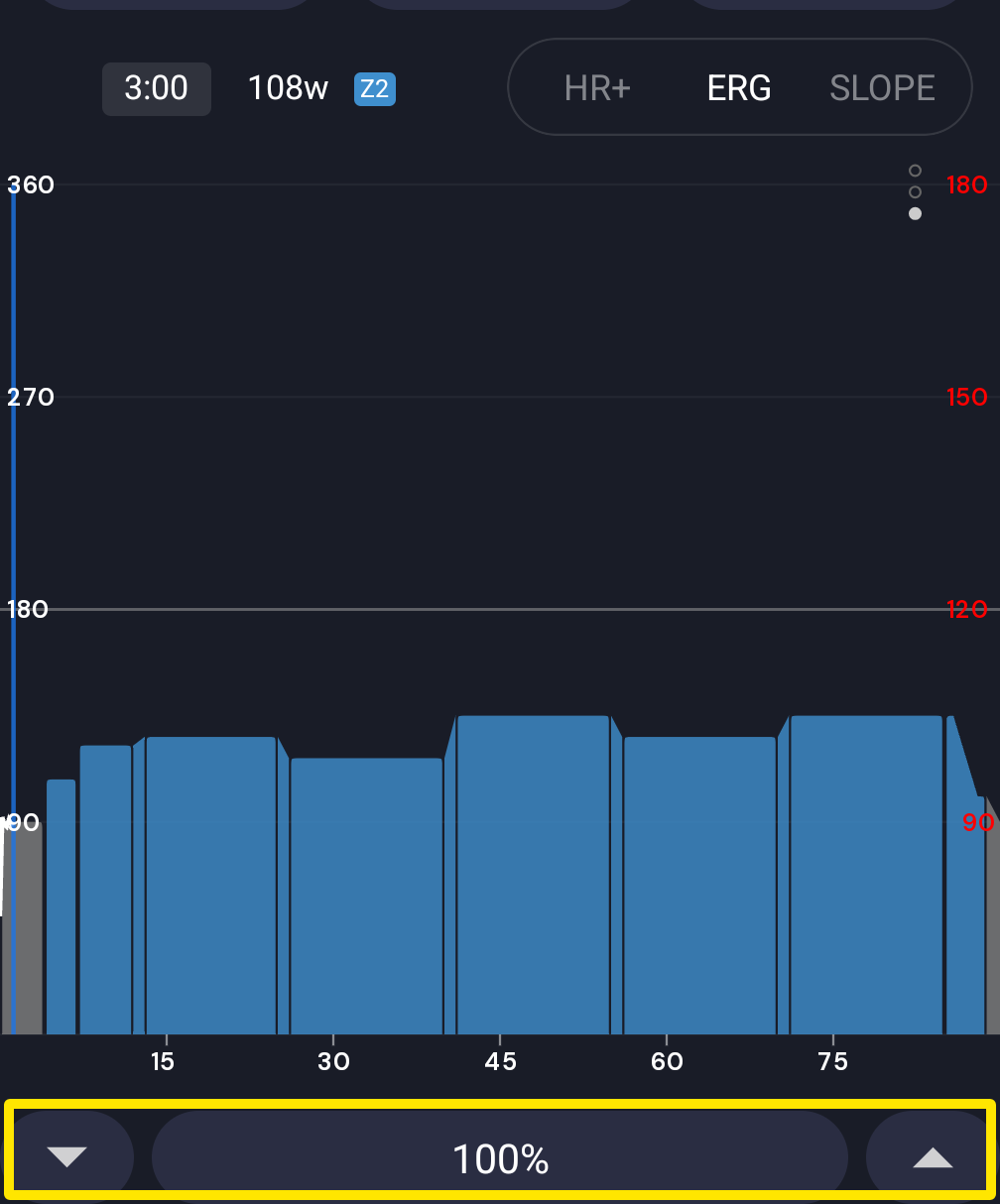 Where: Mobile app · the workout screen during a ride
- To keep the screen in one orientation, use your device's rotation lock: Control Center on iPhone/iPad, or auto-rotate on Android.
Good to know: The app has no landscape lock of its own. On Android, the screen turns only while the system's auto-rotate is on.
Works on: Mobile app (iPhone, iPad, Android). The desktop app uses a resizable window with no orientation, and the website has no workout player.