

How do I lock the screen during a workout?
TrainerDay has no screen lock, but in the mobile app you can stop accidental interval skips by turning on Long Press for Next Interval in Settings > Other Options.
- There is no screen lock in the TrainerDay apps.
- In the mobile app, open the Settings tab, then Other Options.
- Turn on Long Press for Next Interval. Skipping to the next interval now needs a long press, so a stray tap won't skip it.
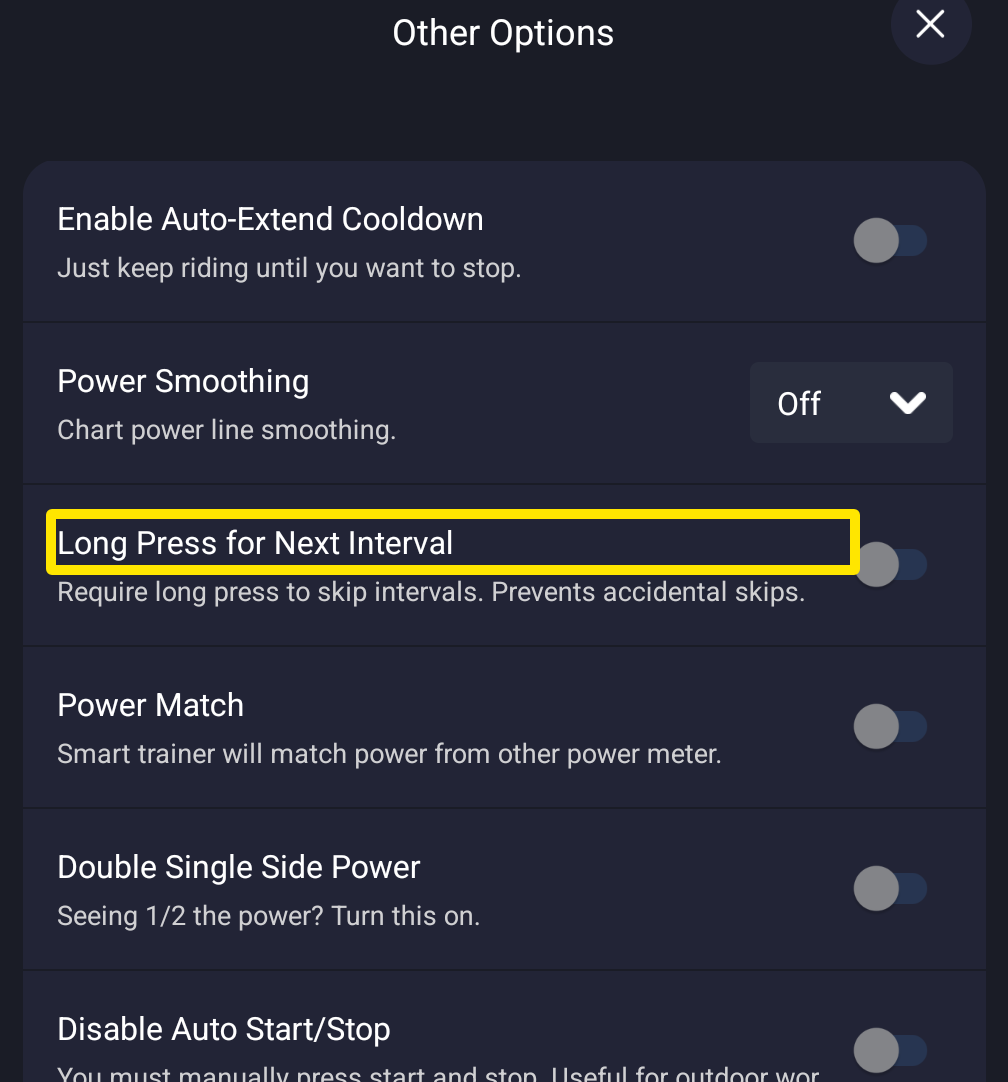 Where: Mobile app · Settings tab → Other Options
- Start your ride. On the workout screen, press and hold the skip button to move to the next interval.
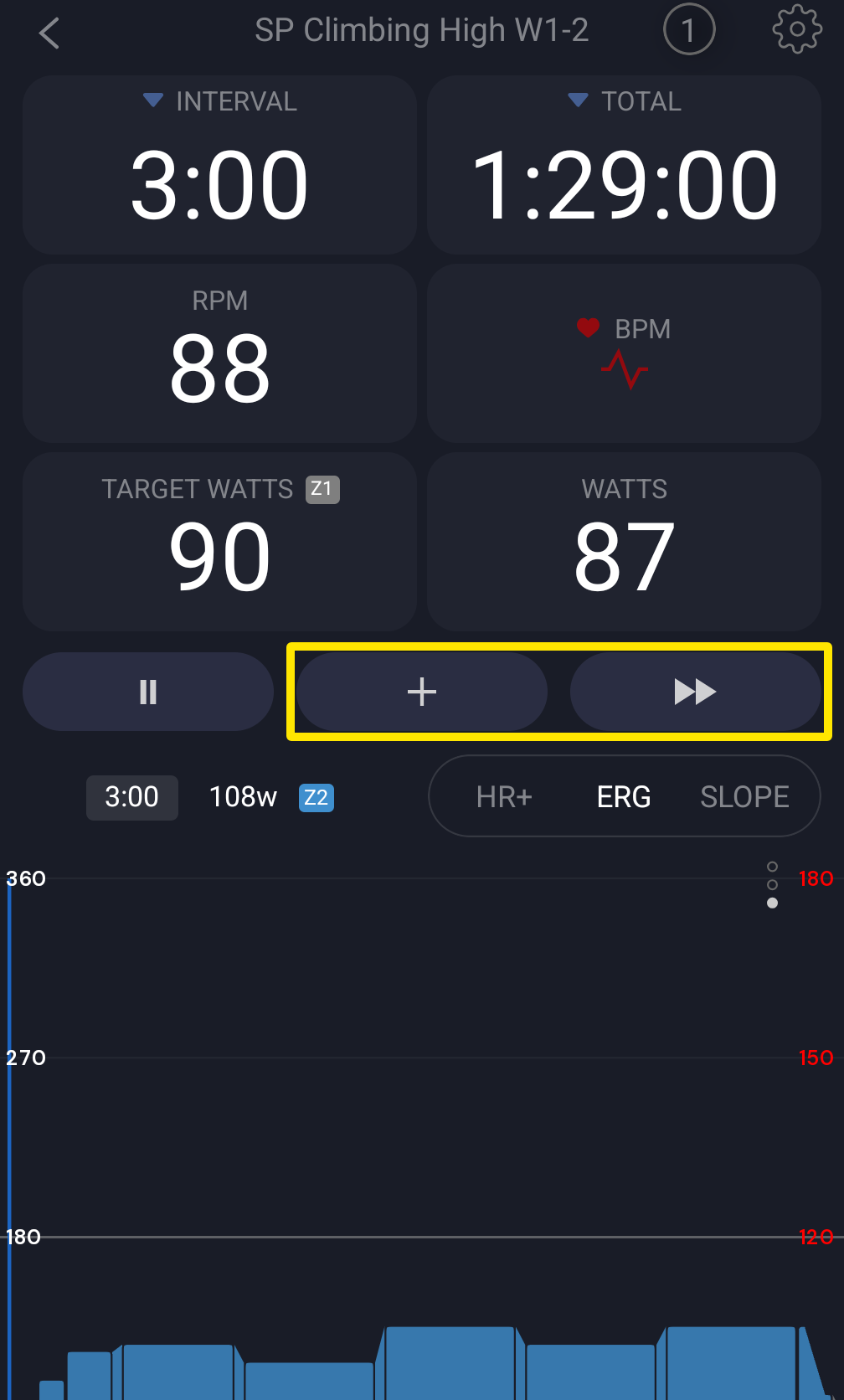 Where: Mobile app · the workout screen during a ride
Good to know: The mobile app keeps your phone's screen awake while the workout is open.
Works on: Mobile app (Long Press for Next Interval). The desktop app has no lock either, but you can use the keyboard shortcuts instead of clicking.