

How do I ride without a set workout (free ride)?
Tap the Quick Start tab in the TrainerDay mobile app (or open Quick Start in the desktop app) to start a 60-minute Free Ride at 40% of your FTP, with no workout to pick.
- In the TrainerDay mobile app, tap the cyclist icon in the middle of the tab bar (Quick Start; it reads Continue while a ride is going). It loads a 60-minute Free Ride at 40% of your FTP.
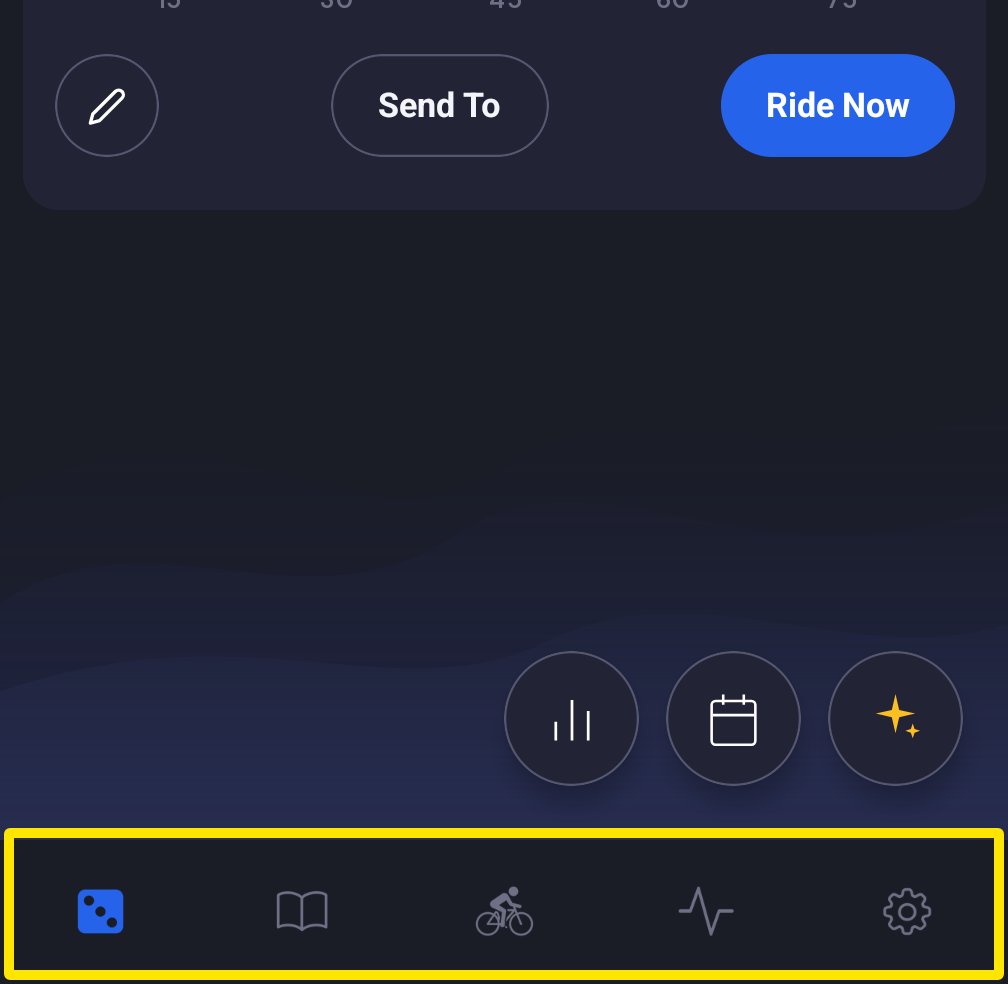 Where: Mobile app · the tabs at the bottom of the screen
- On the Free Ride screen, tap Start or just start pedaling. Raise or lower the target with + and −, or switch to SLOPE to ride by gears. Stop whenever you like.
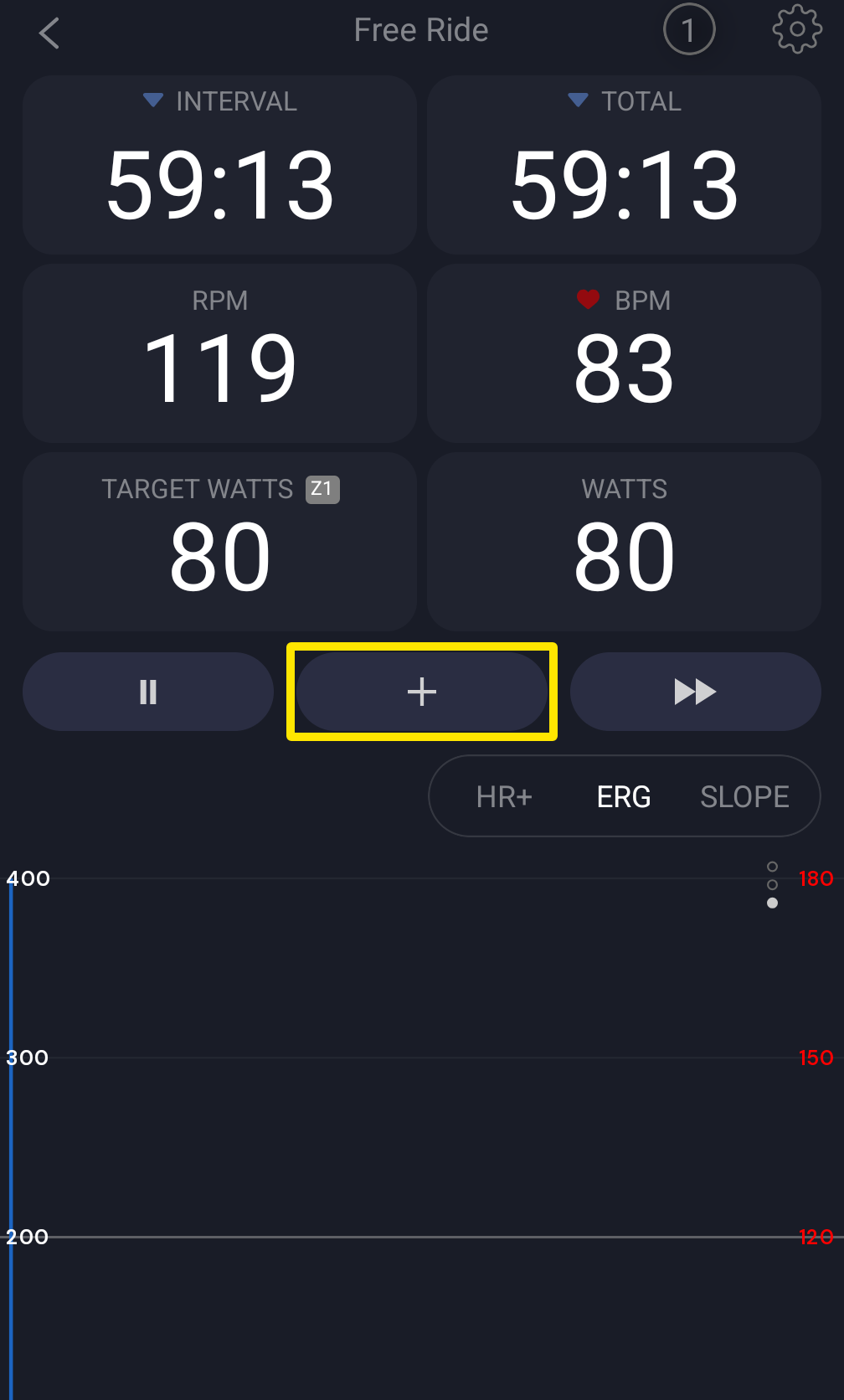 Where: Mobile app · Quick Start tab during a ride
- In the desktop app, open the Quick Start tab instead and pick Ride. You get the same 1-hour session at 40%, saved as "Free Ride".
Good to know: The free ride is one flat hour with no warm-up and no length setting. Turn on auto-extend to keep riding past the hour.
Works on: Mobile app and desktop app. The website cannot play rides.