

How do I clear the current workout from the player?
To clear the current workout from the player, pause the ride, tap Finish (mobile app) or click Stop (desktop app), then discard it.
Mobile app
- On the workout screen during the ride, tap the Pause button.
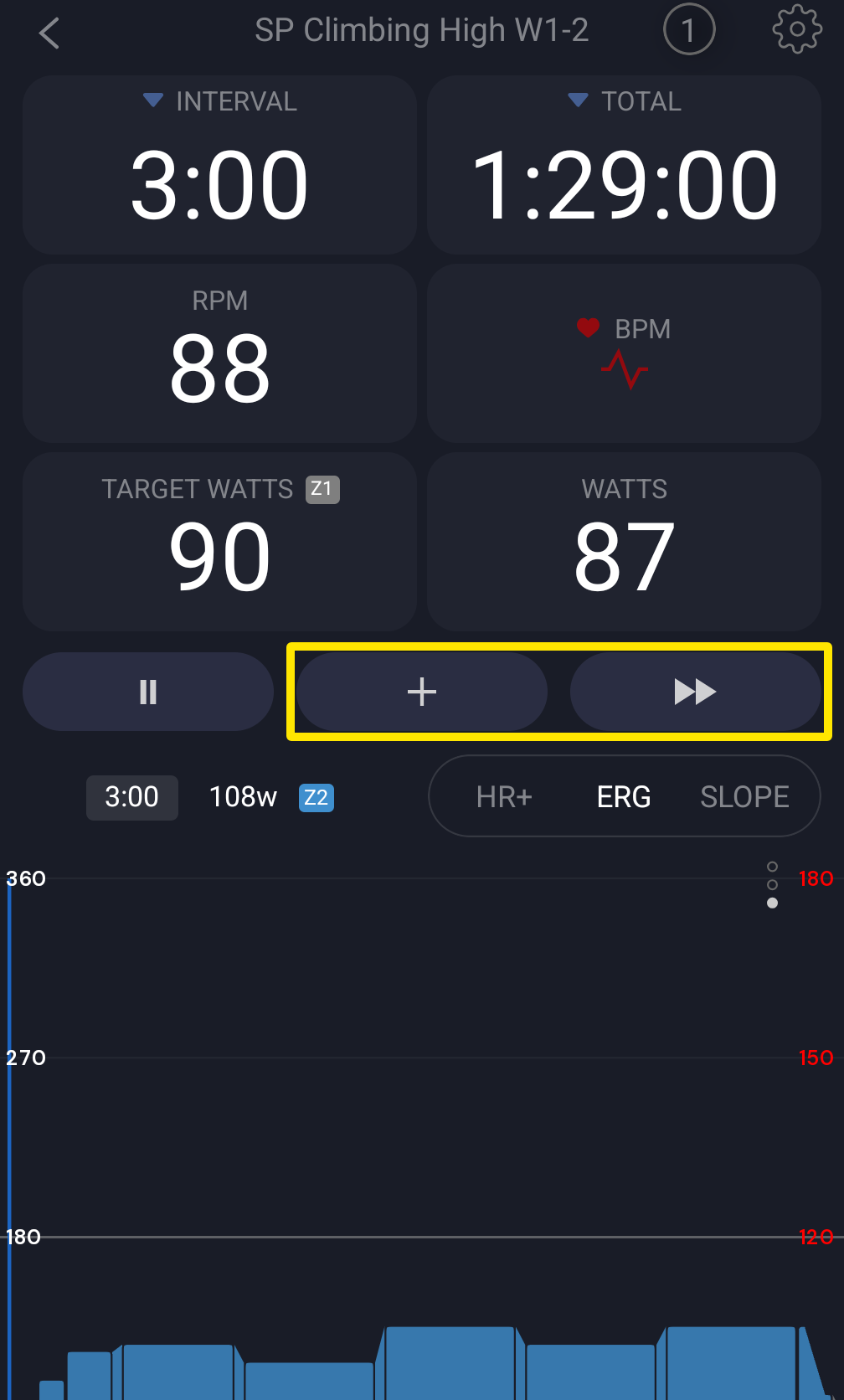 Where: Mobile app · the workout screen during a ride
- Tap Finish, which appears next to Start.
- In the Workout finished window, tap Discard, then tap Discard again to confirm. The app goes back to Workouts with the player empty.
Desktop app (Mac and Windows)
- On the workout screen during the ride, click Pause or press Space.
- Click the Stop button that appears.
- In the Save Activity window, click Discard, then Confirm Discard.
Good to know: A workout you haven't started yet clears on mobile when you tap Finish. On desktop, a ride of 10 seconds or less is discarded right away, with no window.
Works on: mobile app and desktop app. The website has no workout player.