

How do I mark a lap during a free ride?
TrainerDay has no lap button, so during a ride tap the Next button to start a new segment, then compare segments on the website after the ride.
- During your ride in the mobile app, tap the Next (skip) button on the workout screen. A new segment starts about 3 seconds later, like a lap.
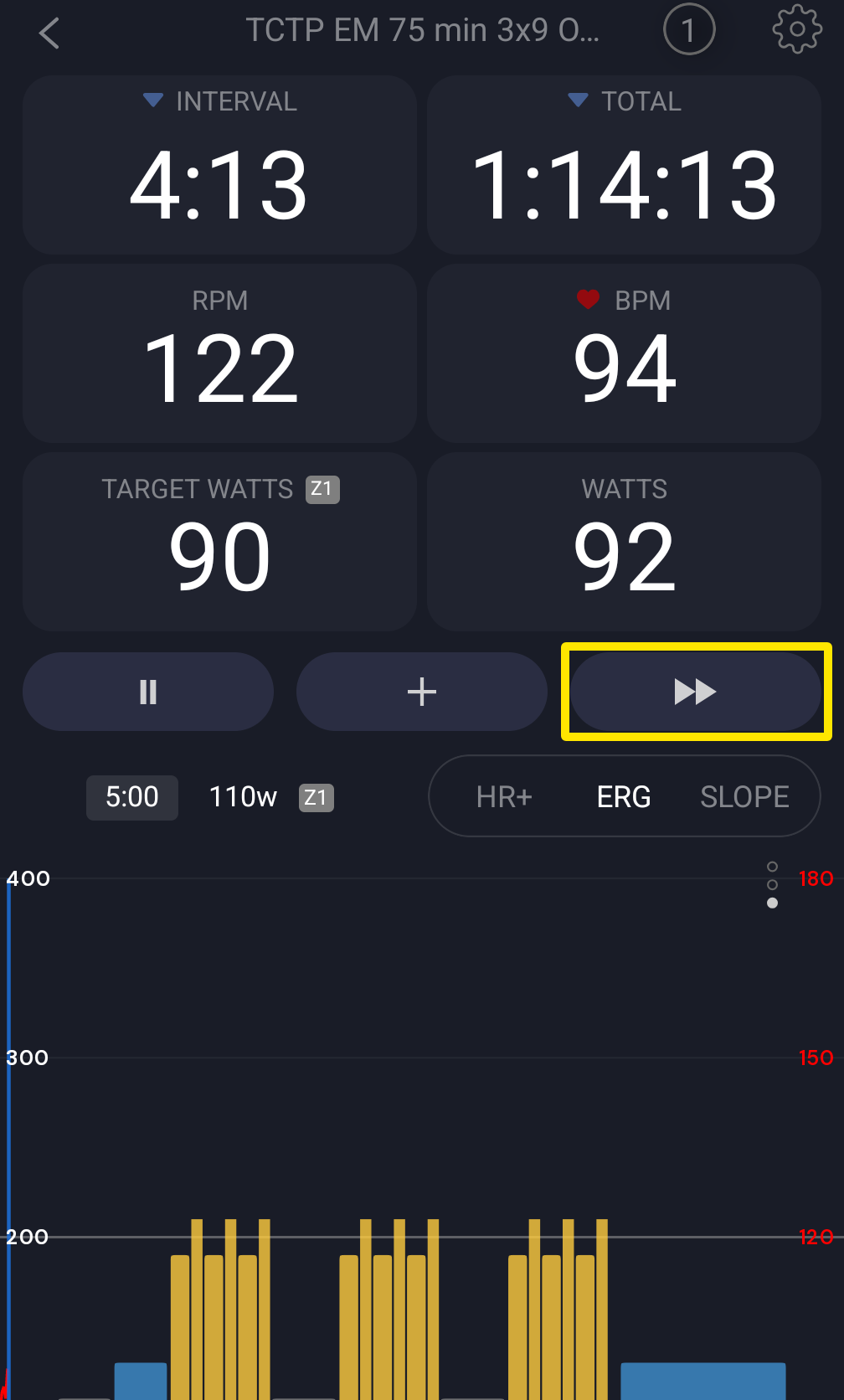 Where: Mobile app · the workout screen during a ride
- After the ride, go to My Activities on the website (https://app.trainerday.com/activities) and click the activity's name.
- Tick the Compare (scales) icon on two or more rows of the Blocks or Ranges table under the chart, then click Compare.
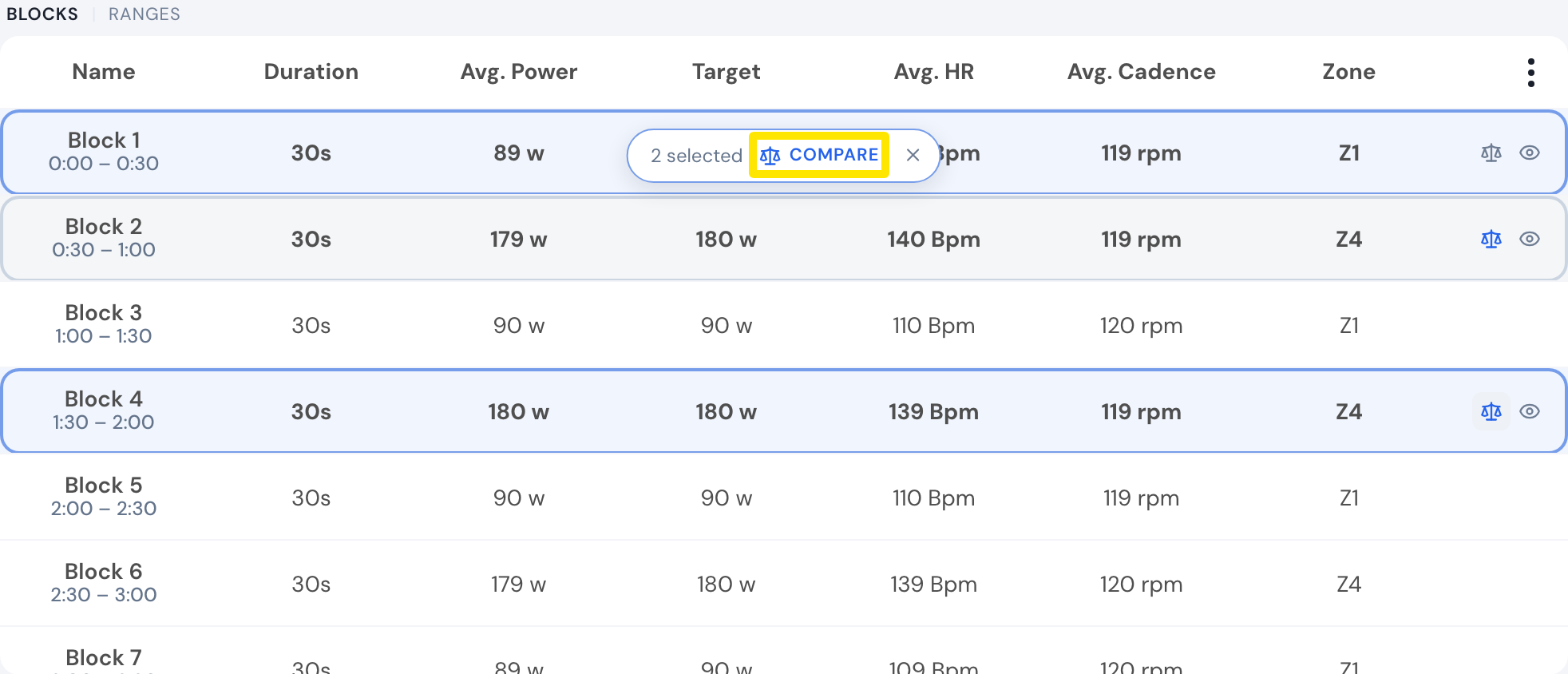 Where: Website · My Activities → click the activity's name · open it
Good to know: There is no dedicated lap button, and the + button is not a lap marker. Next is disabled in the last 3 seconds of an interval and does nothing in the last interval on desktop.
Works on: Comparing parts of a ride works on the website and in the mobile app.