

How do I make an interval end when I press lap?
On the TrainerDay website's Create Workout editor, set the interval's Type to open-ended, then send the workout to Garmin or TrainingPeaks, where that step ends when you press lap.
- On the website, click Create Workout in the sidebar (https://app.trainerday.com/workouts/create), or open your workout and choose Edit workout.
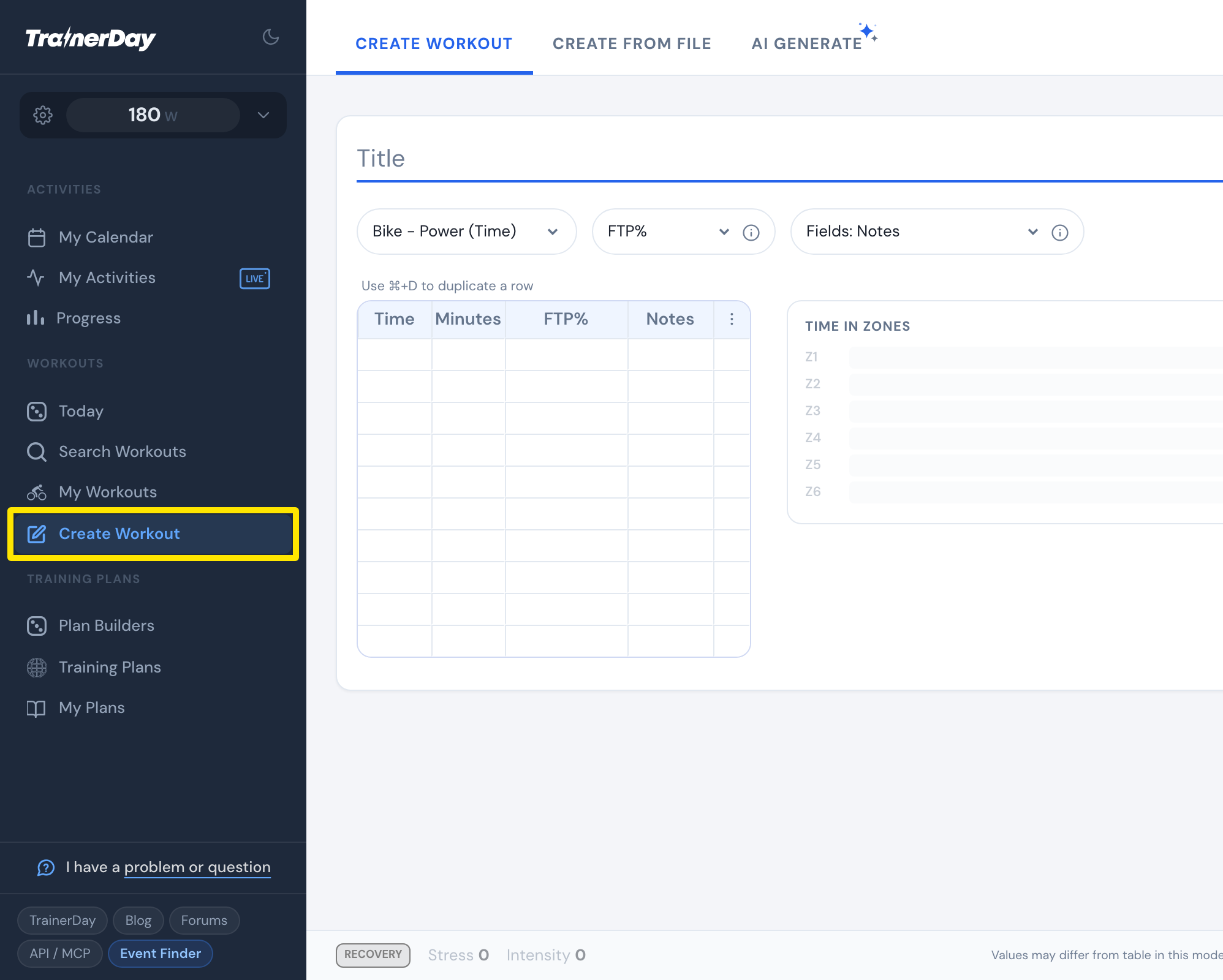 Where: Website · Create Workout · open it
- Click the Fields: dropdown and tick Type.
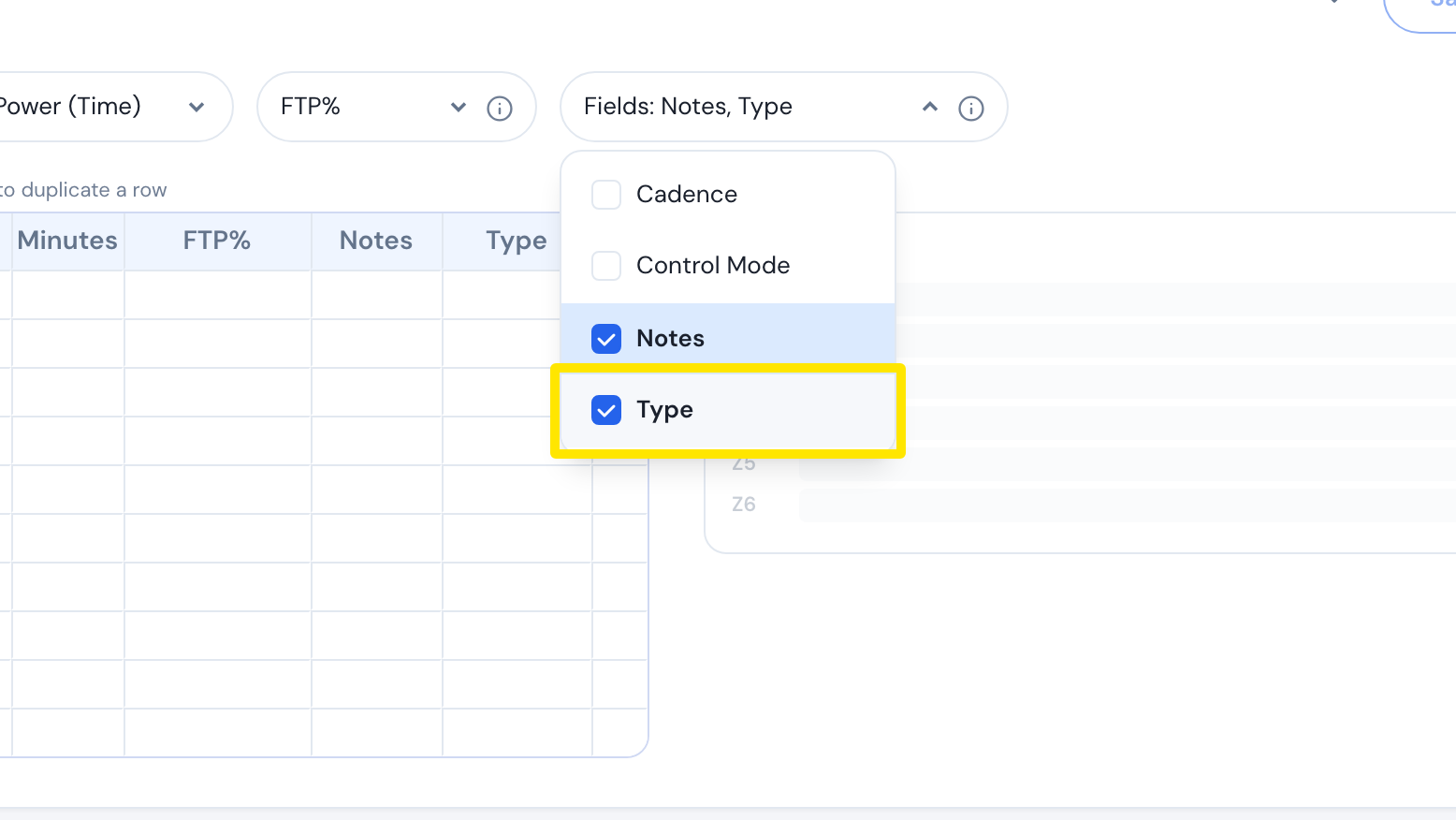 Where: Website · Create Workout · open it
- Click the Type cell of the interval and pick open-ended.
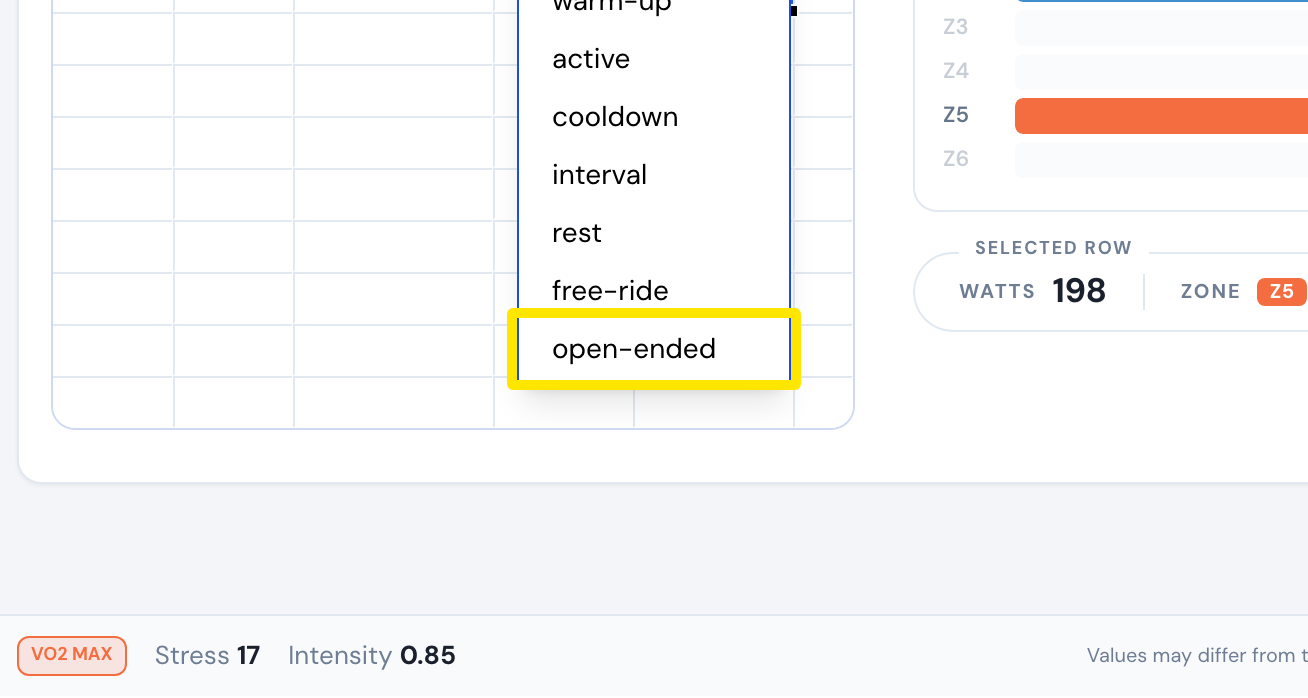 Where: Website · Create Workout · open it
- Click Save workout, then send the workout to Garmin or TrainingPeaks. There, that step has no set length and ends when you press lap.
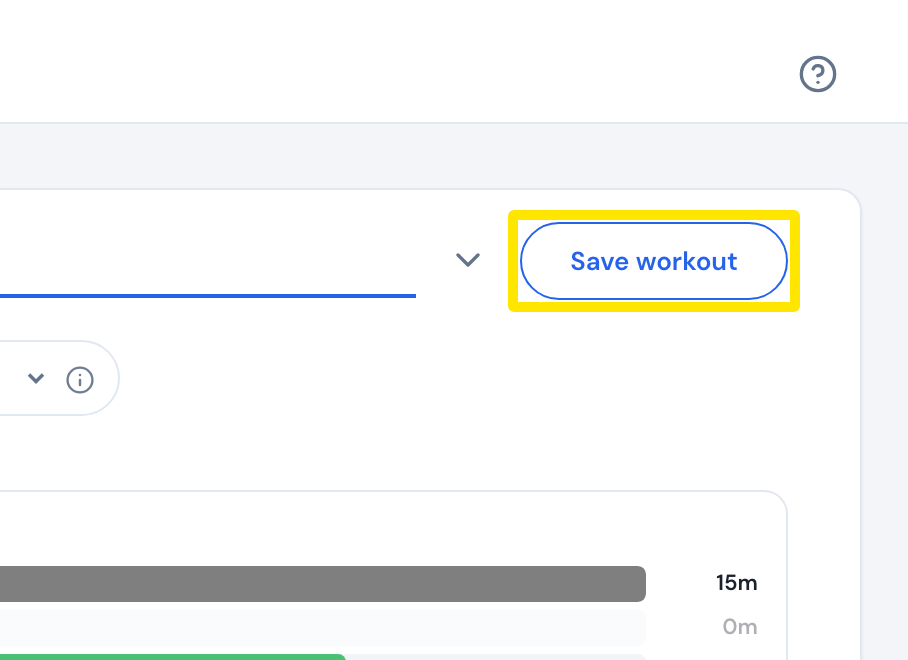 Where: Website · Create Workout · open it
Good to know: The lap Type is only a label and does not end an interval. For Zwift, use free-ride instead.
Works on: Garmin and TrainingPeaks only. In the TrainerDay mobile and desktop apps, an open-ended interval plays for its set time.