

How do I start my first ride in TrainerDay?
Open the TrainerDay mobile app's Workouts tab, tap Ride Now on a workout, then press Start or just start pedaling to begin your first ride.
Clicked Ride Now on the website? Open the mobile or desktop app to ride, because the website does not ride workouts. See How do I use TrainerDay on the website?
- Open the TrainerDay mobile app and tap the Workouts tab at the bottom. Use the Today tab instead for today's planned workout.
- Tap Ride Now on a workout. You can also tap the workout to see it, then tap Ride Now.
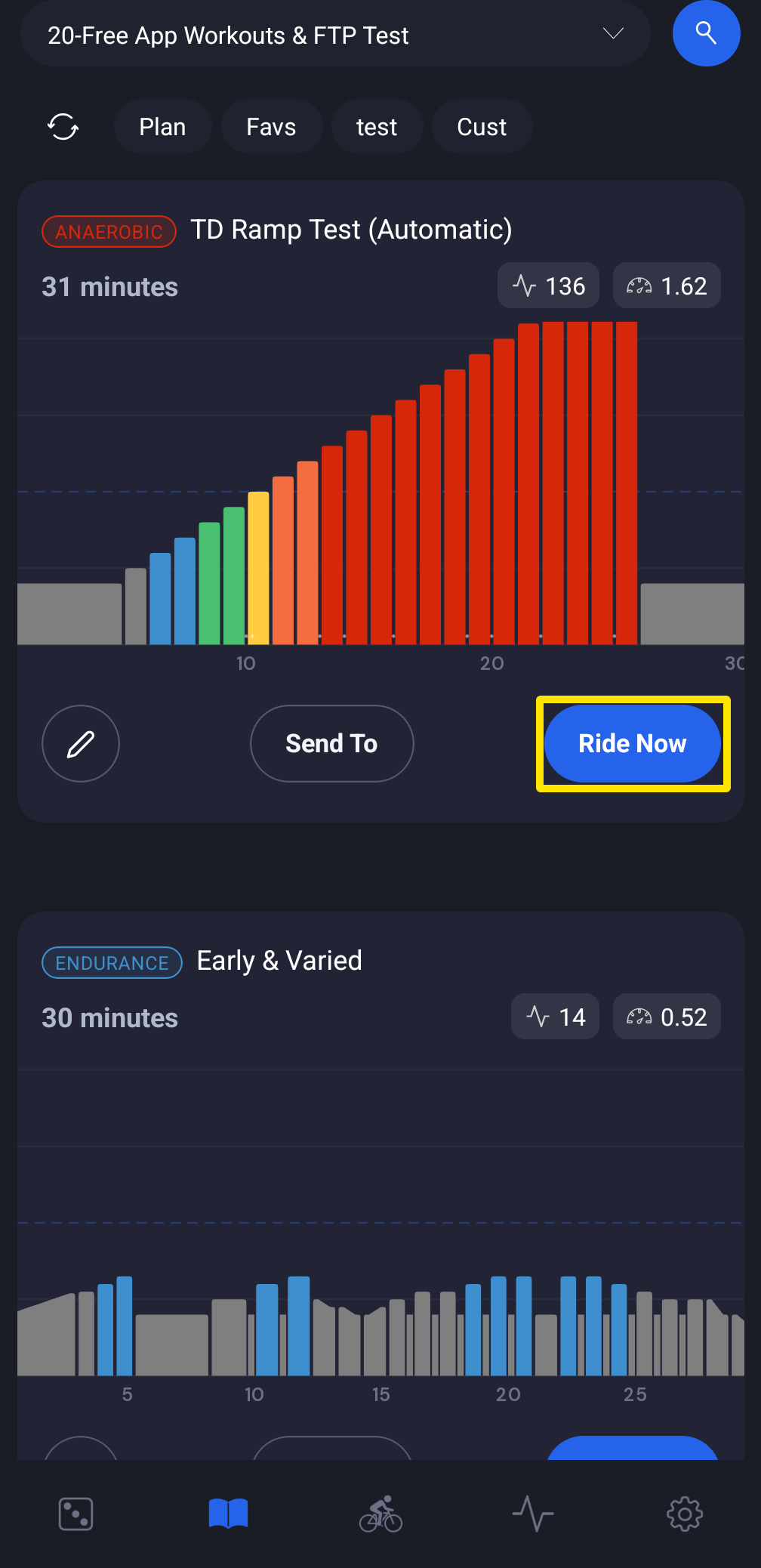 Where: Mobile app · Workouts tab
- The workout opens in the player. Connect your trainer if the app asks.
- Press Start, or just start pedaling. The ride starts by itself as soon as power or cadence comes in.
Good to know: Auto start does not work if Disable Auto Start/Stop is on in Settings → Other Options.
Works on: iPhone, Android, and the Mac, Windows and Linux desktop app. In the desktop app, press Play or the Space bar in the player. You cannot ride on the website.