

How do I find the TrainerDay how-to guides?
Find the TrainerDay how-to guides on the blog by clicking Blog at the bottom of the left sidebar on the TrainerDay website.
- On the website (app.trainerday.com), click Blog at the bottom of the left sidebar. It opens trainerday.com/blog, where the TrainerDay guides are.
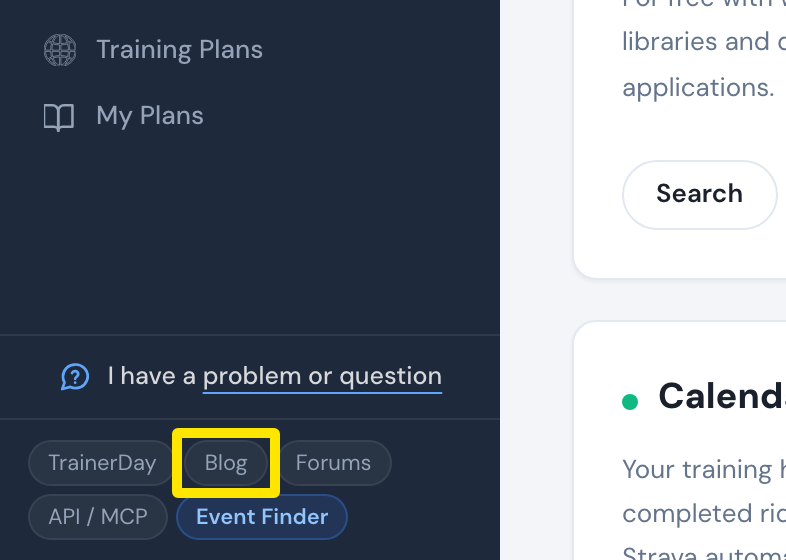 Where: Website · Home · open it
- Start with the Getting Started guide (trainerday.com/blog/getting-started).
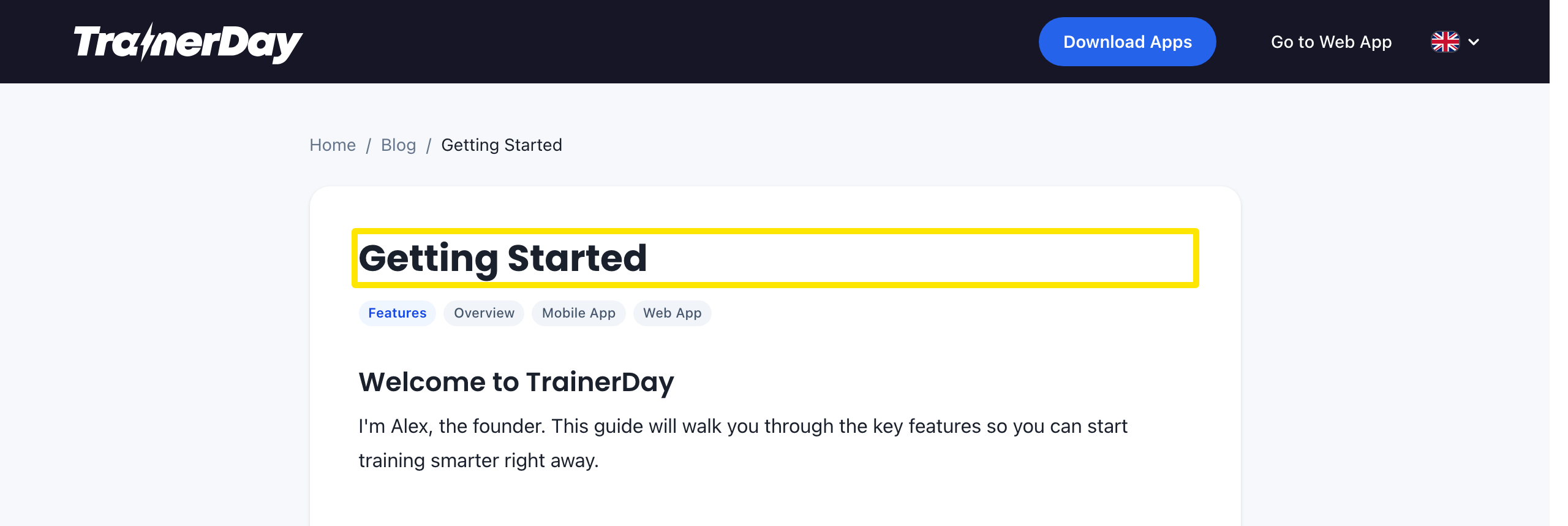 Where: trainerday.com · Blog → Getting Started
- You can also click Frequently Asked Questions → on the website's Home page to open the blog.
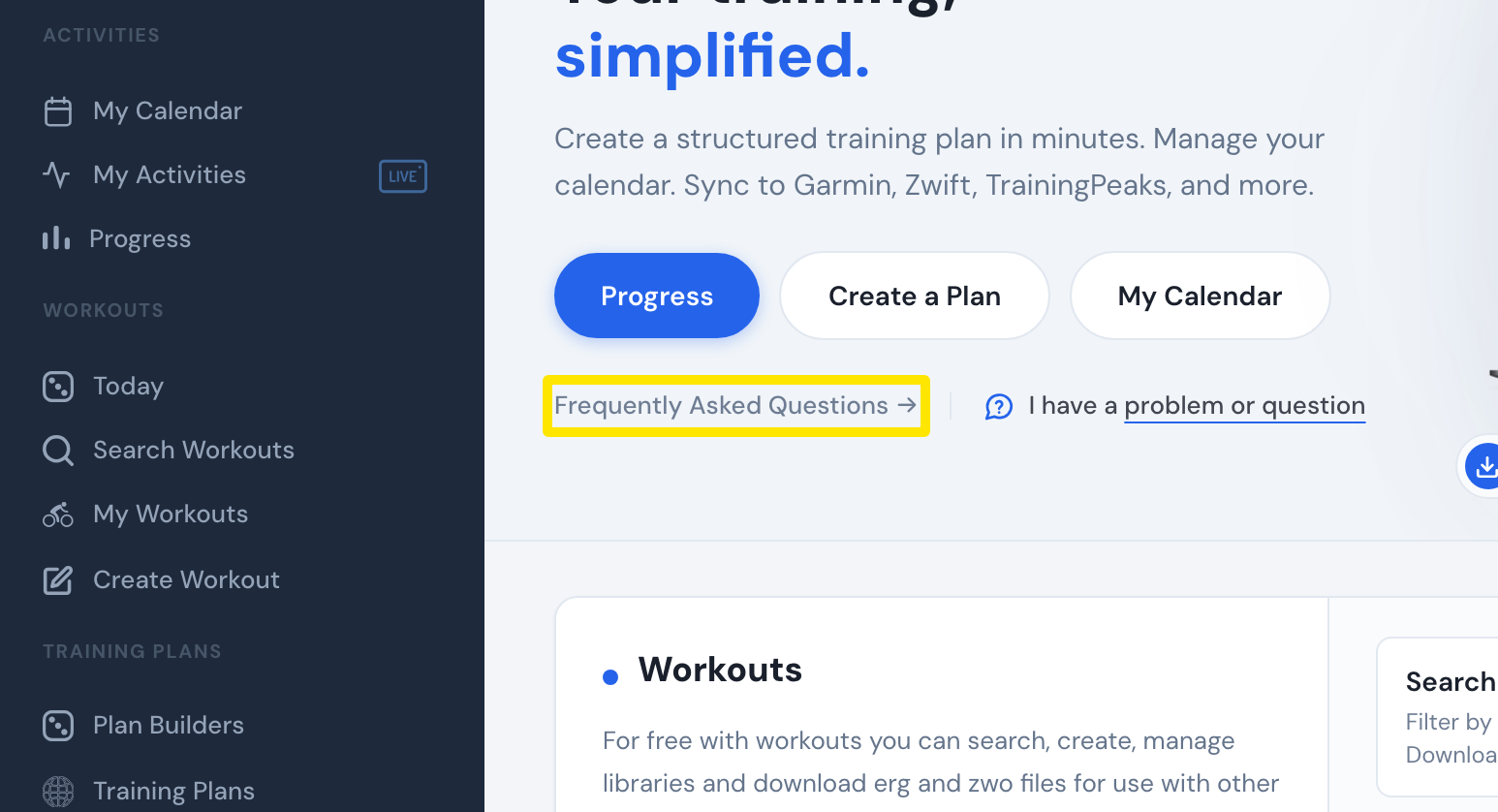 Where: Website · Home · open it
- If the guides don't answer your question, click I have a problem or question at the bottom of the left sidebar.
Good to know: There is no glossary page. For metrics, see trainerday.com/fitness-performance-metrics or the About these numbers popup in an activity's range comparison.
Works on: Website only. The mobile app has no link to the guides. Use I have a problem or question on the Today tab or in Settings. In the desktop app, Settings → More Information → Help opens trainerday.com/contact-us.