

How do I find out about new TrainerDay features?
TrainerDay has no public roadmap; new features are posted in the forum's "Announcements and New Features" category, which you can watch, and on the website the bell next to your name opens the latest announcements.
- On the forum, open Announcements and New Features (forums.trainerday.com/c/new-features/28). Every new feature is posted there.
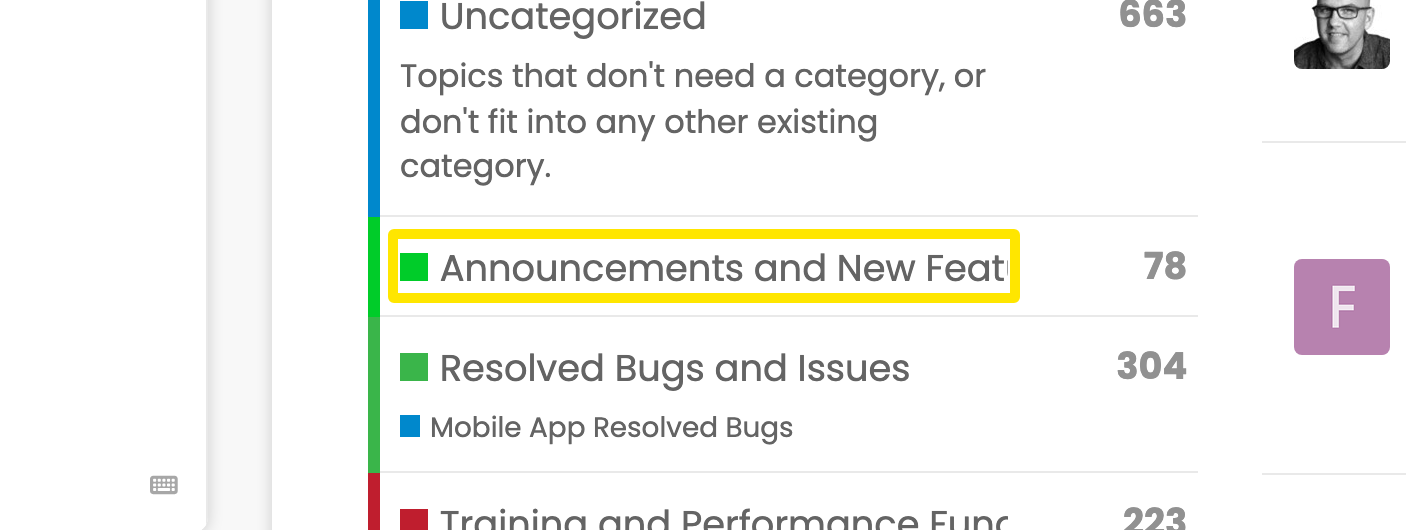 Where: Forum · forums.trainerday.com
- To be told about new posts, click Log In on the forum (it uses your TrainerDay account). Then set the category's bell to Watching or Watching First Post.
- On the website (app.trainerday.com), a ringing bell next to your name in the left menu means there is news. Click it to open Alerts and News with the latest announcement posts and View all.
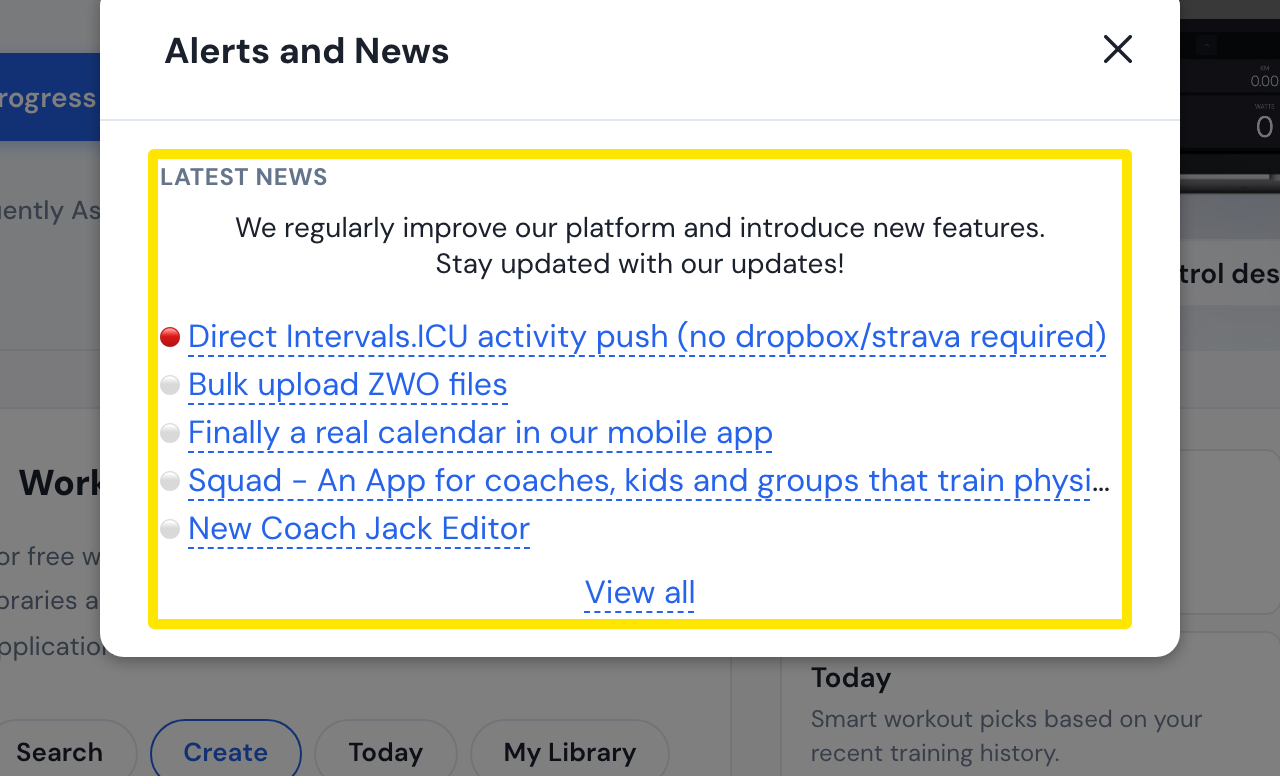 Where: Website · Home · open it
Good to know: The desktop app shows a "What's new in TrainerDay <version>" card once after an update, and lists every release under Settings → More Information → Release Notes → What's new.
Works on: Forum and website for announcements; desktop app for release notes. The mobile app has no What's New screen, only the store's release notes.