

How do I suggest a fix for a wrong translation in the app?
To suggest a fix for a wrong translation, note the wrong text and where it appears, then send it with your better wording through "I have a problem or question" at the bottom of the website's left menu, or by email.
- Note the wrong text, the language, and the page or screen where it appears. A screenshot helps.
- Open the website at app.trainerday.com and click I have a problem or question at the bottom of the left menu.
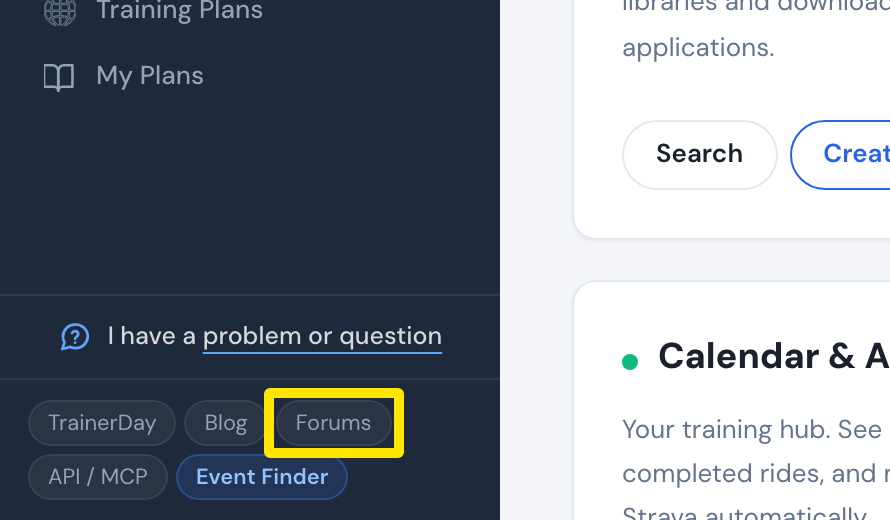 Where: Website · Home · open it
- Write the wrong text and your better wording, then click Send. Or email [email protected] with your screenshot.
Good to know: You can't edit translations yourself. TrainerDay makes the fix after you report it.