

How do I get support in my language?
Write your question in your own language from the help link in the TrainerDay website or app, and Alex replies by email in that language.
- On the website (app.trainerday.com), log in and click I have a problem or question at the bottom of the left menu. The Home page has the same link.
- In Ask a question or tell us your problem, write your question in your own language, such as Dutch or Spanish. Click Send.
- Alex replies by email. The reply is translated into the language you wrote in, with his English below it.
- No account? Open the Contact Us page (trainerday.com/contact-us). Fill in Email, Name and Message under Contact Form, then click Submit.
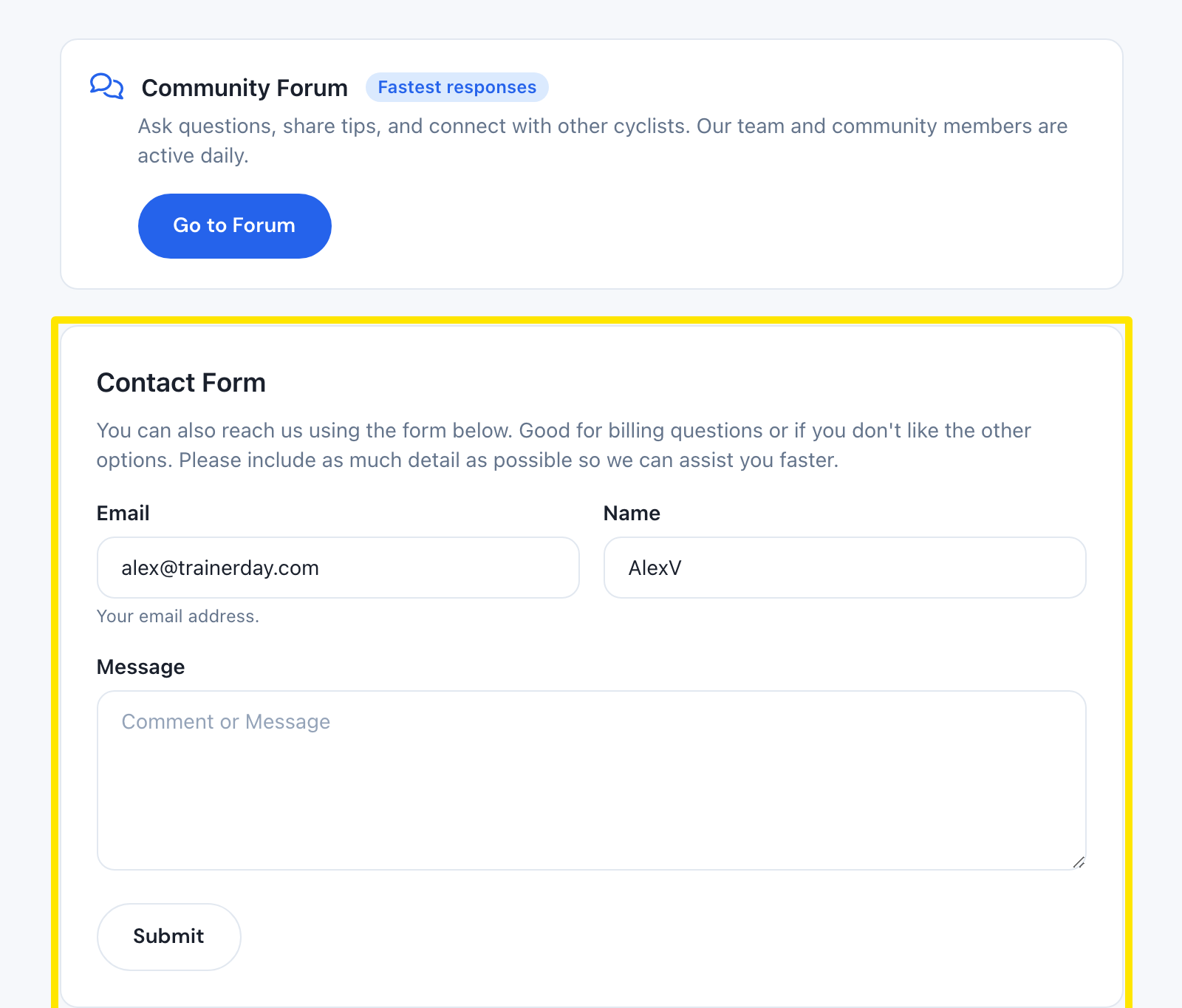 Where: Website · Contact Us (trainerday.com/contact-us) · open it
Good to know: If your language is unclear, the reply uses the language your app was showing, or else your account language.
Works on: Website (left menu); mobile app (Settings → I have a problem or question, first row); desktop app (Problem or question? in the top bar).