

How do I fix the TrainerDay app crashing or freezing on my phone or tablet?
Fix crashes or freezes in the TrainerDay mobile app by updating it, fully closing and reopening it, and, if it still fails, reinstalling it from the App Store or Google Play once your rides have uploaded.
- On your phone or tablet, open the App Store or Google Play and update TrainerDay. It needs iOS 17.6 or newer, or Android 8.0 or newer.
- Fully close the app and open it again. Your workout library downloads again on the Workouts tab.
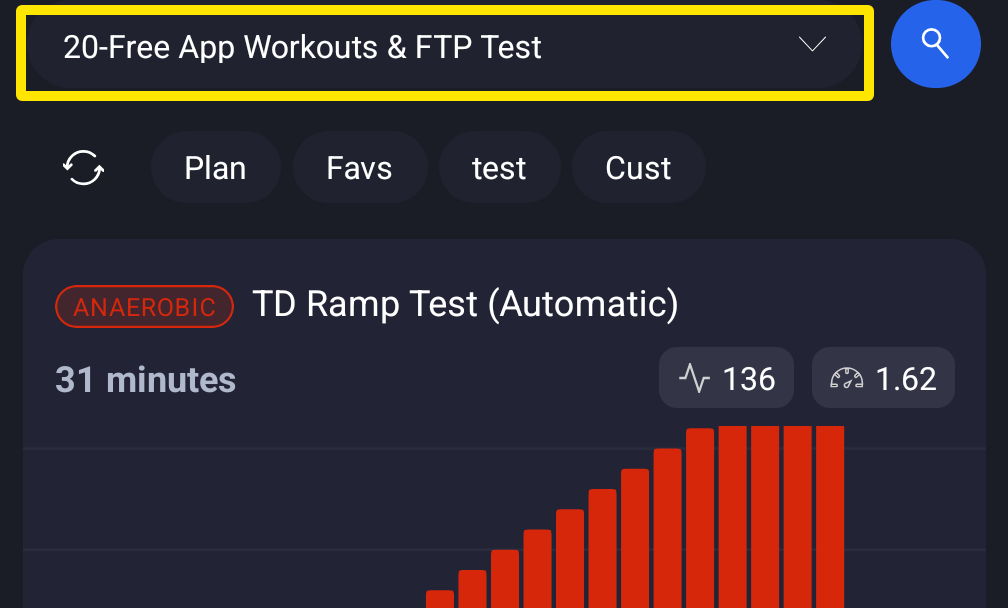 Where: Mobile app · Workouts tab
- Before reinstalling, go to the Settings tab → Logout/Reset. If Workouts not synced lists rides, tap Cancel and wait until they upload.
- Uninstall TrainerDay, install it again from the store and log in. Your workouts, plans and activities come back from your account.
Good to know: If the app crashes before you can open Settings, reinstalling will lose any ride that has not uploaded yet.