

How do I go back from the TestFlight beta to the App Store version?
To go back from the TestFlight beta to the App Store version, delete the TrainerDay test build from your iPhone or iPad, then install TrainerDay from the App Store and log in with the same account.
- On your iPhone or iPad, delete the TrainerDay test build (the TestFlight beta).
- Install TrainerDay from the App Store.
- Open TrainerDay and log in with the same account.
Good to know: Optional: to see which version you have, open the Settings tab in the TrainerDay mobile app and check TrainerDay App Version. Compare it with the version on the App Store page. iPhone and iPad releases go to TestFlight first, and the same builds then go to the App Store.
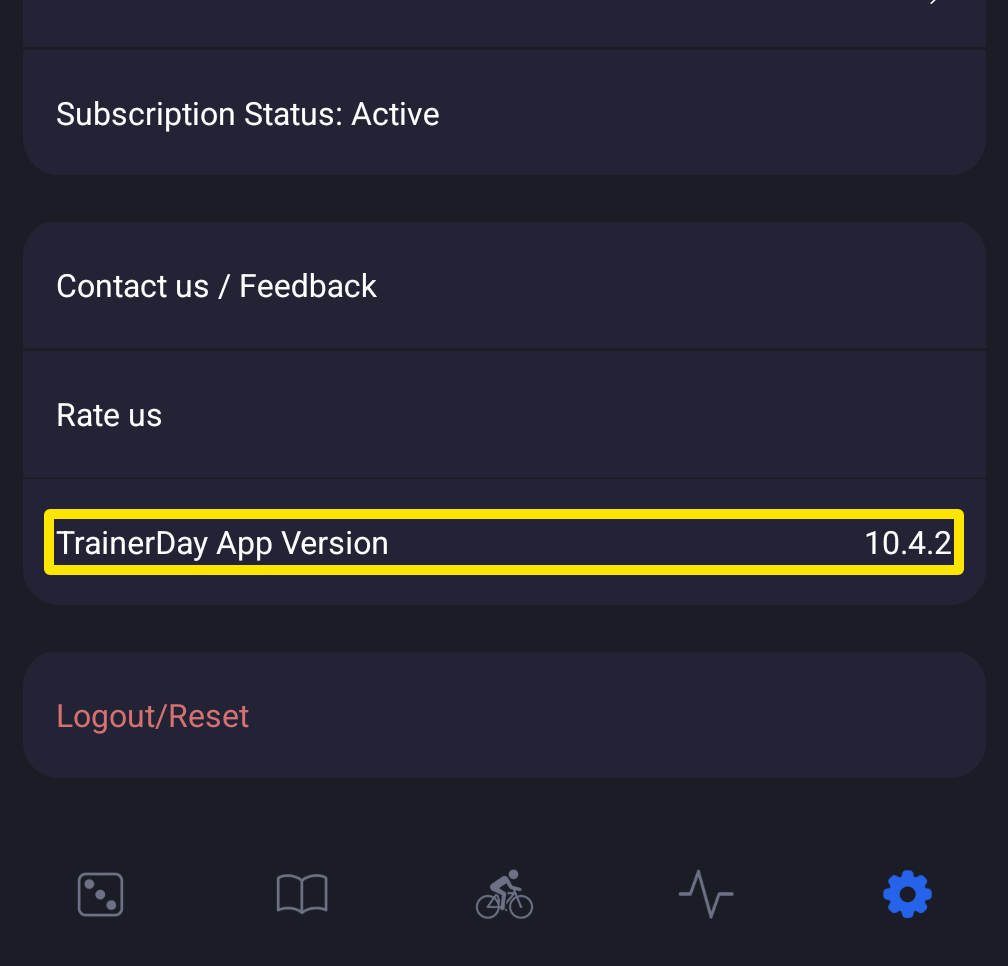 Where: Mobile app · Settings tab
Works on: iPhone and iPad only. Android and desktop have no public beta to leave.