

How do I join the TrainerDay beta on iPhone or iPad?
To join the TrainerDay beta on iPhone or iPad, ask TrainerDay for a TestFlight invite from the website, then install the test build with Apple's TestFlight app.
- On the TrainerDay website, click I have a problem or question at the bottom of the sidebar.
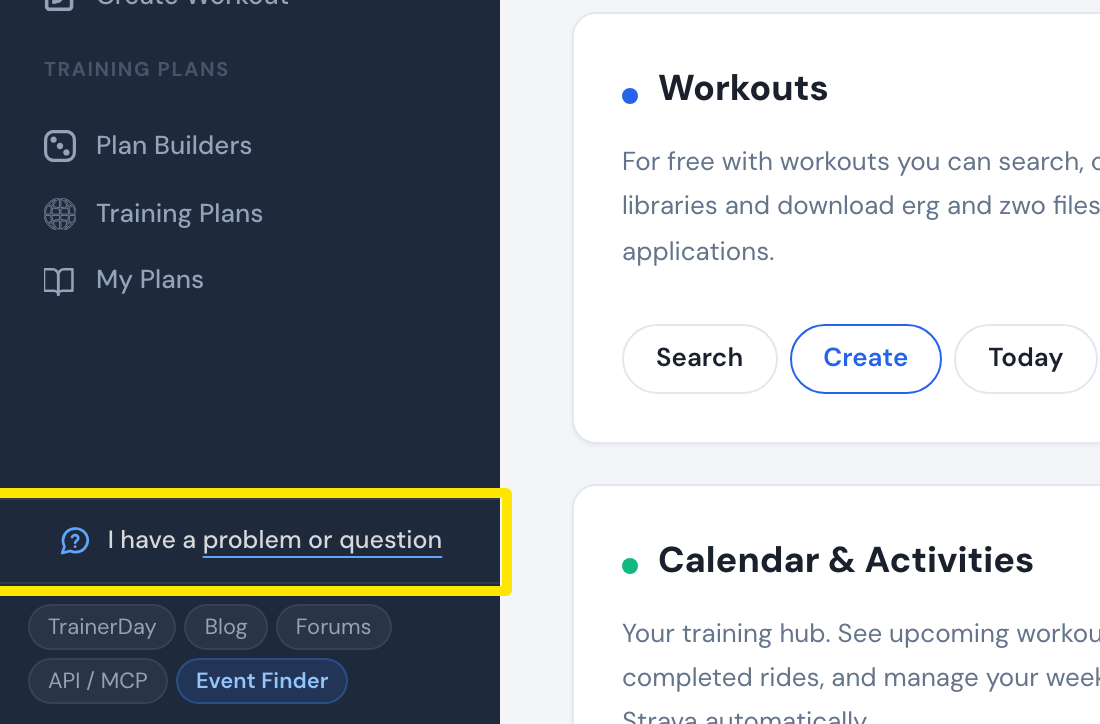 Where: Website · Home · open it
- In the window that opens, write that you want the iPhone/iPad beta, then click Send.
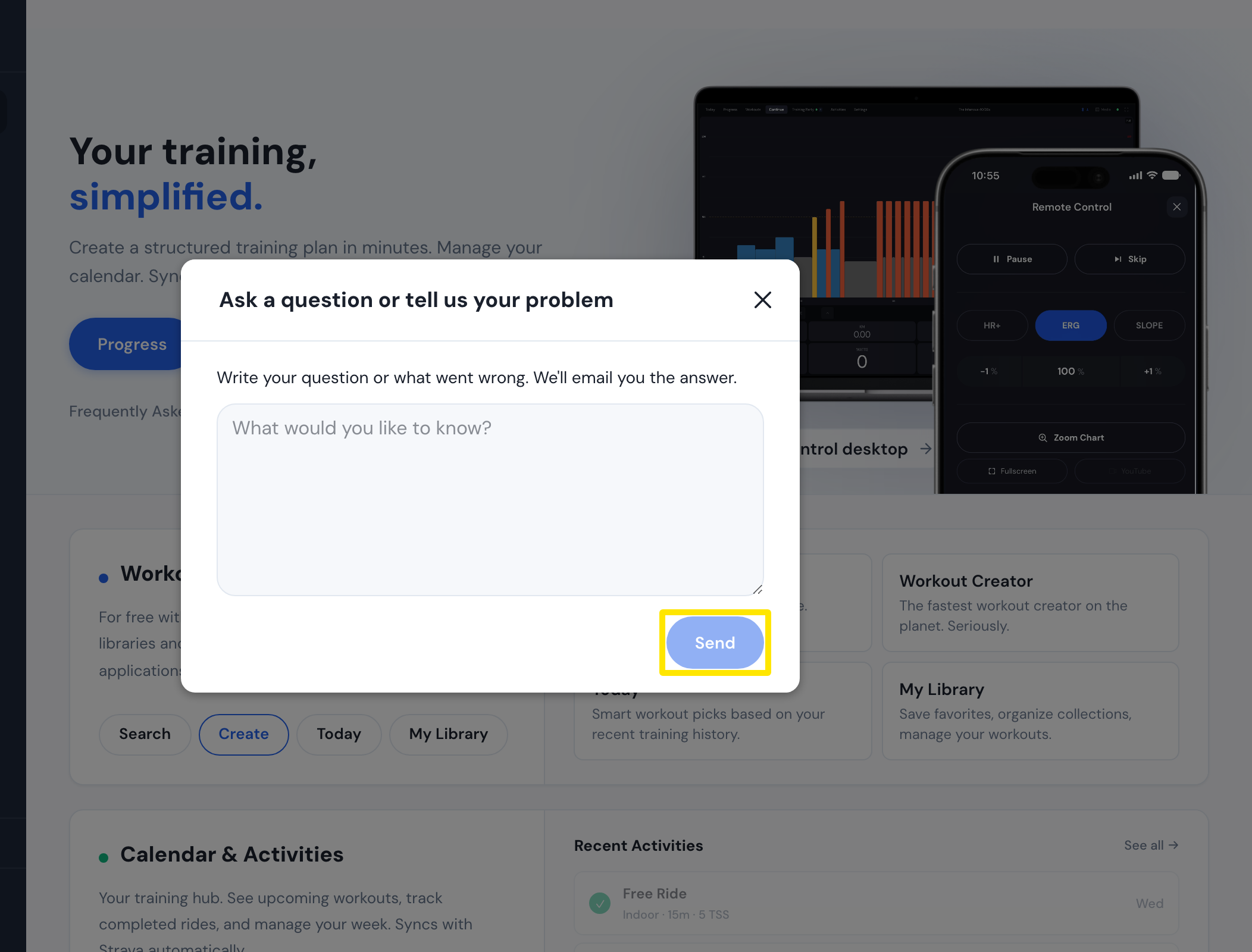 Where: Website · Home · open it
- On your iPhone or iPad, install Apple's TestFlight app from the App Store, then open the invite you get from TrainerDay.
- In TestFlight, tap Install next to TrainerDay.
Good to know: The test build needs iOS 17.6 or newer, and TestFlight builds expire after 90 days.
Works on: iPhone and iPad only. Android has no public beta, and there is no desktop beta now.