

How do I fix slow loading of activities and workouts in the app?
Slow Activities or Workouts lists in the TrainerDay mobile app usually mean the list needs to sync again with the server: pull each list down to refresh it, and if that doesn't help, fully close and reopen the app.
- In the mobile app, open the Activities tab and pull the list down to refresh it. The app loads the current month first, so a long history does not load all at once.
- Open the Workouts tab and pull the list down. This syncs your workout library with the server again.
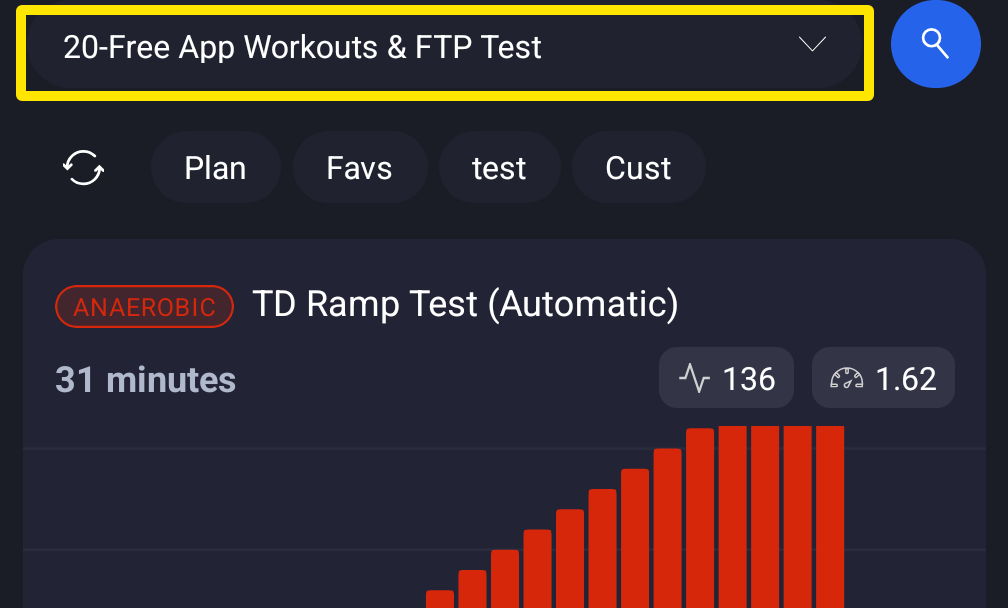 Where: Mobile app · Workouts tab
- If it is still slow, fully close the app and open it again. This downloads the workout library again. After an app update, the whole library is rebuilt once.
Works on: On the website, My Activities and My Workouts reload when you refresh the browser. In the desktop app, the Activities and Workouts pages load from your account when you open them.