

How do I check if my phone or tablet can run the TrainerDay app?
Check your phone or tablet's system version in its Settings: TrainerDay needs iOS 17.6 or newer on iPhone and iPad, and Android 8.0 or newer on Android.
- On an iPhone or iPad, open Settings > General > About and read iOS Version (iPadOS Version on an iPad). TrainerDay needs iOS 17.6 or newer.
- On Android, open Settings > About phone (on some phones Settings > About phone > Software information) and read Android version. TrainerDay needs Android 8.0 or newer.
- If your version is new enough, open trainerday.com/download and scan the QR code with your phone, or tap the App Store or Google Play badge on your phone.
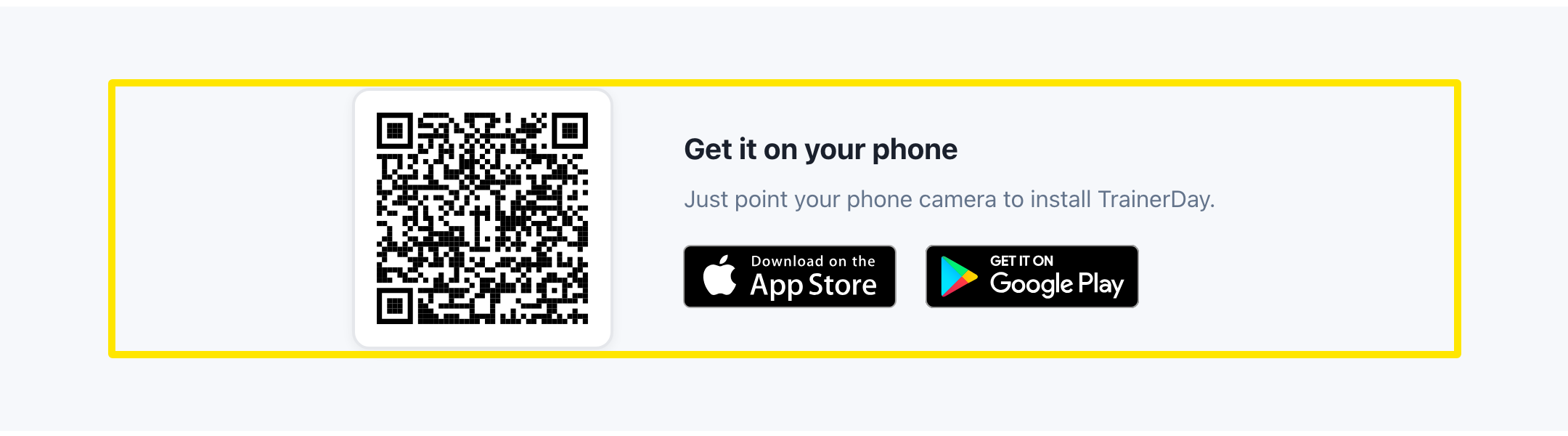 Where: Website · trainerday.com/download · open it
Good to know: The download page's iPhone & iPad card says iOS 15+, but the app needs iOS 17.6 or newer. No phone? The desktop app runs on Windows 10 & 11, Mac (Apple Silicon and Intel) and Linux x64.