

How do I tell other riders about TrainerDay?
TrainerDay has no referral or invite link, so you tell other riders about it by sharing a workout link from the website, a plan's Share button, or a ride's share card in the mobile app.
- On the website, open a workout's page from Search Workouts or My Workouts at app.trainerday.com, then click Share.
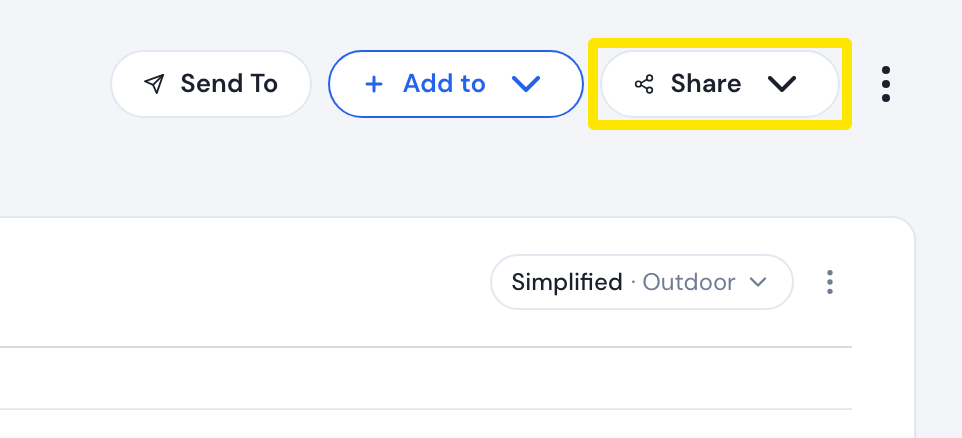 Where: Website · a workout's page (click a workout in Search Workouts or My Workouts)
- Click Copy Link and paste the link wherever you want. Use Embed Code to put the workout on a website.
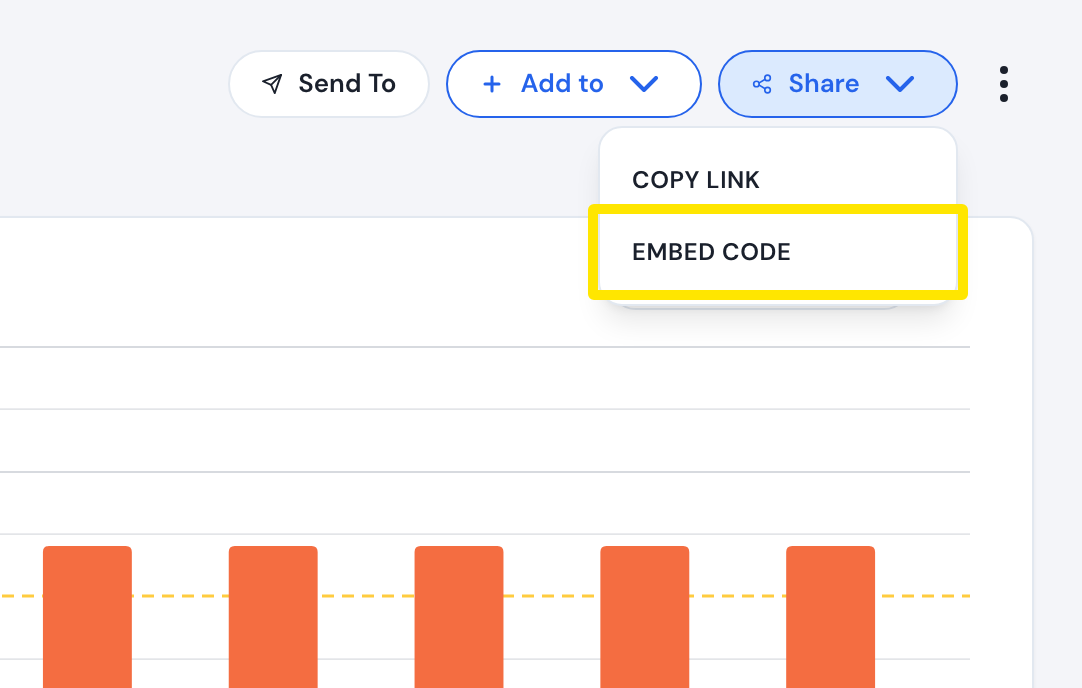 Where: Website · a workout's page (click a workout in Search Workouts or My Workouts)
- To share a plan, go to My Plans in the left menu at app.trainerday.com/plans, open the plan and click Share.
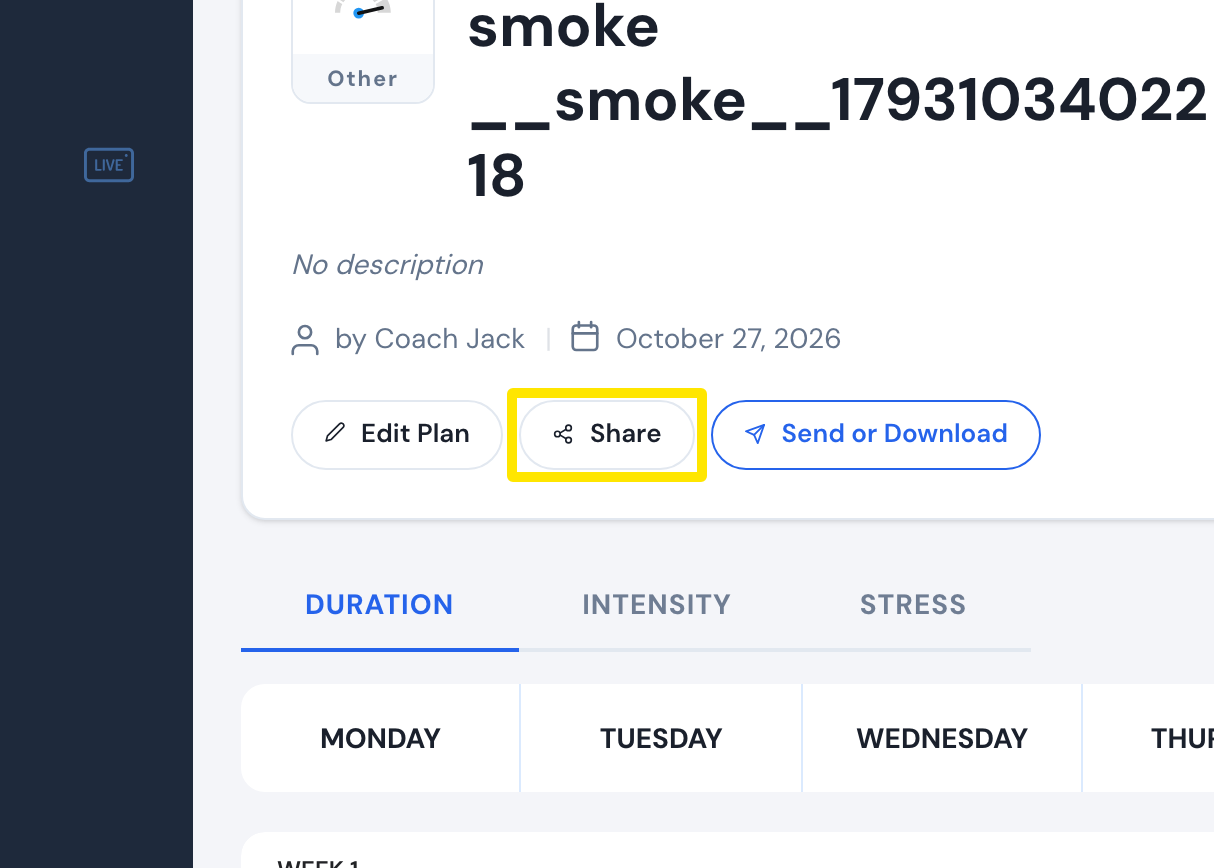 Where: Website · My Plans → View plan · open it
- In the mobile app, open the Activities tab, tap a ride, then tap the share button to make a share card of the ride.
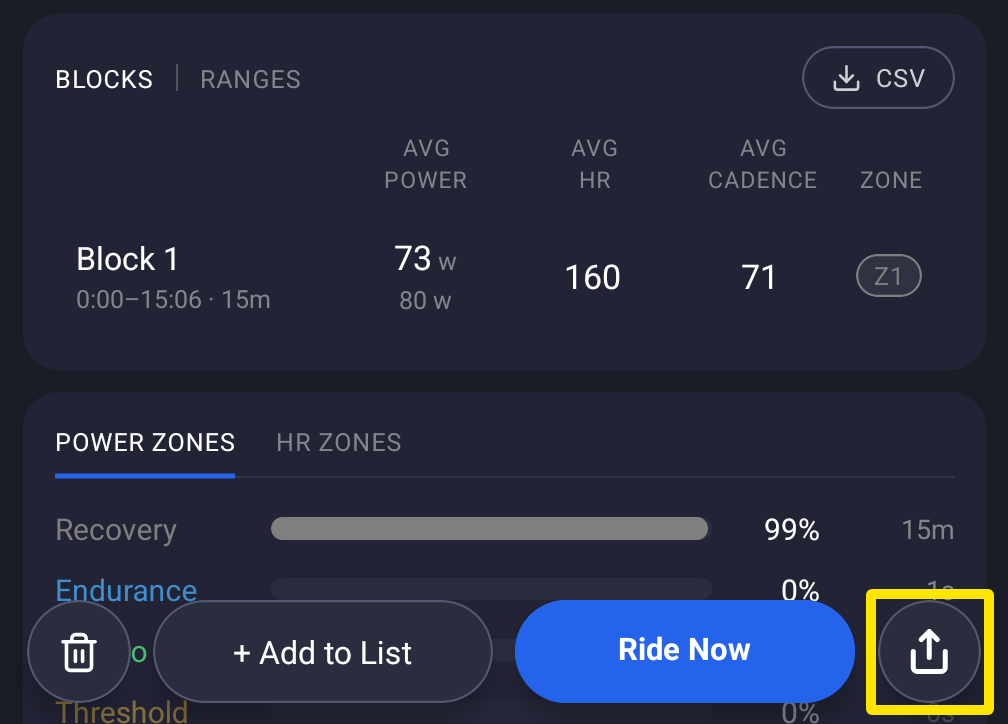 Where: Mobile app · Activities tab → tap a ride
Good to know: You can also share TrainerDay's posts on Facebook, Instagram and YouTube. The links are at the bottom of trainerday.com.