

How do I contact TrainerDay support?
Contact TrainerDay support by clicking "I have a problem or question" at the bottom of the website sidebar, using the Contact Form at trainerday.com/contact-us, or emailing [email protected].
- On the website, open app.trainerday.com and click I have a problem or question at the bottom of the sidebar.
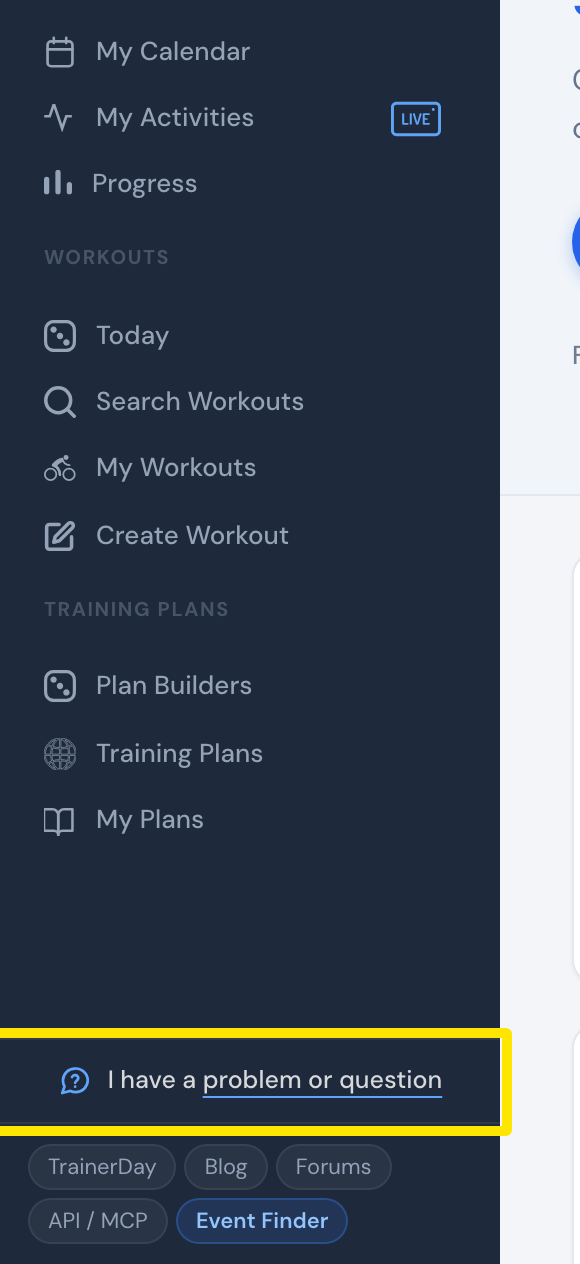 Where: Website · Home · open it
- In the window that opens, write your question and click Send. Alex replies by email.
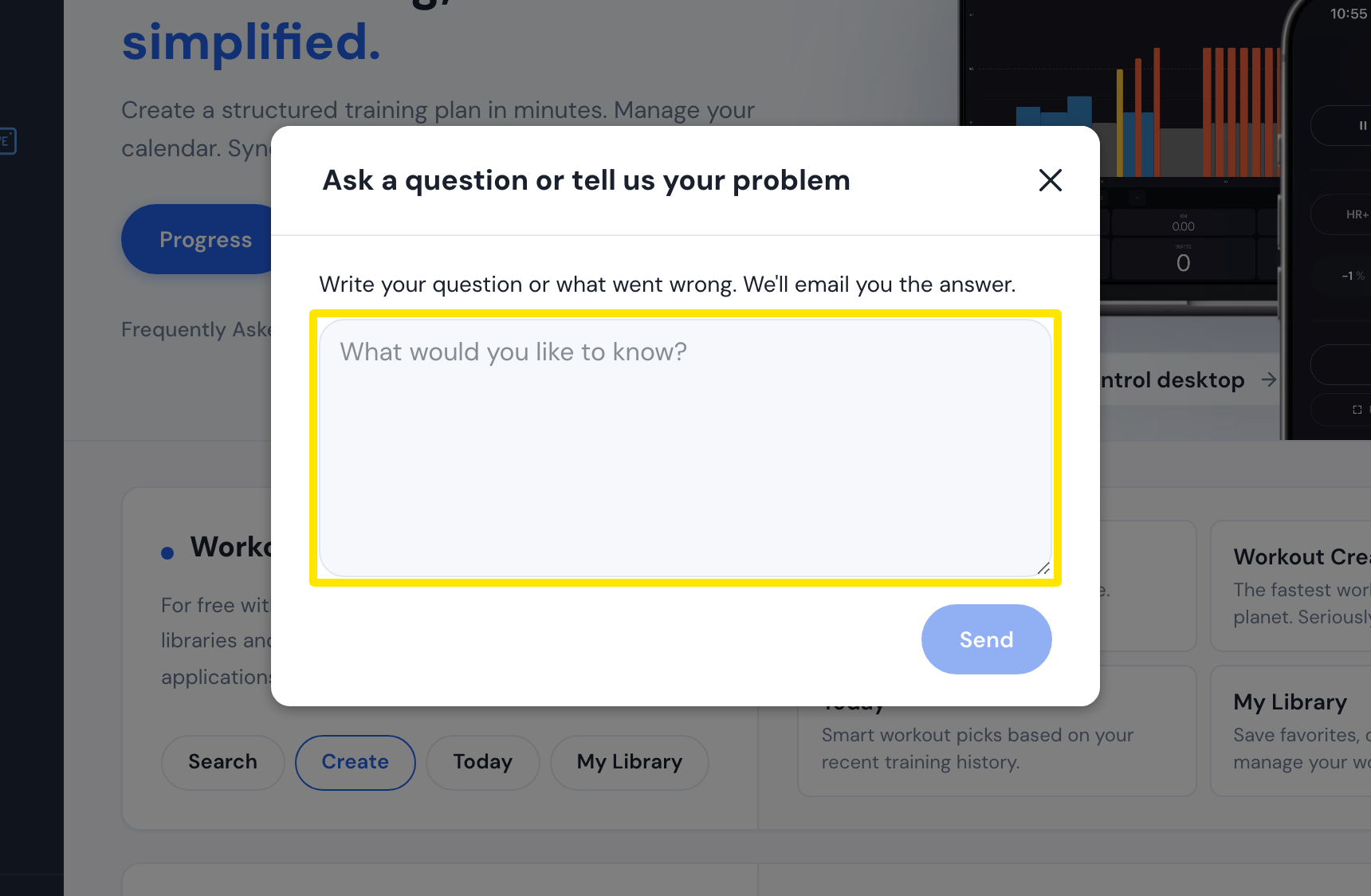 Where: Website · Home · open it
- Or open trainerday.com/contact-us, fill in Email, Name and Message under Contact Form, and click Submit.
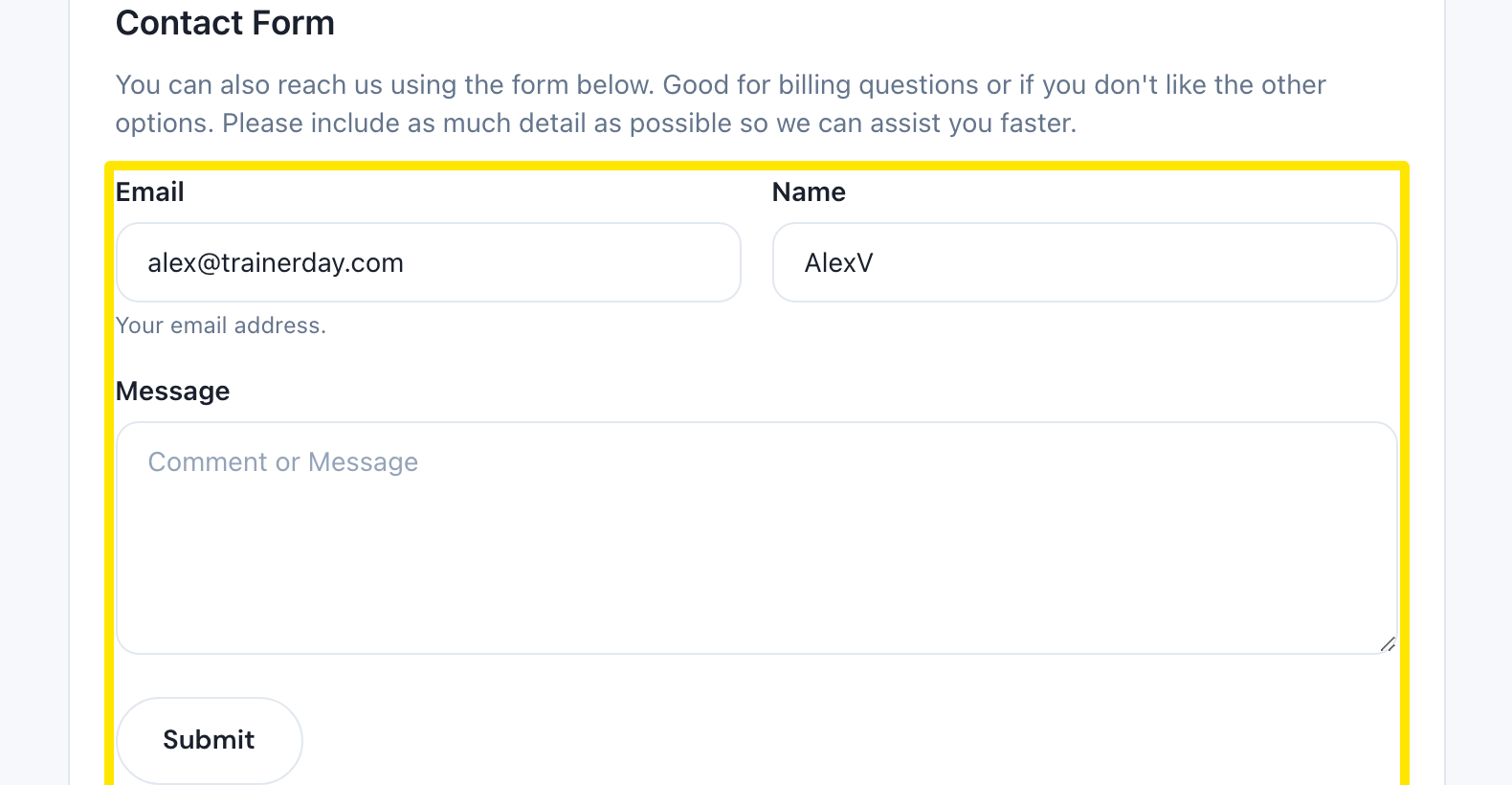 Where: Website · Contact Us page (trainerday.com/contact-us)
- Or email [email protected]. You can attach FIT or TCX files, activity links and videos of bugs.
 Where: Website · Contact Us page (trainerday.com/contact-us)
- For questions other riders can answer too, click Go to Forum on the same page.
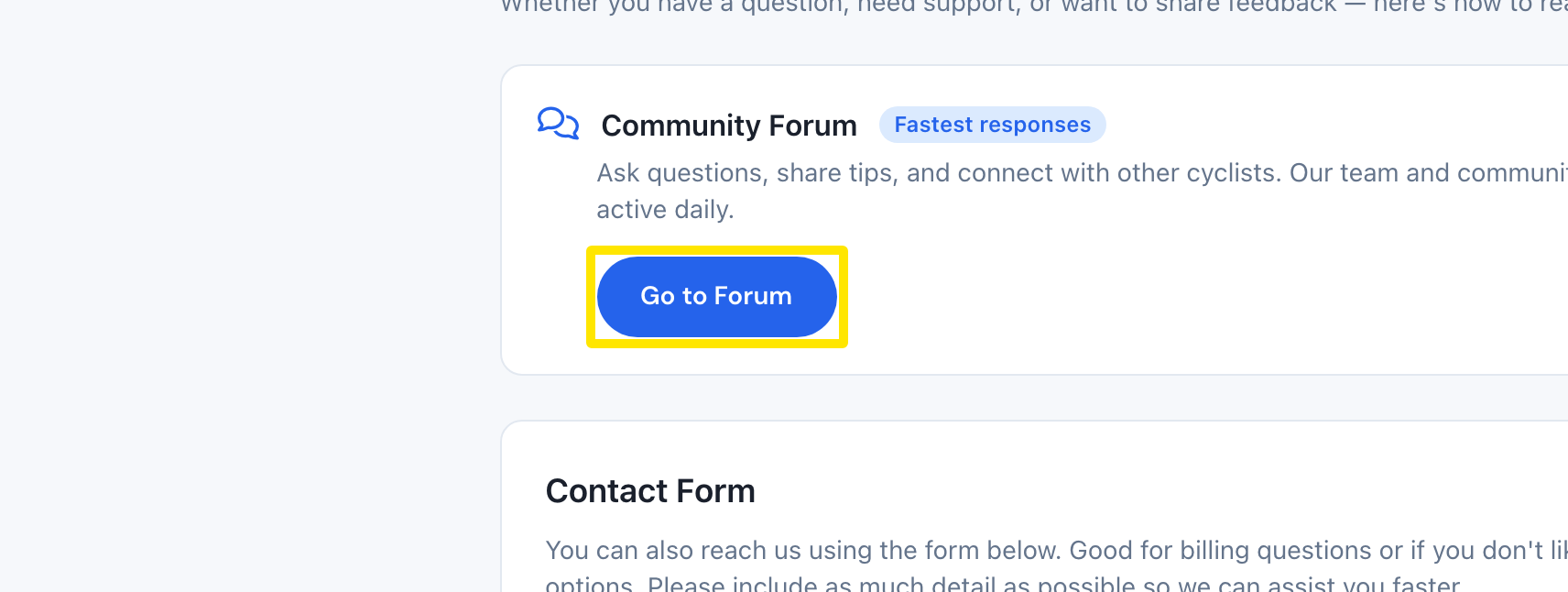 Where: Website · Contact Us page (trainerday.com/contact-us)
Good to know: Alex usually replies within 4 hours, almost always within 24; weekends can be slower. You can write in your own language.
Works on: Website (sidebar), mobile app (Settings → I have a problem or question, or Contact us / Feedback), desktop app (Problem or question? in the top bar).