

How do I give support the details they need to fix my problem?
Send your problem from the website's "I have a problem or question" box with what happened and your setup, then email any files to [email protected].
- On the website (app.trainerday.com), log in to your TrainerDay account and click I have a problem or question at the bottom of the left menu. Your account and email go with the request.
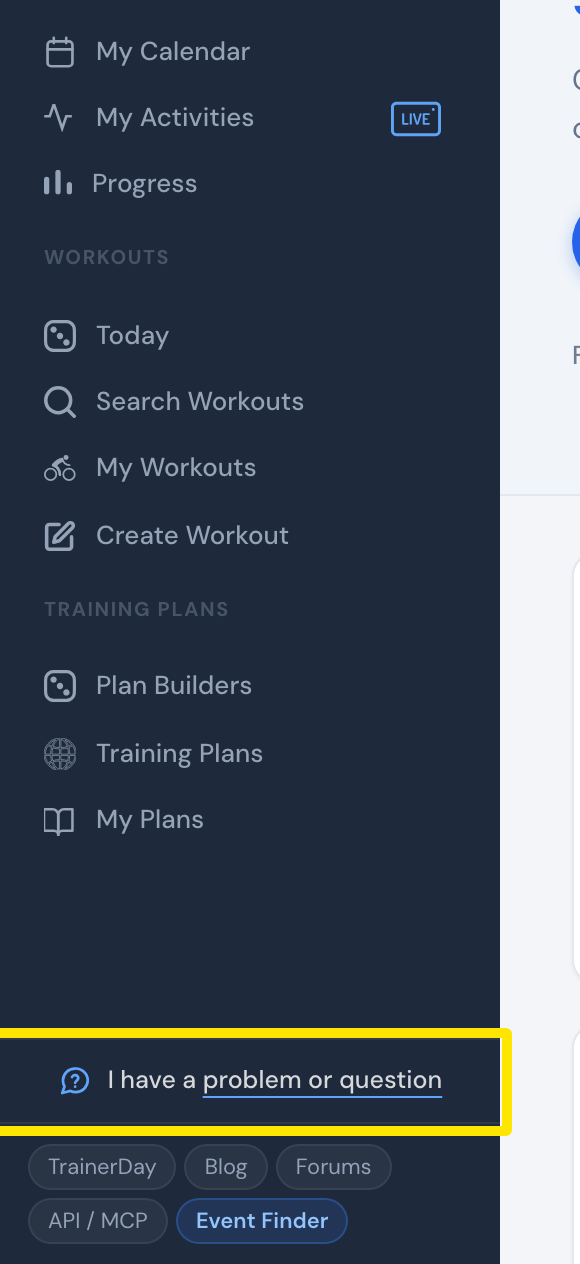 Where: Website · Home · open it
- In the Ask a question or tell us your problem window, write what you did, what you expected, and what happened instead. Add which app, phone or computer and trainer you used. Click Send.
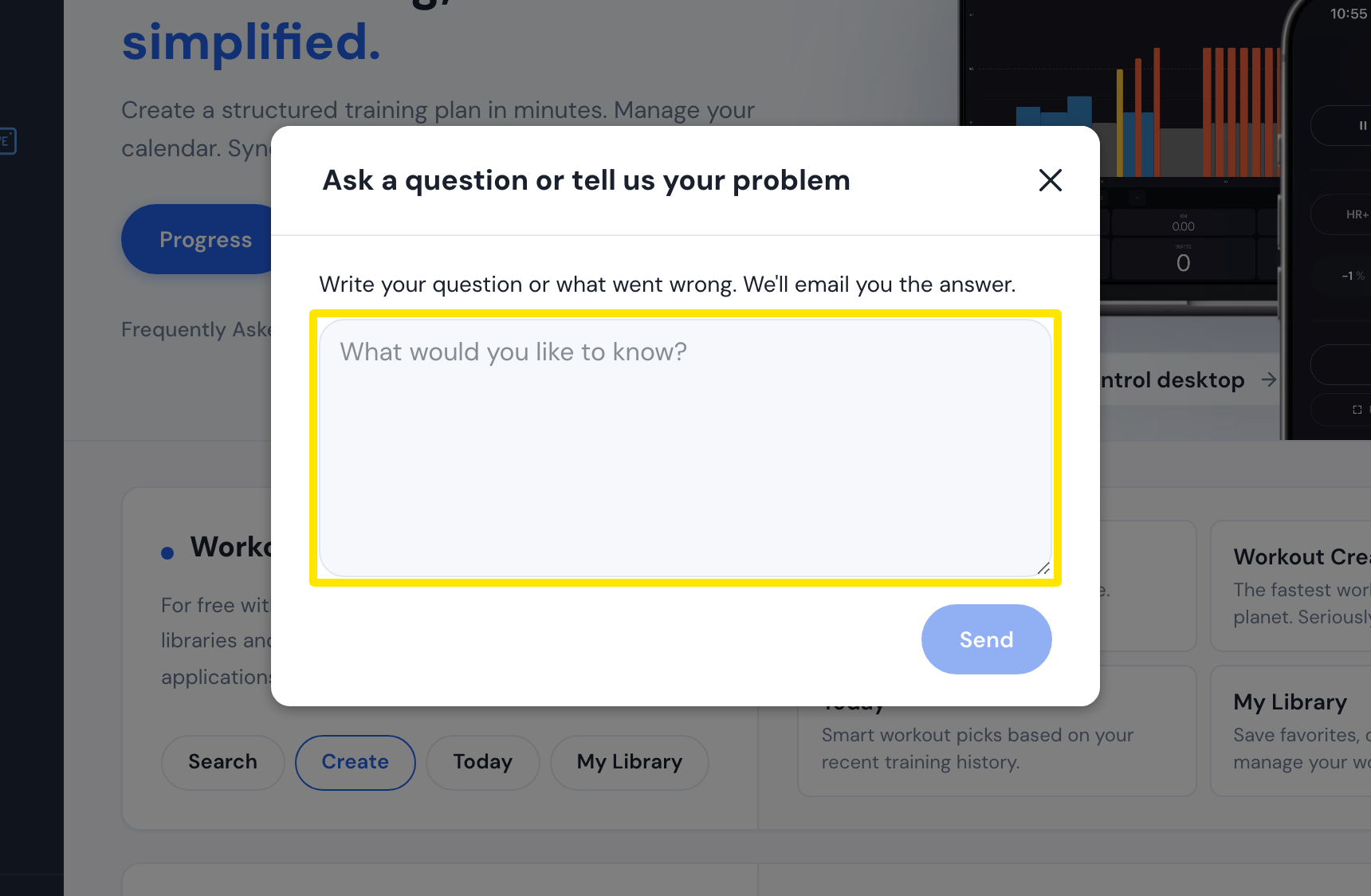 Where: Website · Home · open it
- To send files, like a FIT or TCX file, a screenshot or a video link, email [email protected] from your account's email address.
Good to know: In the mobile app (Settings tab → I have a problem or question) and the desktop app (Problem or question? in the top bar), your request includes the app version and the Bluetooth log automatically.