

How do I set up a troubleshooting session with the developer?
Ask for a call or screen-sharing session with Alex through "I have a problem or question" on the website, then set the time by email.
- On the website (app.trainerday.com), log in and click I have a problem or question at the bottom of the left menu.
- In Ask a question or tell us your problem, say you would like a call or screen-sharing session. Add what goes wrong and with which trainer and app. Click Send.
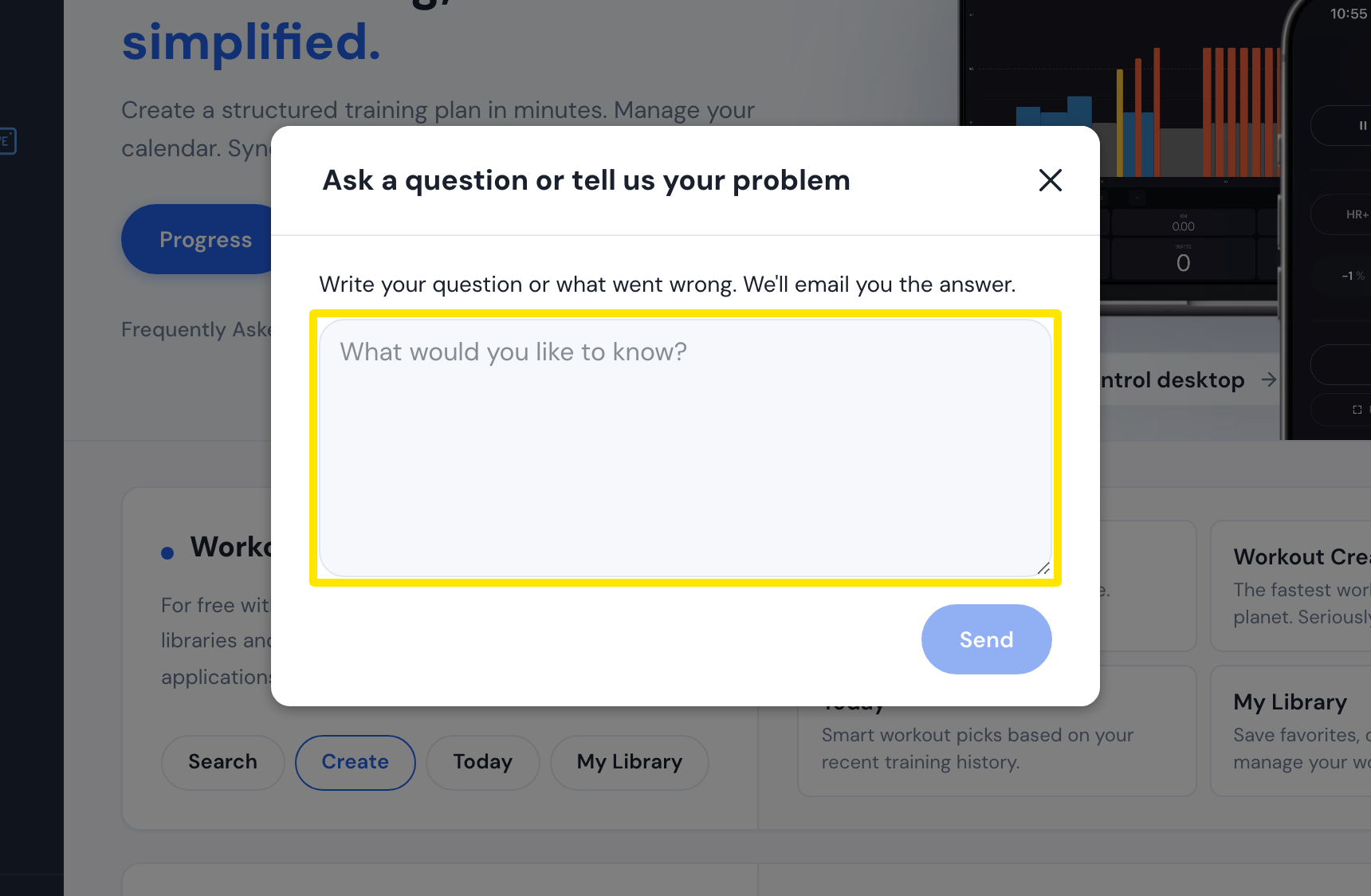 Where: Website · Home · open it
- Alex answers by email and sets up the session there.
Good to know: There is no booking page or calendar link. A request from the mobile app (Settings tab → I have a problem or question) or the desktop app (Problem or question? in the top bar) also sends your app version and recent Bluetooth log.
Works on: Website, mobile app, desktop app, or email [email protected].