

How do I use keyboard shortcuts in the desktop app?
Open the keyboard shortcuts list in the TrainerDay desktop app's Settings, then use the keys to control your workout.
- In the desktop app, open the Settings tab and go to More Information → Shortcuts → Keyboard Shortcuts to see the full list.
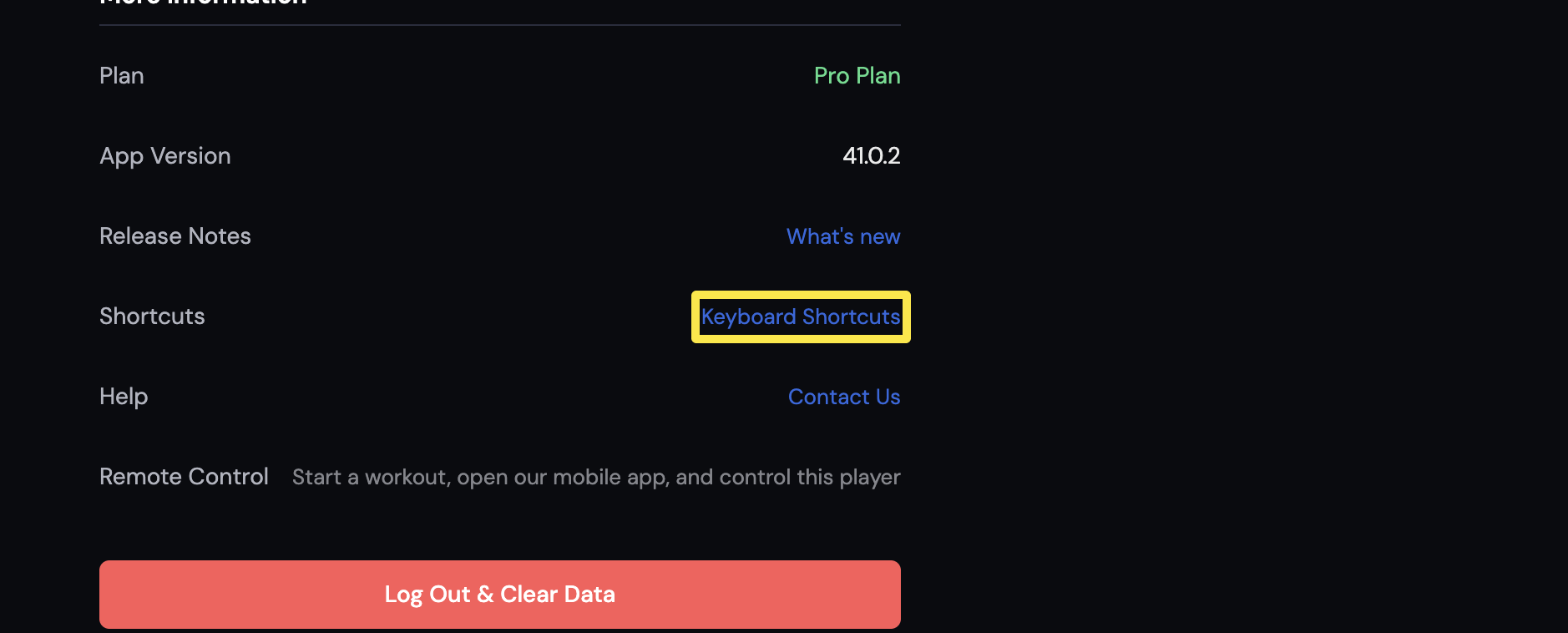 Where: Desktop app · Settings tab
- Switch tabs with Cmd+1 to Cmd+6 (Ctrl on Windows and Linux).
- During a workout, press Space to start, pause or resume.
- Press ↑ or ↓ to change ERG, Slope or HR+ targets. Press → to skip to the next segment.
- Press M to cycle the training mode, Z to cycle chart zoom, G for app fullscreen and F for video fullscreen.
- On a run, press Shift+↑ or Shift+↓ to change treadmill incline.
Good to know: The shortcuts popup shows the Ctrl and F11 versions on Windows and Linux.
Works on: Desktop app only (Mac, Windows, Linux). The mobile app and website have no workout shortcuts.