

How do I turn off auto-start in TrainerDay?
Turn off auto-start in the TrainerDay mobile app under Settings → Other Options, or in the desktop app under Settings → Workout Controls.
- In the mobile app, open Settings from the tabs at the bottom of the screen.
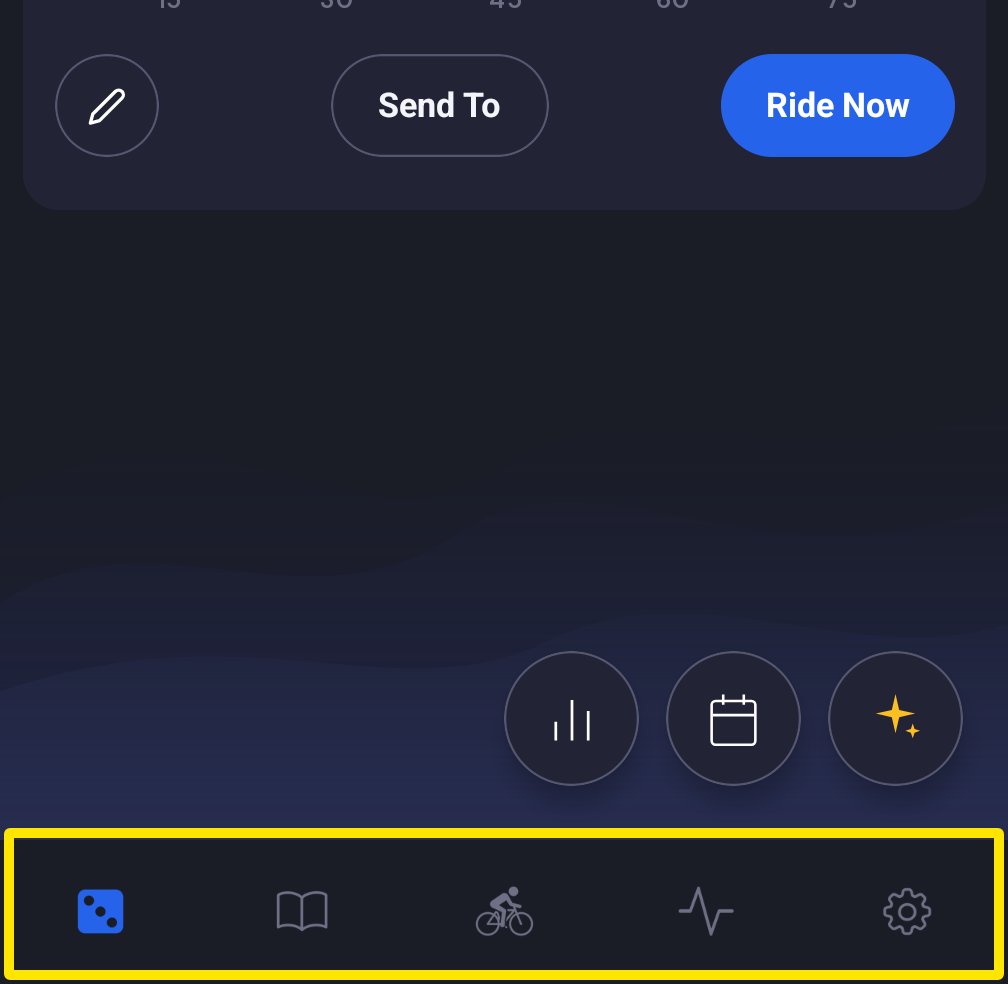 Where: Mobile app · the tabs at the bottom of the screen
- Go to Other Options and turn on Disable Auto Start/Stop. You then press Start and Pause yourself.
- In the desktop app (Mac or Windows), open the Settings tab.
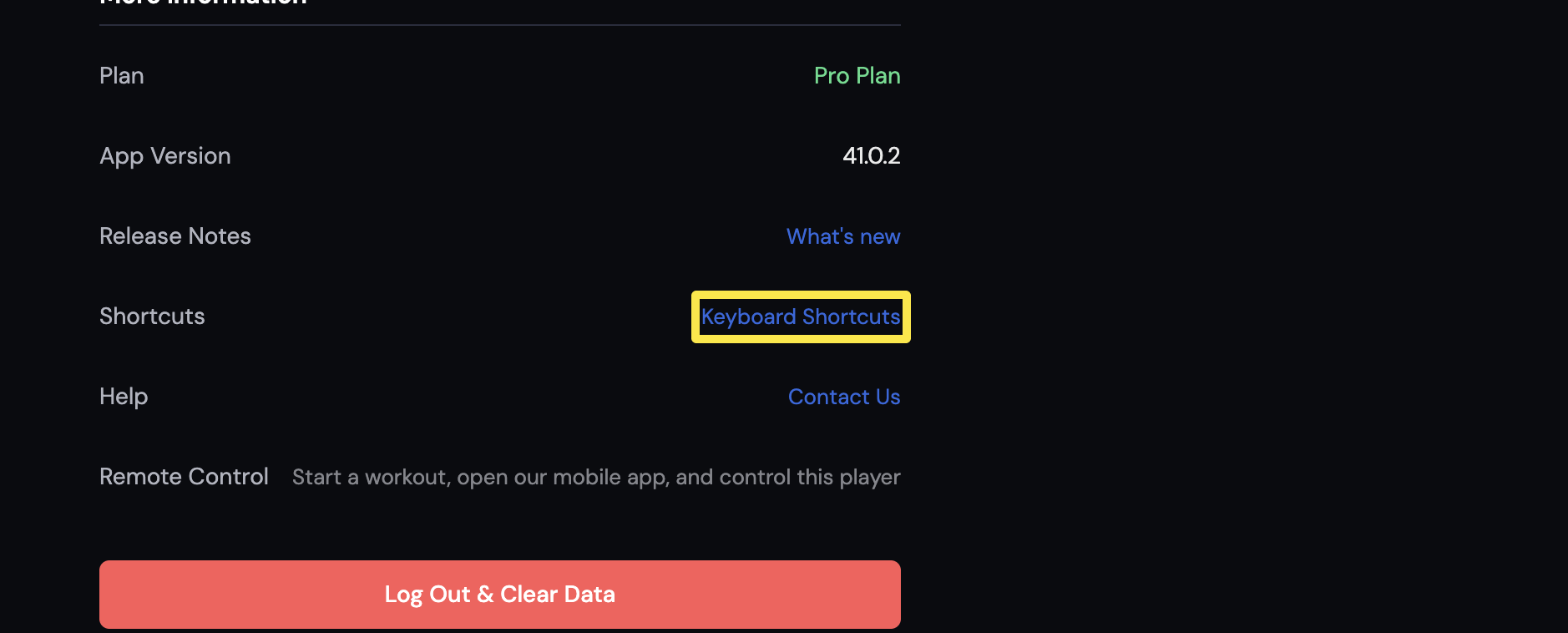 Where: Desktop app · Settings tab
- Go to Workout Controls and turn on Disable Auto Pause/Start.
Good to know: Pressing pause or the space bar during a ride also turns off auto-start and auto-pause.
Works on: mobile app and desktop app. The website has no workout player, so it has no auto-start.