

How do I ride my TrainingPeaks workouts in TrainerDay?
Connect TrainingPeaks and turn on Workout of the Day on the TrainerDay website, then ride your TrainingPeaks workouts as your plan in the TrainerDay mobile or desktop app.
- On the website, open the settings menu (gear icon) in the left sidebar and click Connections.
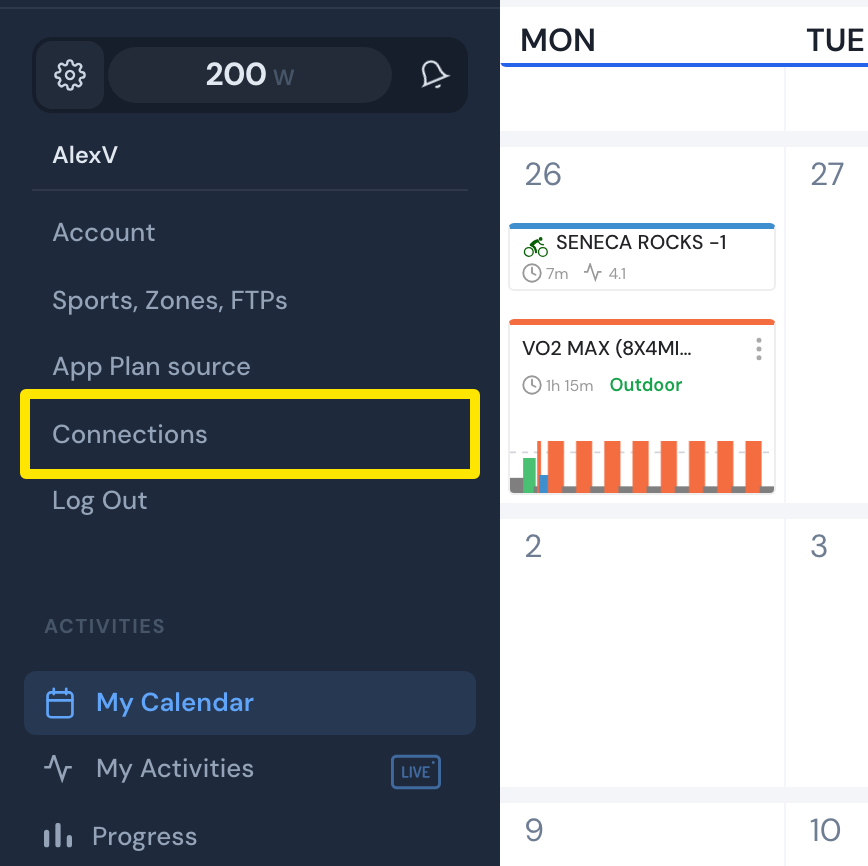 Where: Website · My Calendar · open it
- On the TrainingPeaks card, click Connect, sign in to TrainingPeaks and allow every permission.
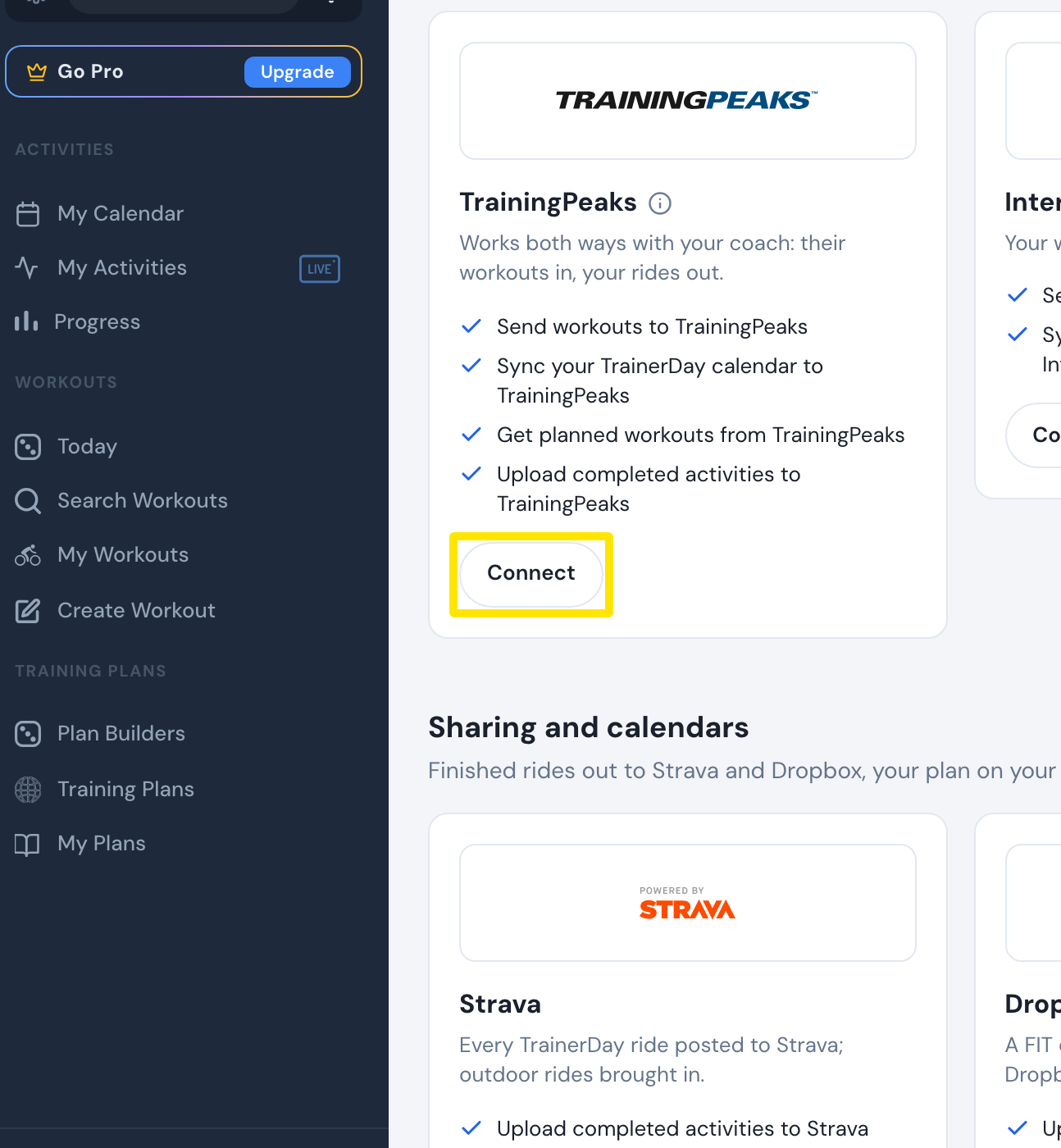 Where: Website · Connections · open it
- On the TrainingPeaks card, click Settings and turn Workout of the Day on. Or: settings menu → App Plan source → TrainingPeaks WOD → Save.
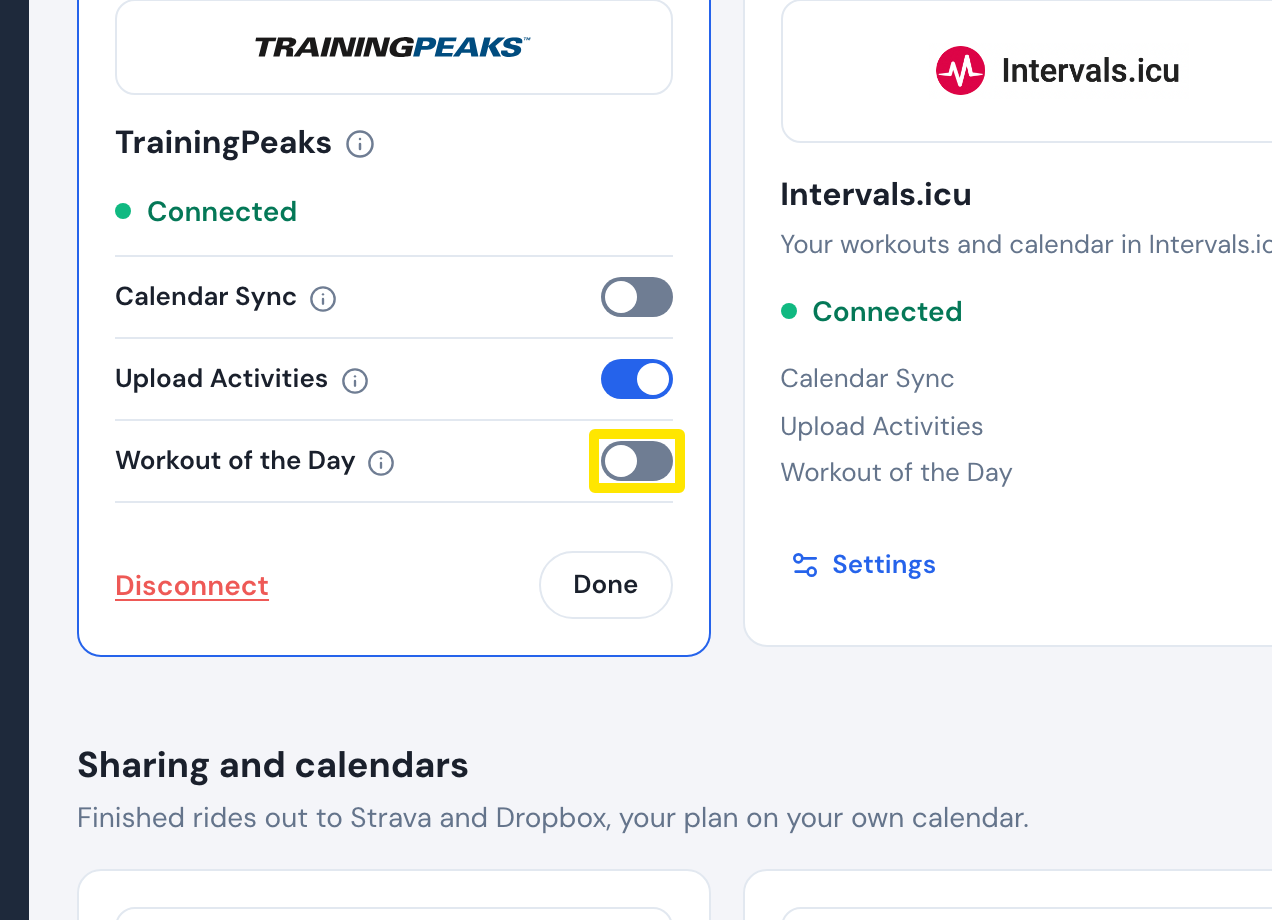 Where: Website · Connections · open it
- Open the TrainerDay mobile or desktop app. Your TrainingPeaks workouts show as the plan list TrainingPeaks - Workout of the Day, with today's workout on the Today page.
Good to know: Workout of the Day needs a paid TrainerDay account and shows not-completed workouts from yesterday over the next 5 days; they do not appear on the website's calendar or in My Workouts.
Works on: Turned on from the website; ridden in the mobile and desktop apps.