

How do I send a single workout to TrainingPeaks?
Send one workout to TrainingPeaks from the workout's page on the TrainerDay website: click Send To, pick TrainingPeaks, choose a format and click Send.
- On the website, open the Connections page and connect TrainingPeaks first. Until then, the TrainingPeaks option in Send To is greyed out.
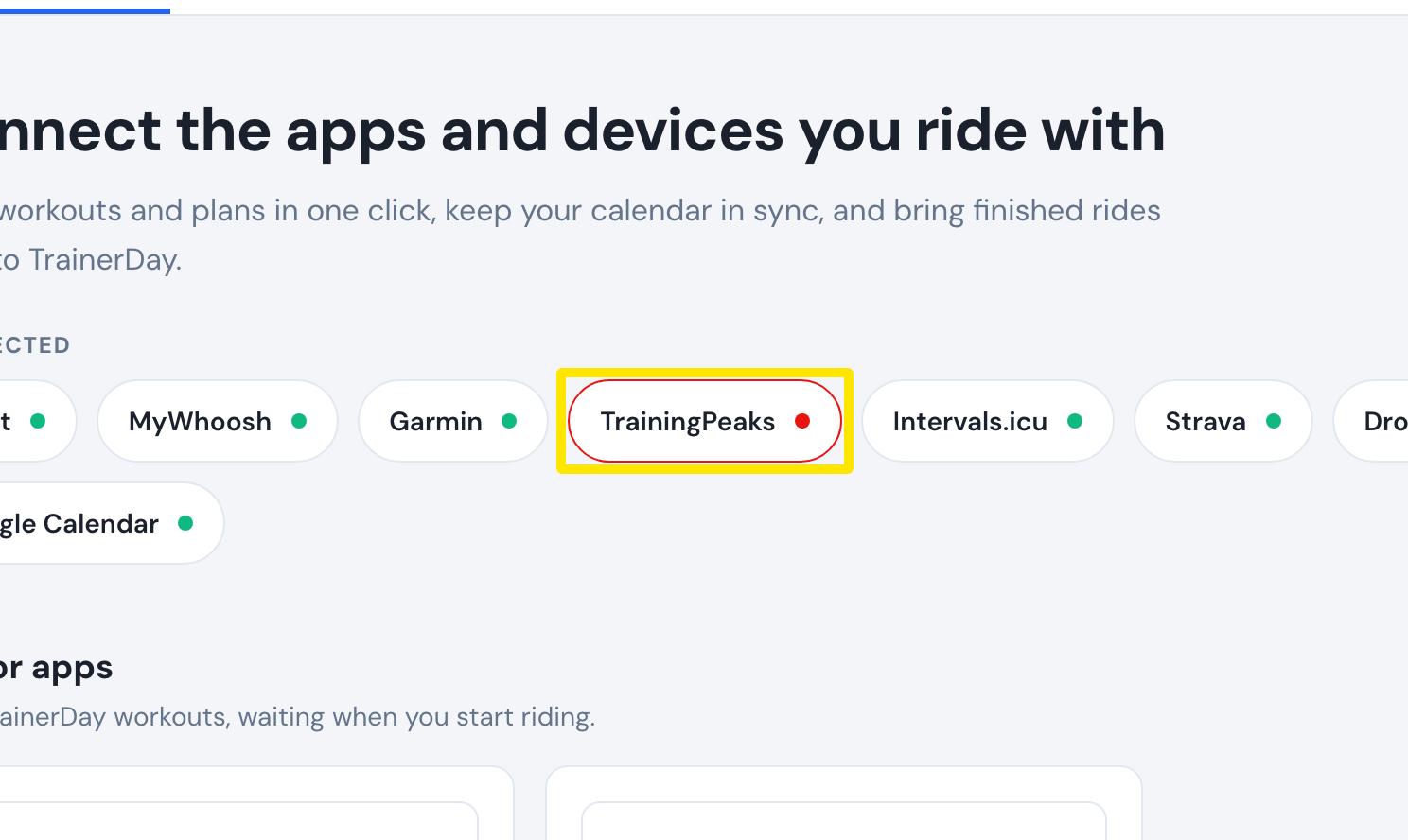 Where: Website · Connections · open it
- Open the workout's page by clicking it in Search Workouts or My Workouts.
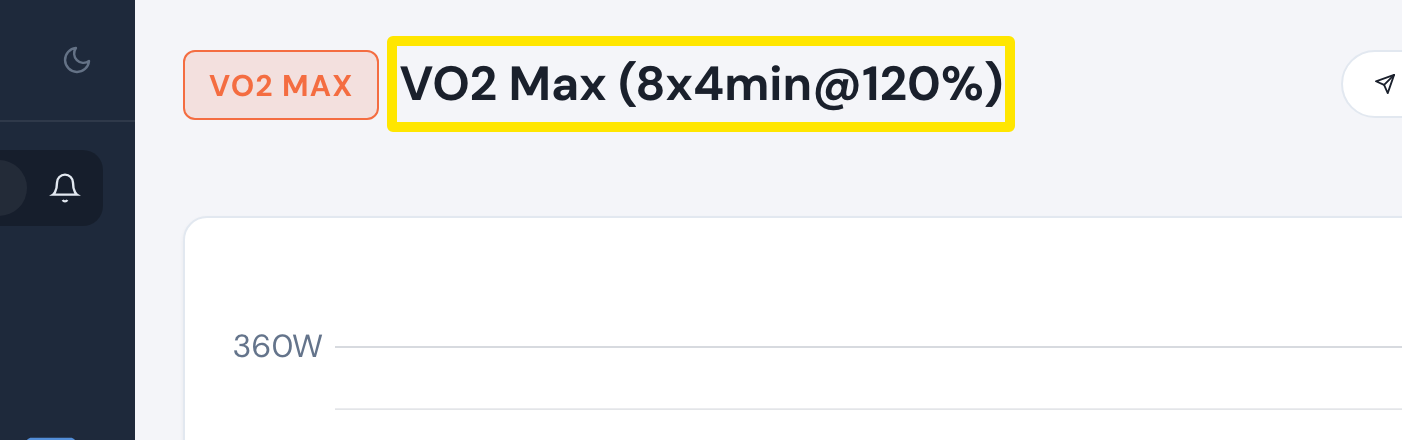 Where: Website · a workout's page
- Click Send To.
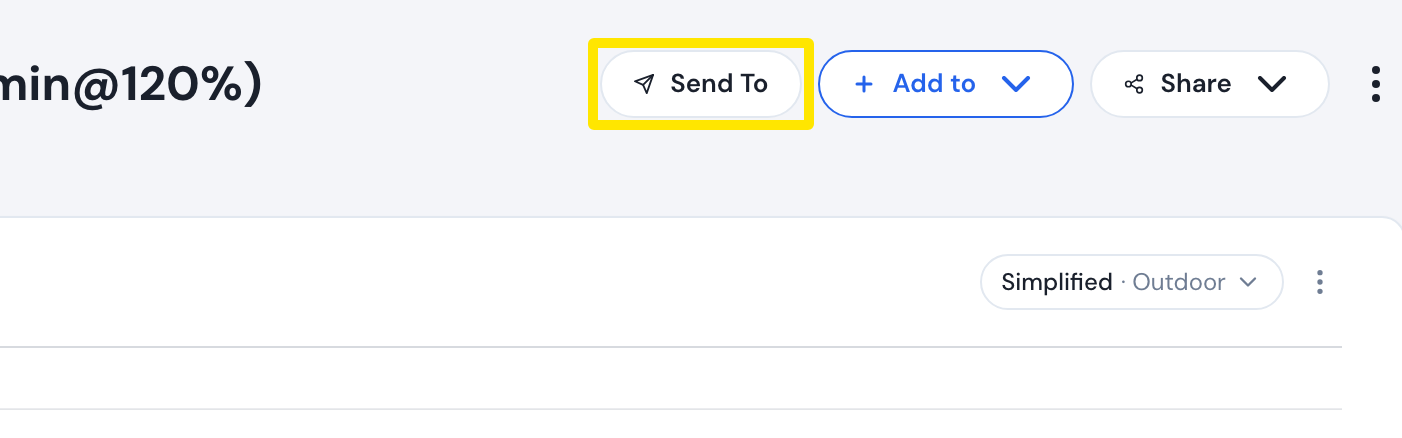 Where: Website · a workout's page
- In Send a workout, pick TrainingPeaks in the first dropdown.
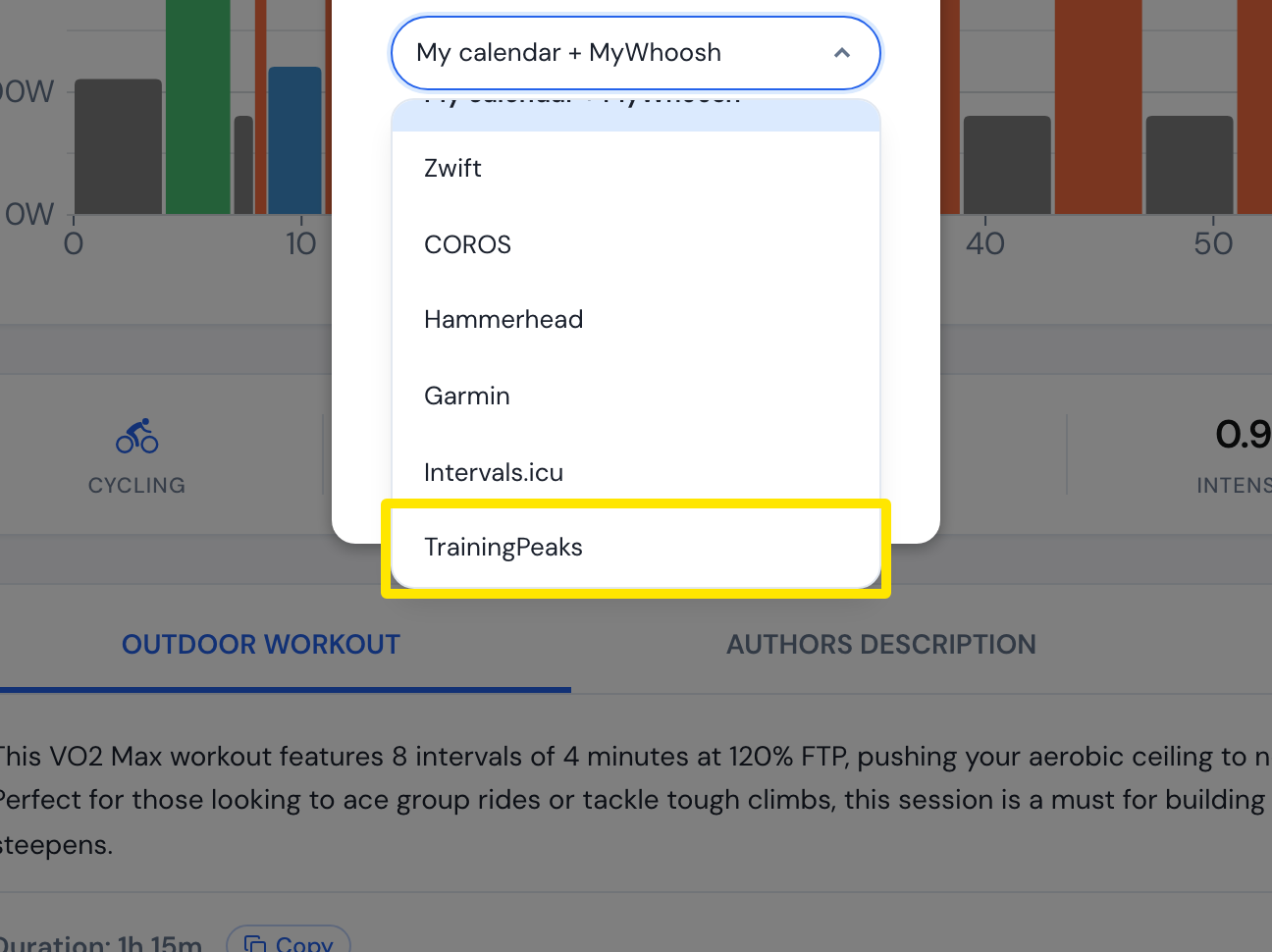 Where: Website · a workout's page
- Pick the format: Original (good for indoor) or Simplified (good for outdoor).
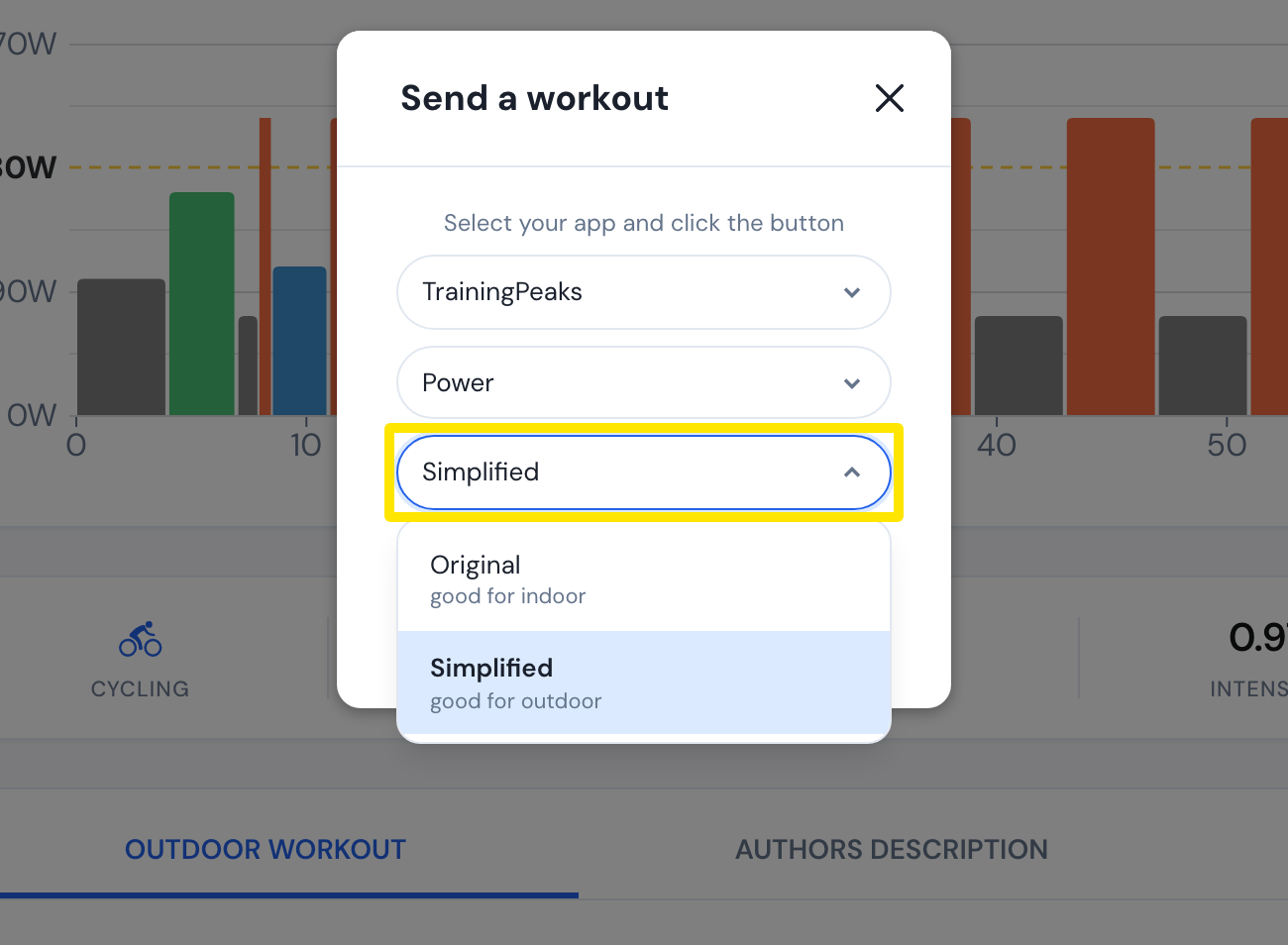 Where: Website · a workout's page
- Click Send.
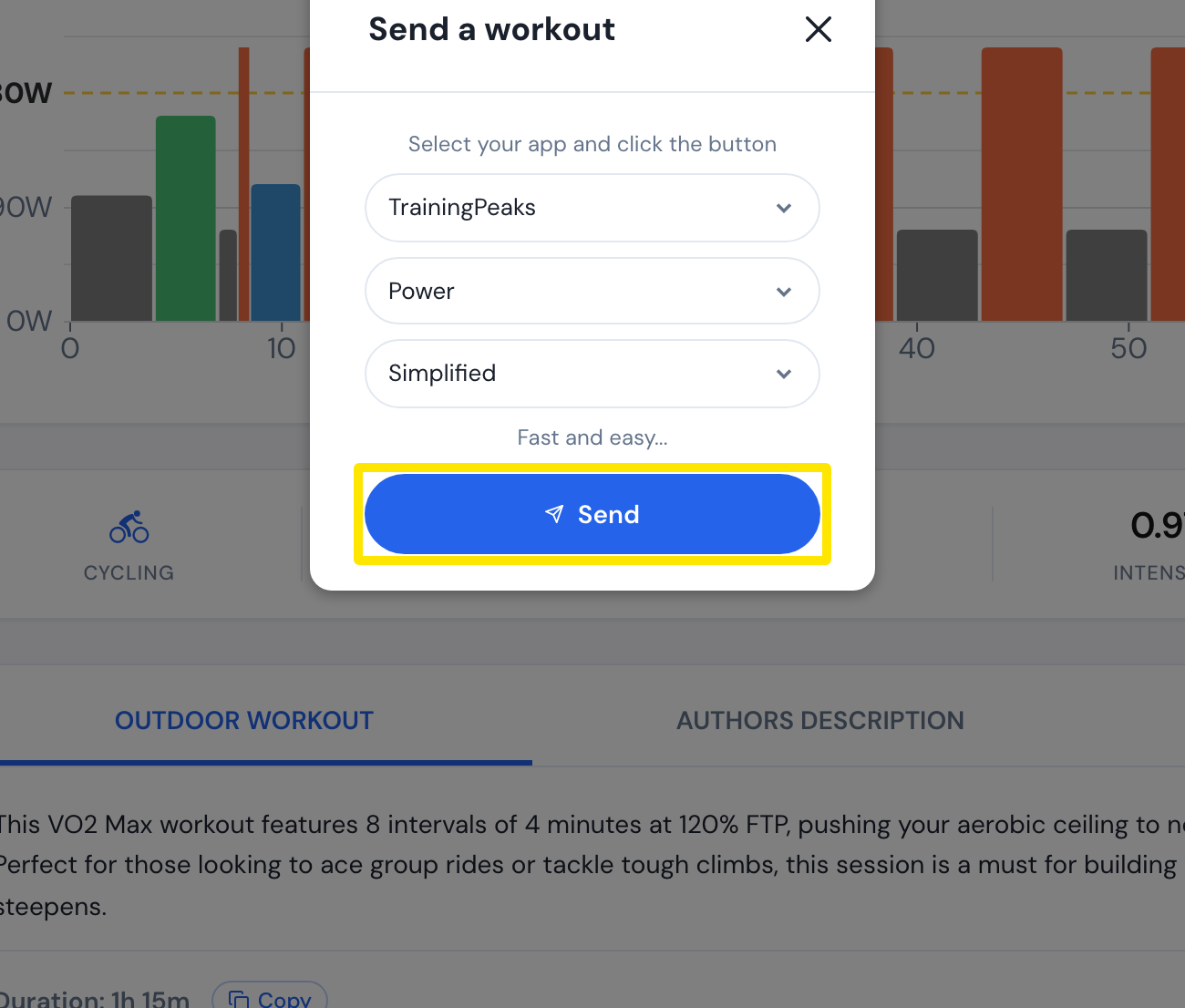 Where: Website · a workout's page
Good to know: The format starts as Original unless the workout is an outdoor workout or you are on the outdoor view. In the mobile app, tap Send To, pick TrainingPeaks, then choose Indoor or Outdoor. It starts as Indoor the first time and remembers your last choice after that.
Works on: website and mobile app.