

How do I get workouts from another training platform that doesn't connect to TrainerDay into TrainerDay?
Download the workout from the other platform as a ZWO file, then upload it on the TrainerDay website under Create Workout → Create from File.
- In the other platform, download the workout as a ZWO file. For example, Pillar workouts can be downloaded this way.
- On the website, open Create Workout, click the CREATE FROM FILE tab, then click Upload ZWO, ERG, MRC and pick your file.
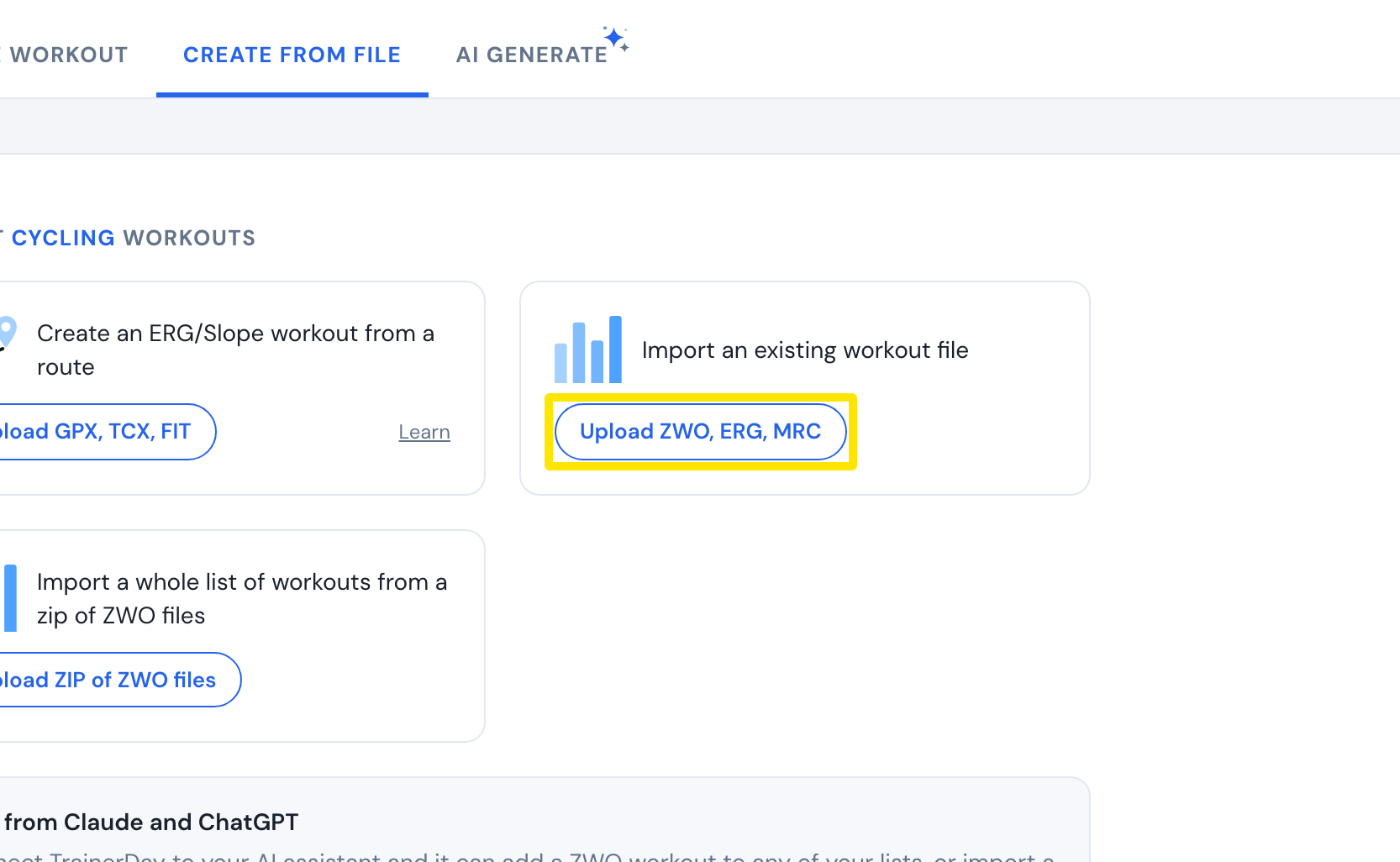 Where: Website · Create Workout → Create from File · open it
Good to know: Pillar has no direct connection to TrainerDay. Instead of a file, you can also bring Pillar workouts in through TrainingPeaks with Workout of the Day (WOD) turned on.