

How do I release control of my bike so it can run its own workout?
In the TrainerDay mobile app, go to Settings → Add Devices and turn off Control on your trainer, or disconnect the trainer so its own program can take over.
- In the TrainerDay mobile app, open the Settings tab and tap Add Devices.
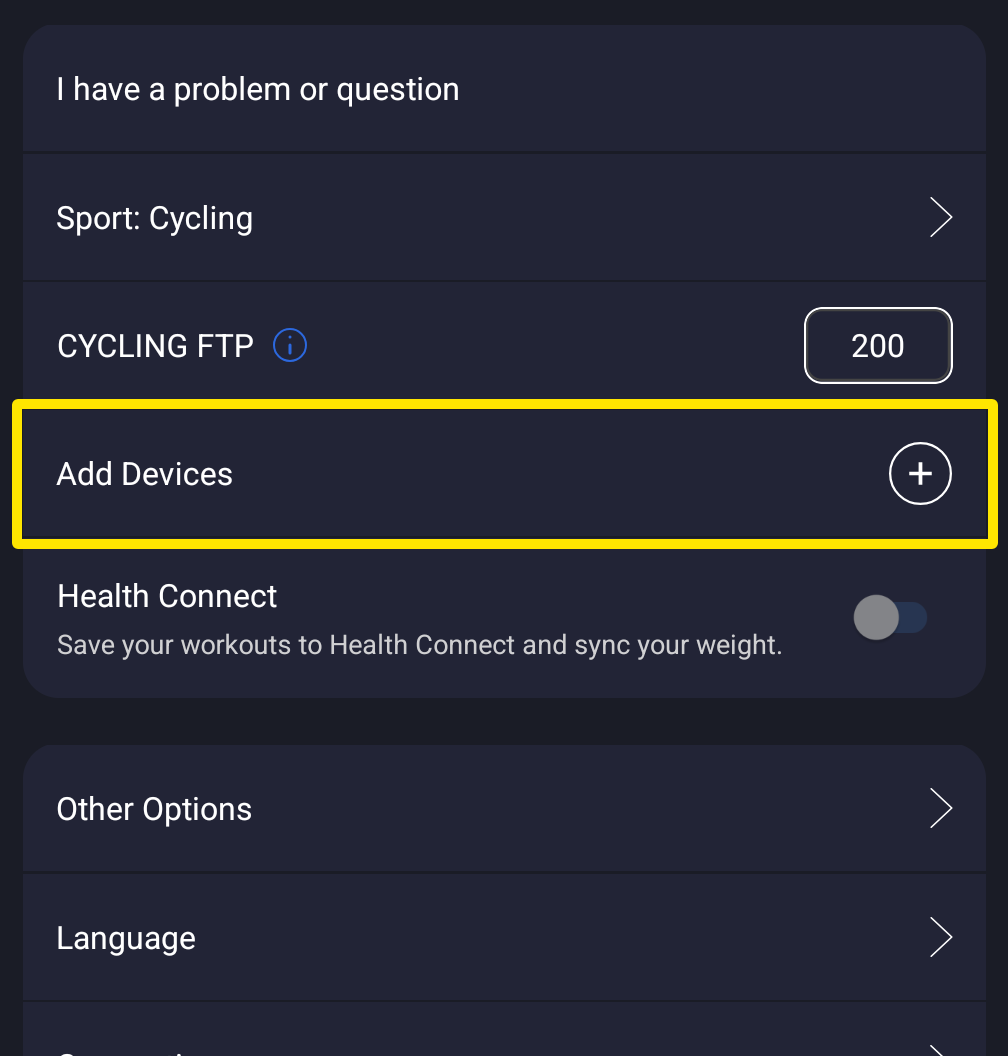 Where: Mobile app · Settings tab
- On the trainer's card, tap Control to turn it off. TrainerDay stops sending targets, and the workout screen shows No Control.
- To free the bike completely so its own program or another app can take over, tap − on its card to disconnect it.
Good to know: In the desktop app, click the Bluetooth/ANT+ button in the top bar, then Devices. Click Control next to the trainer to turn it off, or click Disconnect.
Works on: mobile app and desktop app.