

How do I fix strange lines on the workout graph in the phone app?
Fix strange lines on the workout graph in the TrainerDay phone app by deleting and reinstalling the app, then report them from the Settings tab if they stay.
If you are asking what the normal lines and colors on the graph mean, see How do I read the lines and colors on the workout graph?
- On your phone, delete the TrainerDay app. Install it again from the App Store or Google Play (the download page links to both). This fixes most strange display problems.
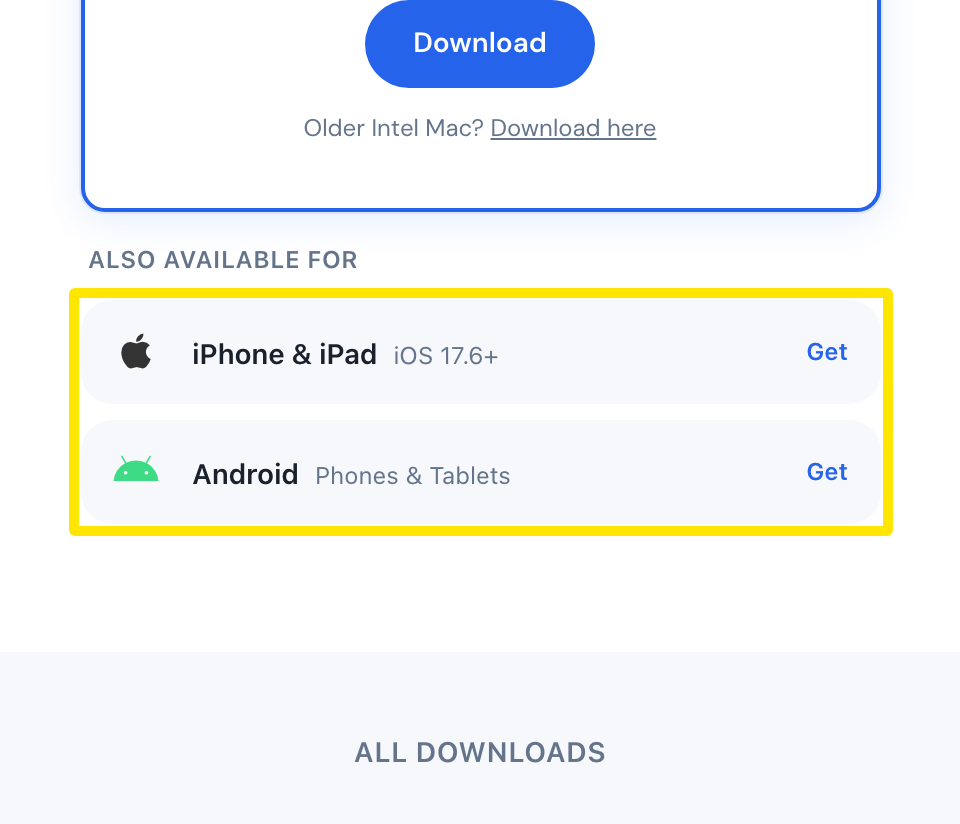 Where: Website · trainerday.com/download · open it
- If the lines are still there, open the app's Settings tab and tap I have a problem or question (the first item), then Other.
- Write what you see and which phone you use. We answer by email.
Good to know: The form takes text only. You cannot attach a screenshot, so describe the lines in words.
Works on: Mobile app. The desktop app has its own help inside the app. The website is not affected.