

How do I choose a recommended workout on the Today screen?
On the TrainerDay website, open Today, pick how long you want to ride, then click one of the three suggested workouts (A Fun Option ★, Intensity or Endurance / Recovery) or send it with Send To.
- On the TrainerDay website, click Today in the left sidebar (app.trainerday.com/today). The picture shows the sidebar from the My Calendar page.
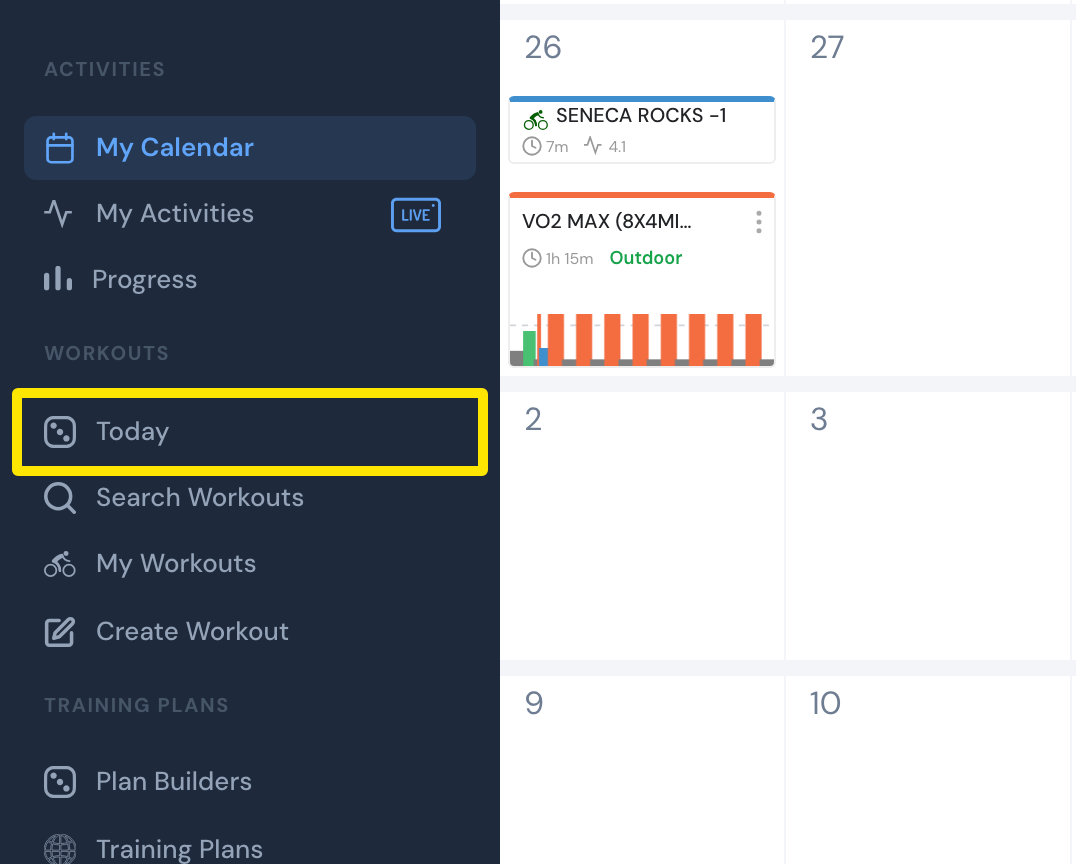 Where: Website · left sidebar (shown on My Calendar) · open it
- Pick how long you want to ride with the buttons at the top: 30m, 45m, 60m, 75m, 90m or 120m.
- Choose one of the three suggestions: A Fun Option ★, Intensity or Endurance / Recovery. Click it to open the workout, or use its Send To button.
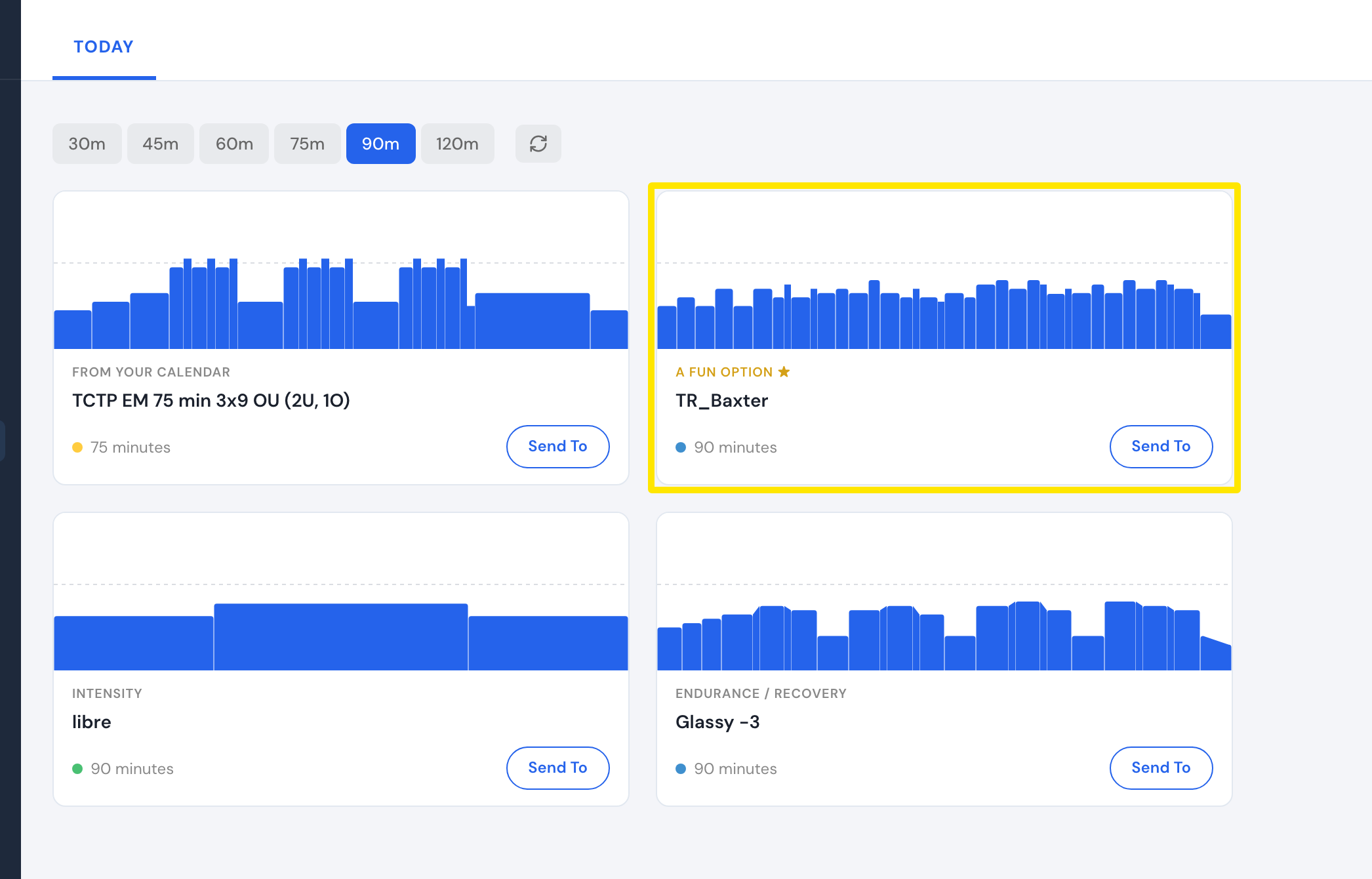 Where: Website · Today · open it
- Want other suggestions? Click the refresh button next to the length buttons.
Good to know: On the website, choosing another length or refreshing is premium. Free users see the upgrade window.
Works on: website; the mobile app has a Today tab with a length picker and the same suggestions; the desktop app has Today with the length choice.