

How do I create a TrainerDay workout using Claude or ChatGPT?
Connect Claude or ChatGPT to TrainerDay from the website's Create Workout page, then ask your AI assistant in its chat to make the workout.
Most riders just describe the workout to TrainerDay's built-in AI: see How do I create a workout by describing it to the AI?
- On the TrainerDay website, click Create Workout in the left sidebar (app.trainerday.com/workouts/create).
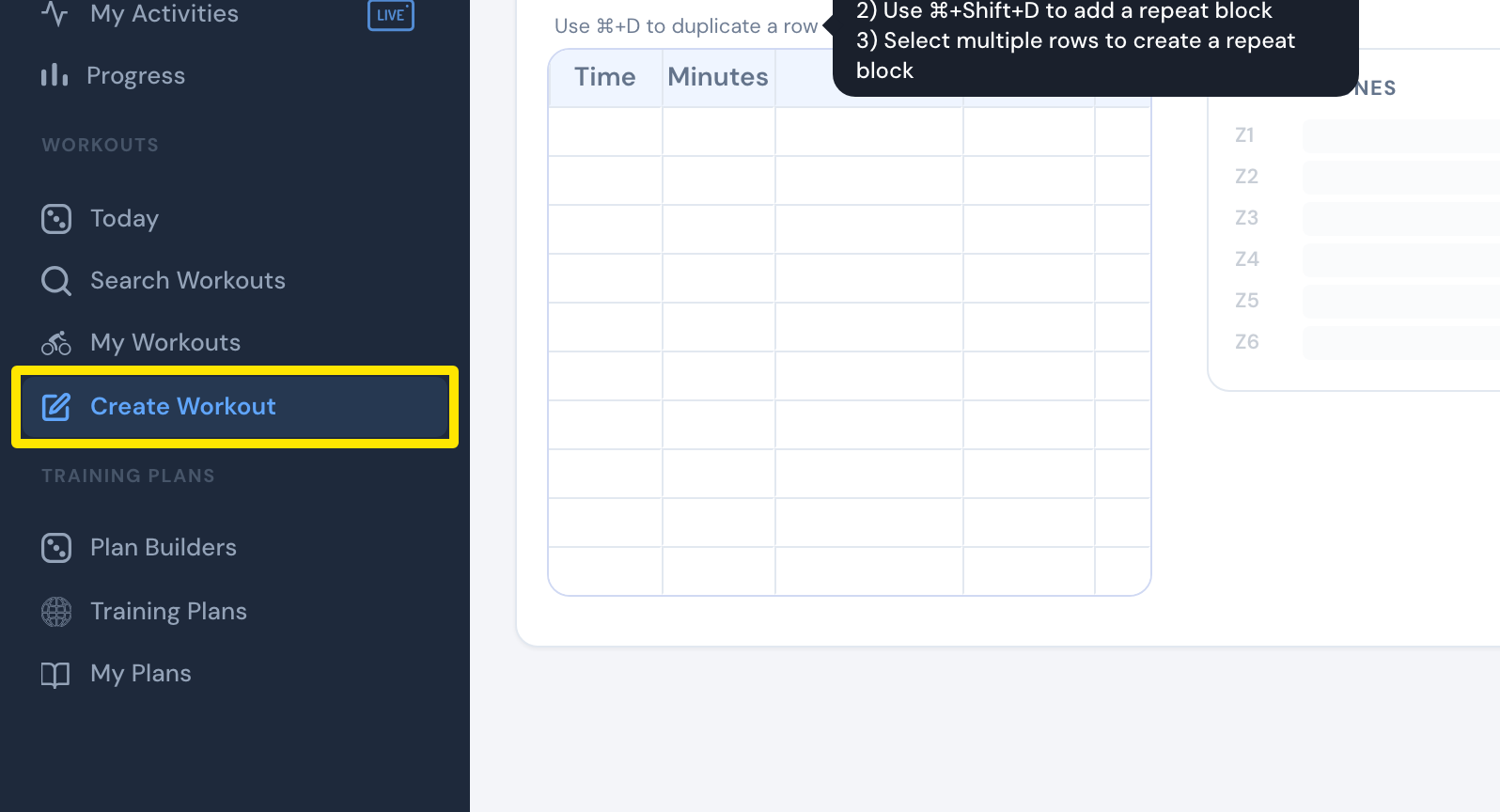 Where: Website · Create Workout · open it
- Click the Create from File tab.
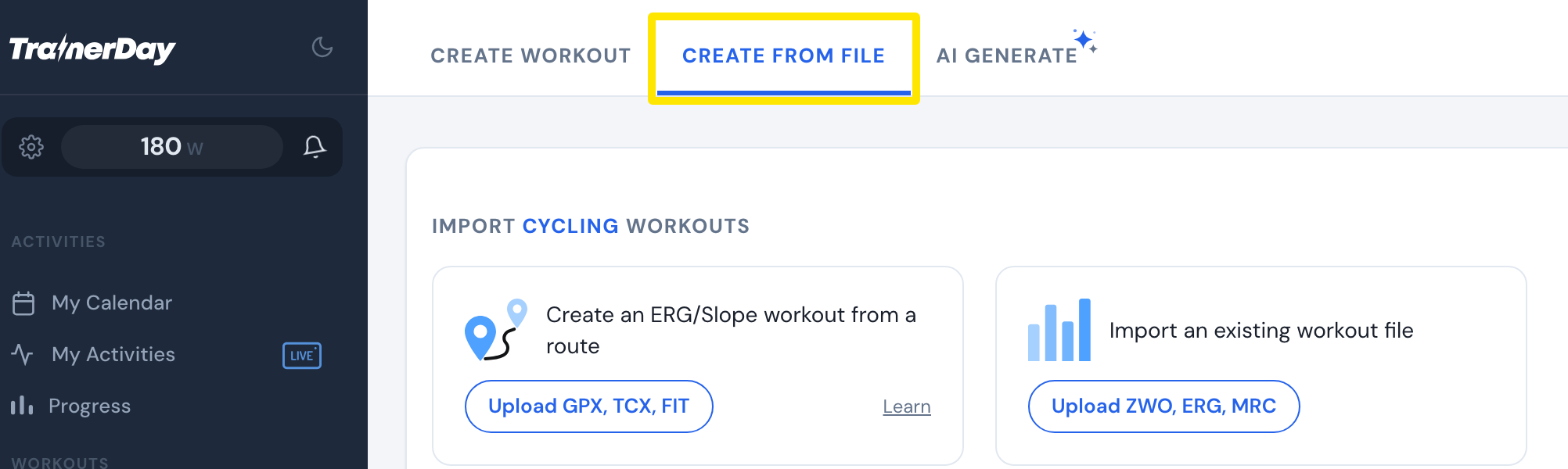 Where: Website · Create Workout · open it
- Scroll down to the Also from Claude and ChatGPT box. Click Connect Claude → or Connect ChatGPT →.
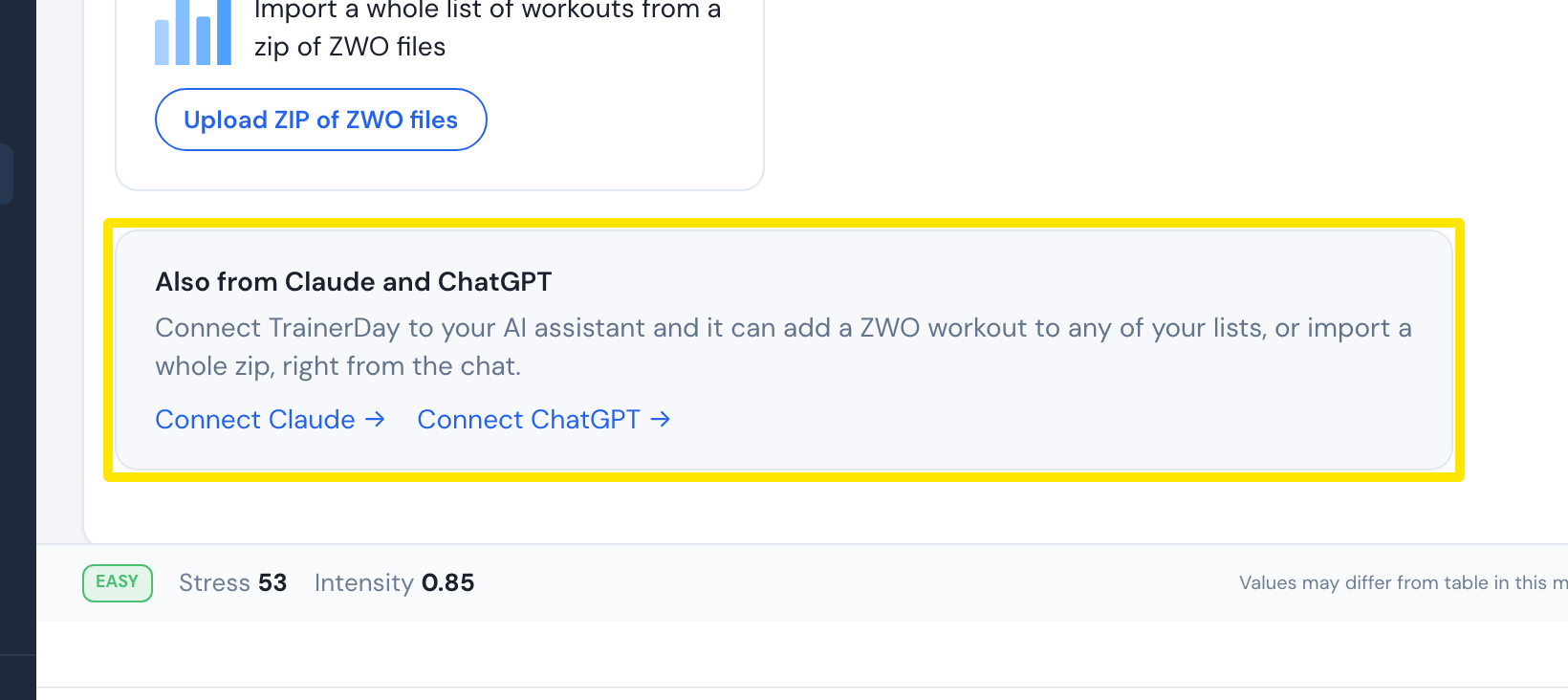 Where: Website · Create Workout · open it
- In your Claude or ChatGPT chat, ask the assistant to create the workout. It can add it to one of your TrainerDay workout lists.
Good to know: The assistant can make the workout as a Zwift workout file (.zwo) or as a TrainerDay workout.