

How much detail can my AI assistant read from a TrainerDay ride?
Your AI assistant reads a TrainerDay ride in 3-second steps for rides up to 60 minutes, in 5 to 30-second steps for longer stretches, and in 1-second detail up to 60 minutes when you ask for it.
If you haven't connected your AI assistant yet, start with How do I connect my own AI (ChatGPT, Claude, Gemini) to TrainerDay?
- On the website, open My Activities and click a ride's name to see which ride you want the assistant to read.
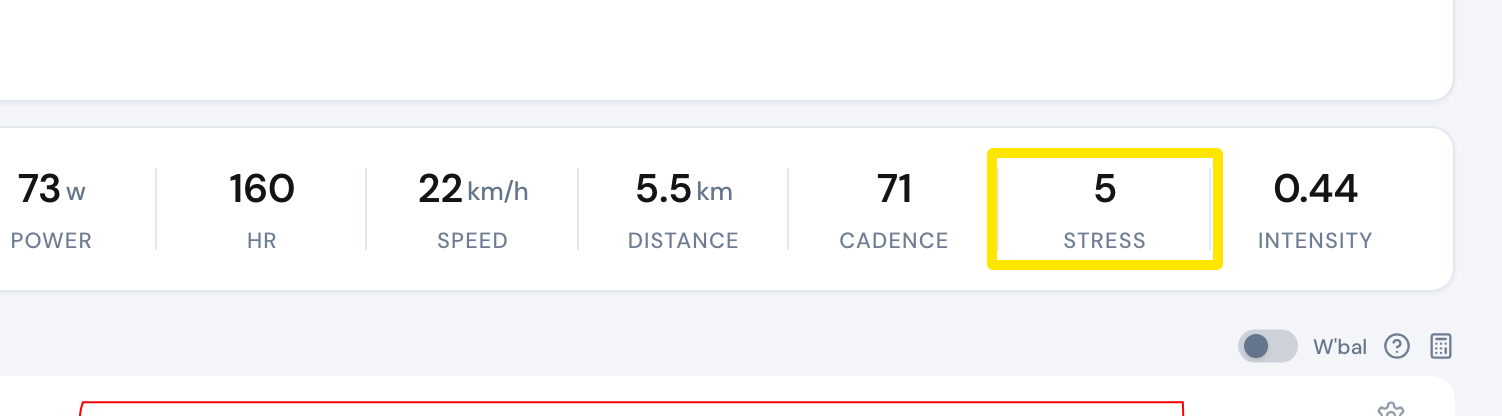 Where: Website · My Activities → click the activity's name · open it
- Switch to your AI assistant's chat and ask it about that ride.
- For up to 60 minutes of the ride, it reads one data point every 3 seconds by default. For longer stretches, it reads one point every 5, 10, 15 or 30 seconds.
- For more detail, ask for 1-second data. This works for up to 60 minutes of the ride.
Good to know: To get 1-second detail from a longer ride, ask about one part of it at a time, up to 60 minutes per part.