

How do I plan a full season with Base, Build and Peak blocks?
Plan a full season on the TrainerDay website with one Coach Jack plan set to your event date, which runs Foundation (base), Build, then Sharpen and Race (peak) up to your race.
One Coach Jack plan can cover the whole season, so you don't need to stitch separate Base, Build and Peak plans together. Coach Jack's Foundation is your base, Build is build, and Sharpen plus Race are your peak.
- On the website, in the left sidebar under Training Plans, click Plan Builders. Then click Create New Plan on the Coach Jack card.
- For Do you have a specific date for an event or goal?, answer Yes and enter your race date.
- In the builder, click Change the phase lengths on a phase tab. Set each phase's weeks with − and +. The event date fixes the total.
- Click Save & Next, then Send to My Calendar.
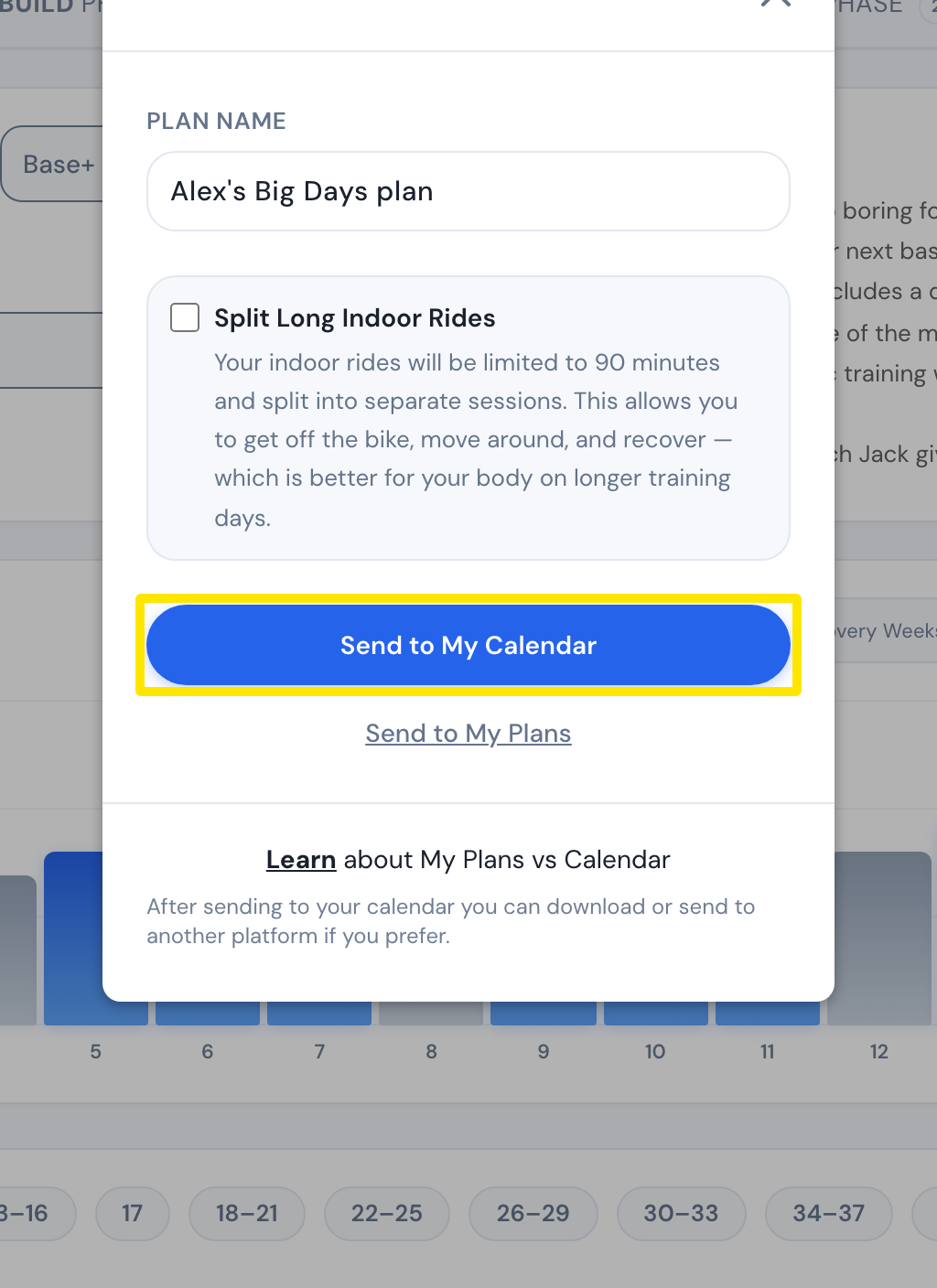 Where: Website · Coach Jack plan builder → Save & Next
- To add a second block, go back to Plan Builders in the sidebar and repeat steps 1–4. Before you send it, click the date after Week 1 in the builder's week list. Pick the week after the first plan's last week.
Good to know: All four phases are in one plan only when you give a specific event date. Both plans show on My Calendar under Plans.
Works on: Build plans on the website. The mobile and desktop apps ride them from My Calendar.