

How do I choose which day my long ride is on?
You can't pick the long ride day directly because Coach Jack picks it, but on the website you can move it in the Coach Jack builder by unticking the day it's on now.
- On the website, go to My Plans under Training Plans in the left sidebar (open it). Open your plan's ⋯ menu and click Edit.
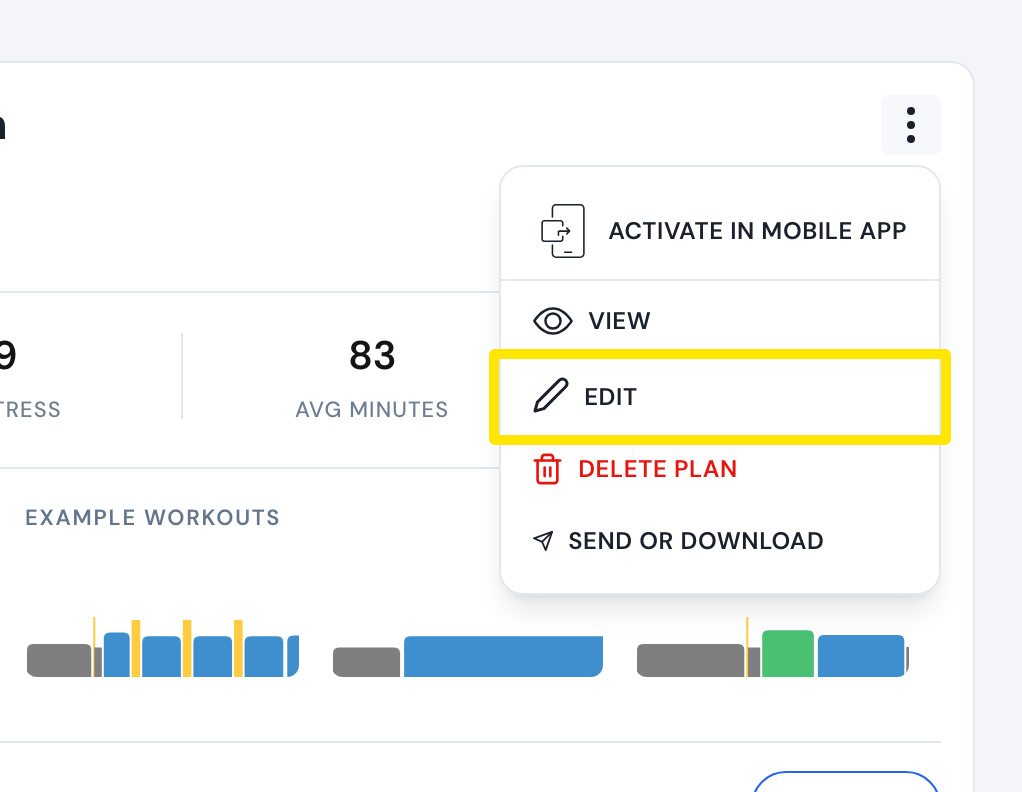 Where: Website · My Plans · open it
- In the Coach Jack builder, above the plan's weeks, untick the day the long ride is on now. Choose Only this phase or All phases if asked. The long ride moves to Sunday if you ride Sunday, else Saturday, else your last training day. For example, to move it from Sunday to Saturday, untick Sunday.
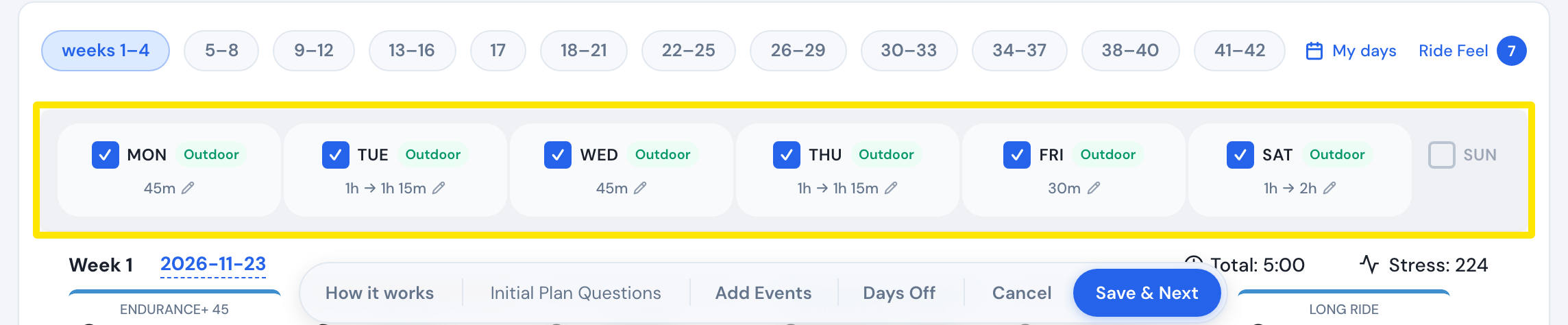 Where: Website · Coach Jack builder
- Tick that day again if you still want to ride it. The long ride stays where it moved.
- Click Save & Next, then Sync with My Calendar.
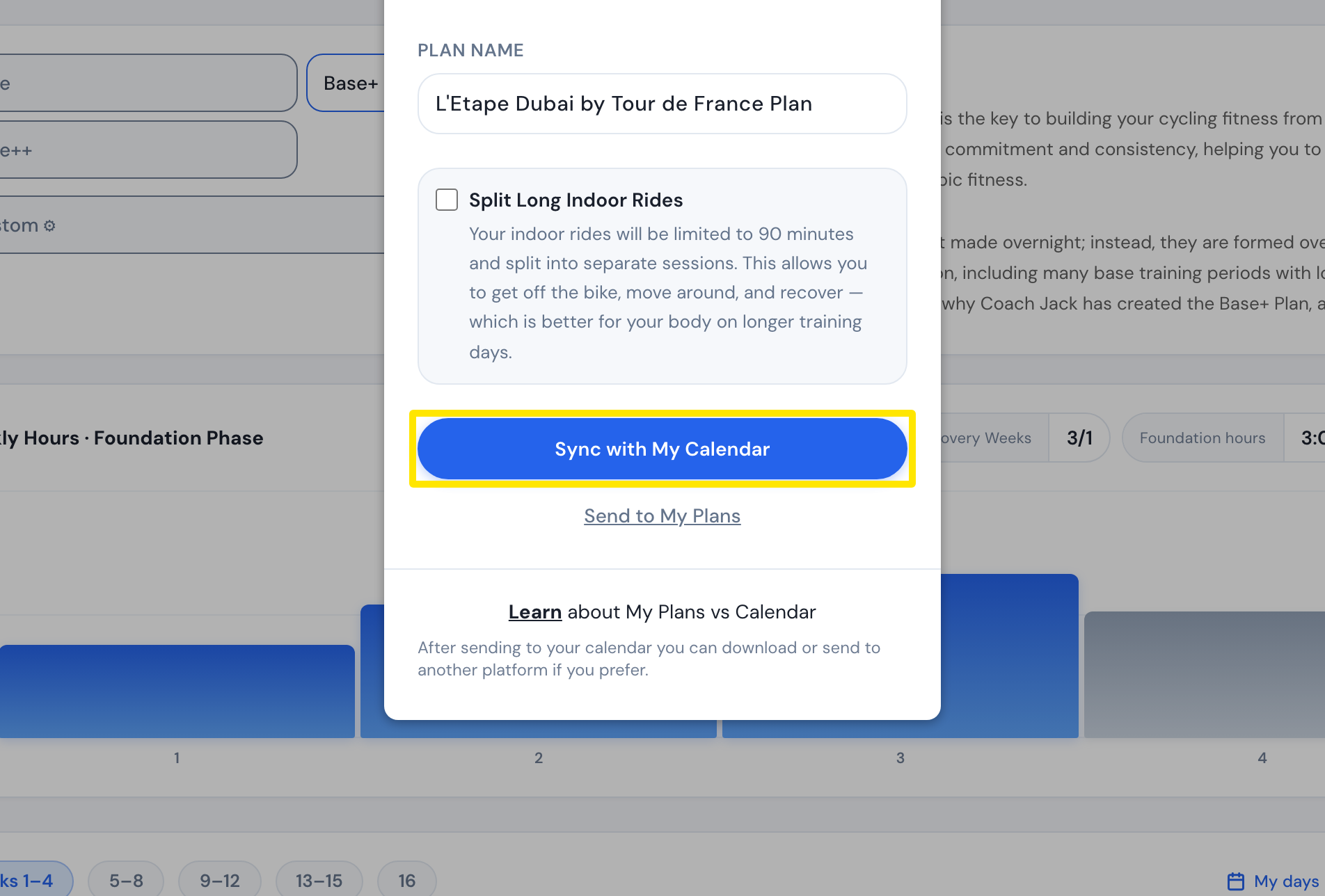 Where: Website · Coach Jack builder
Good to know: A new plan puts the long ride on Saturday unless your Strava rides or My days point to another day. To move just one long ride, drag it to another day on My Calendar.
Works on: Website only. The mobile and desktop apps have no Coach Jack builder.