

How do I find heart rate workouts?
TrainerDay has no heart rate filter, so on the website's Search Workouts page you switch the results view to Heart Rate · HR to see heart rate targets, and you find your own workouts that use HR+ mode in My Workouts.
If you want a workout built around heart rate targets, see How do I create a heart rate based workout?
- On the website, click Search Workouts in the sidebar (https://app.trainerday.com/search).
- Note that Only show workouts with has no heart rate filter. Its options are My Library, Text Descriptions, Author Descriptions, Cadence Targets and Interval Comments.
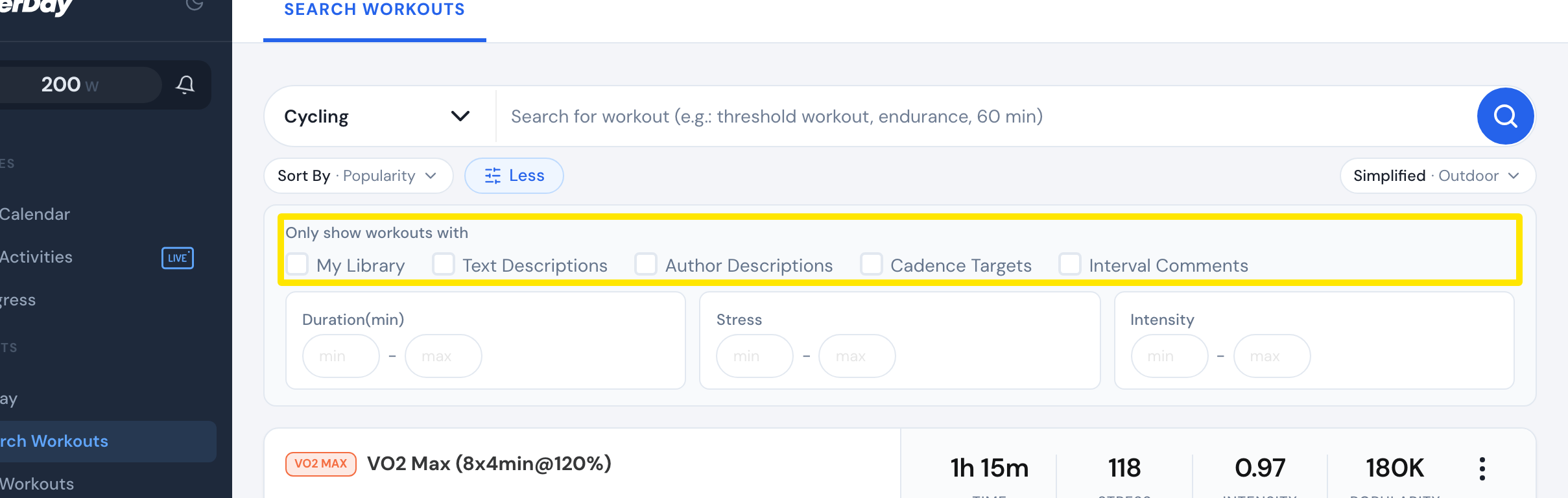 Where: Website · Search Workouts · open it
- Open the view button at the top right of the results and choose Heart Rate · HR. Every workout in the results now shows heart rate targets.
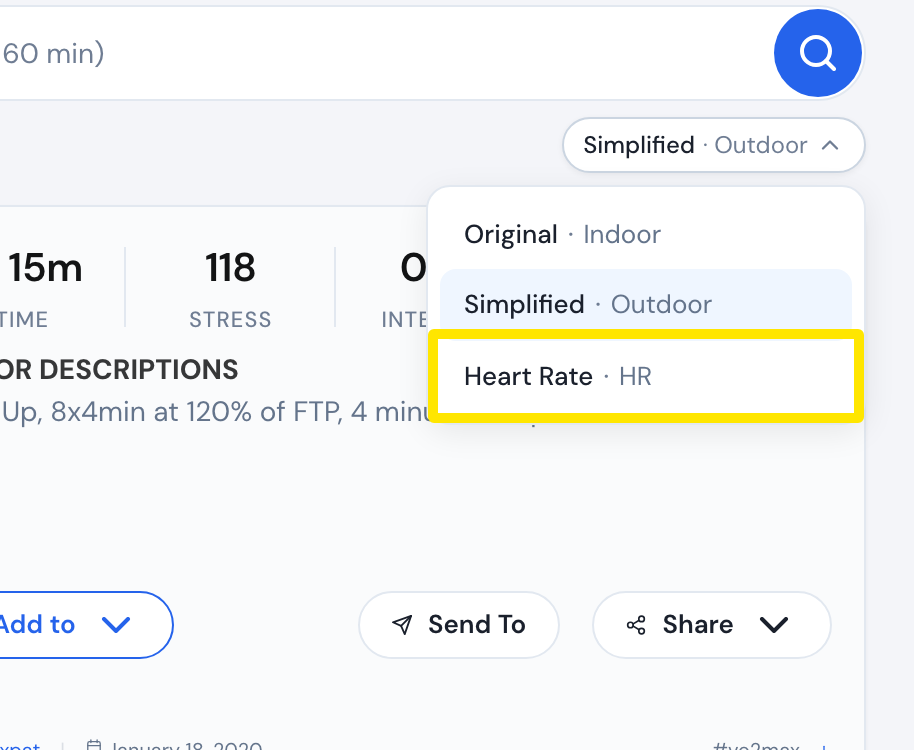 Where: Website · Search Workouts · open it
- Workouts that use TrainerDay’s HR+ mode are not in the public search. To find your own, click My Workouts in the sidebar, just below Search Workouts.
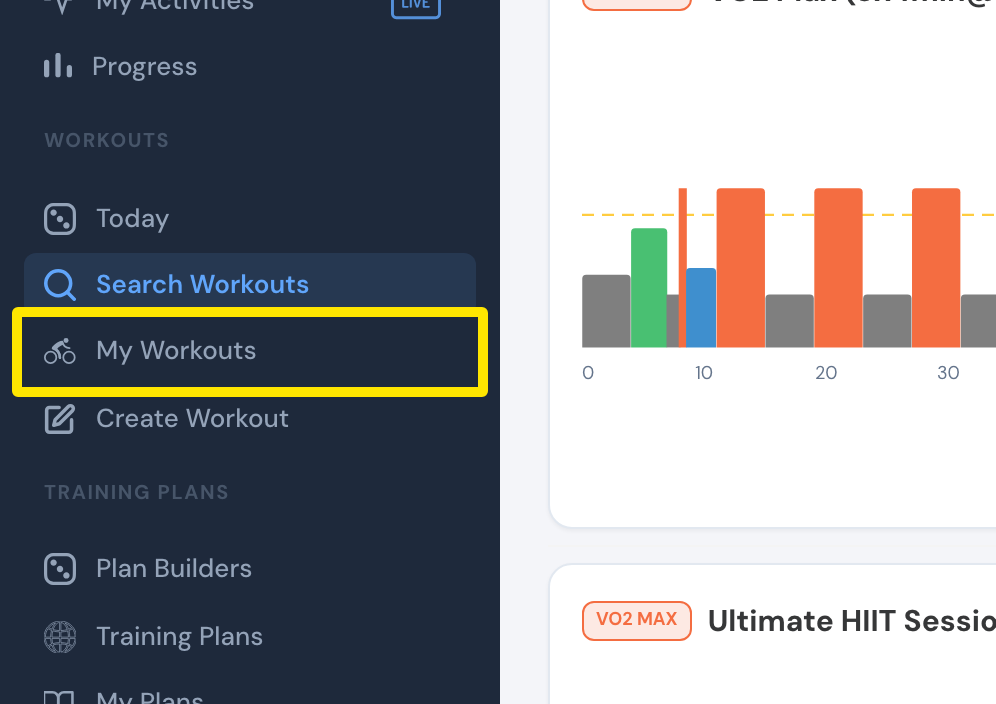 Where: Website · Search Workouts, left sidebar · open it
Good to know: The Heart Rate · HR view only changes how results are shown. Workouts that use HR+ mode are always saved private, so only their owner sees them.
Works on: Website. The mobile and desktop apps have no heart rate filter in workout search.