

How do I paste a workout from Excel into the workout editor?
Copy your workout cells in Excel and paste them into the workout table on the TrainerDay website's Create Workout page.
- In Excel, copy the cells in editor column order: Minutes, then FTP%, then any other columns you turned on in Fields (Cadence, Type, Control Mode, Slope/BPM). Skip Time and Notes. They are read-only.
- On the website, open Create Workout. Click the Minutes cell of the row where the paste should start.
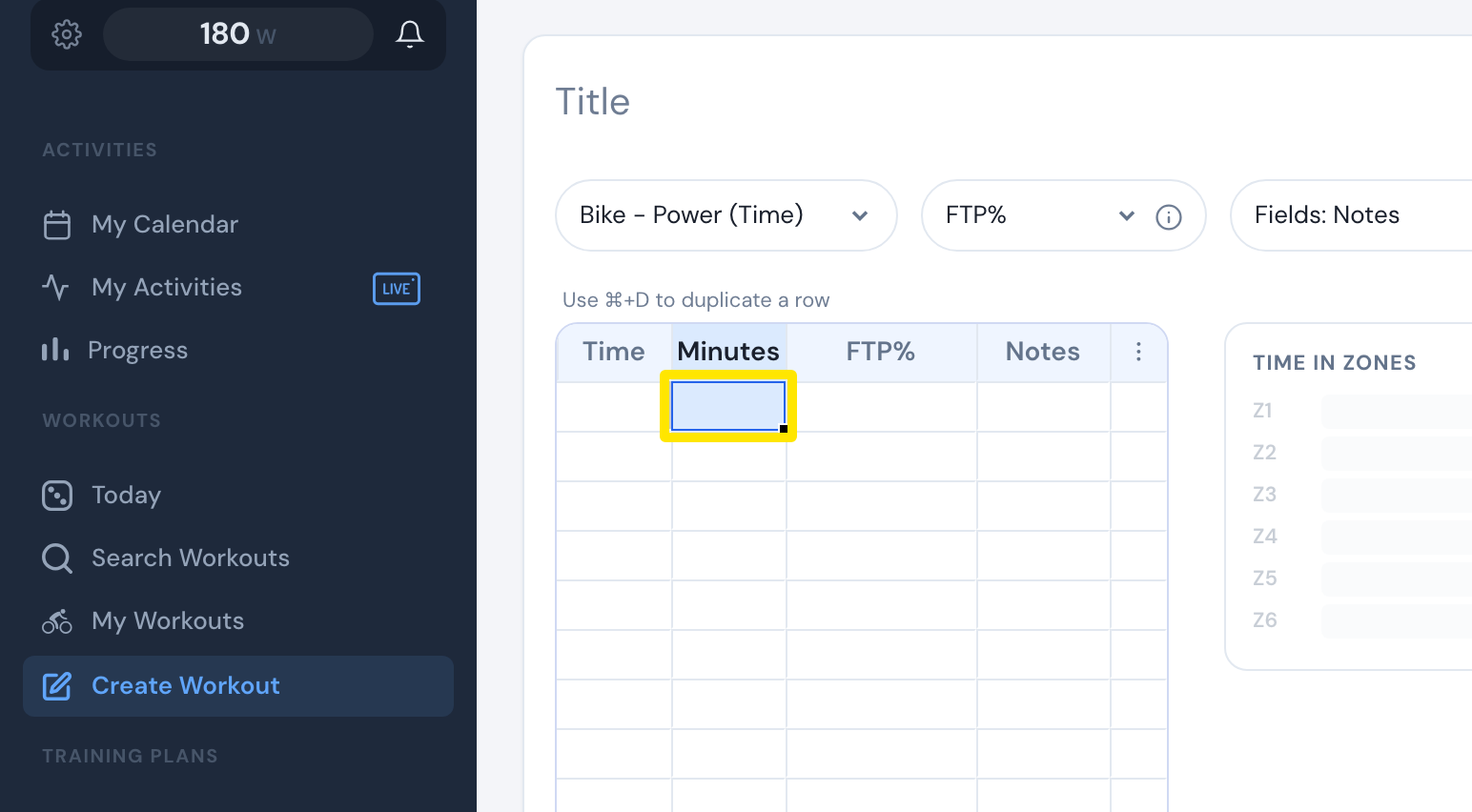 Where: Website · Create Workout · open it
- Press Ctrl+V (Cmd+V on Mac).
- To make a repeat block, start with a value like 3X 5 (3 repeats, 5 min). To remove a step, clear its Minutes cell.
Good to know: Cadence, Type, Control Mode and Slope/BPM stay hidden until you turn them on in Fields.
Works on: Website only. The mobile and desktop apps have no workout editor.